nds emulator for android on 9Apps

Free download latest nds emulator for android for Android here and enjoy it with your phone. Below you can download a list of top and latest apps related to nds emulator for android . 9APPS is a fast, safe app store. With 9APPS, you can save a lot of time on searching and downloading apps.

#1 NDS emulator for Android
NDS emulator for Android
Rating: star 3.0 | Version: 57 | Size: 11.8MB
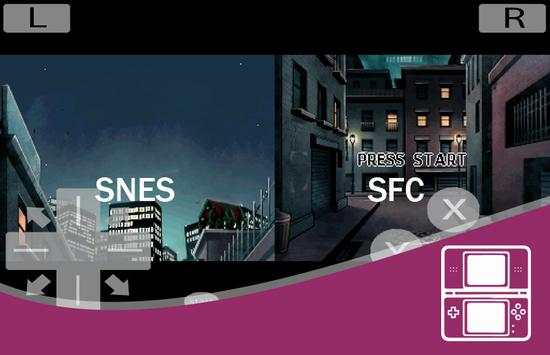
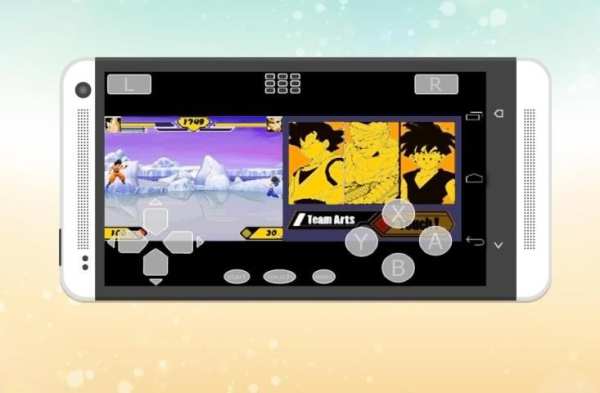
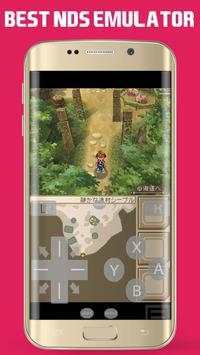
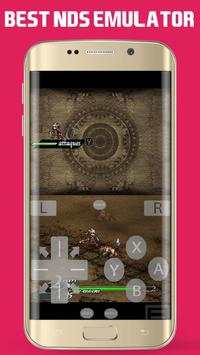
NDS emulator for Android screenshot 1 NDS emulator for Android screenshot 2 NDS emulator for Android screenshot 3

NDS Emulator
is a fast and full-featured emulator to run Nitendo DS games.
It is fully optimized and should run at 100% on newer hardware.
Now you can play all the best games of Nitendo on your phone!
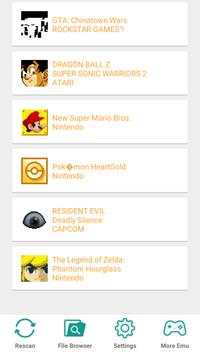
- Quickly find load the ROM inside the app (the format must be in .nds, .zip, .7z, .rar).
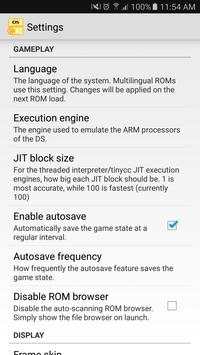
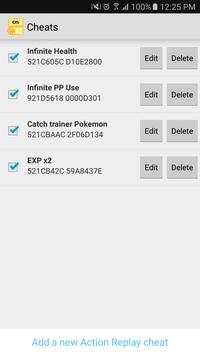
- Cheats support
- Fast, smooth, multi-threaded, and in-game anti-aliasing.
- Great display
- Customizable button layout
- Auto-rotate landscape or portrait orientation
- Very high game compatibility. Run nearly all games without a problem.
- Save games at any time
No games are included in this app and you need to obtain yours in a legal way. Place them onto your SD card, and browse to them from within the app.
This application is in no way endorsed by or affiliated with the Nintendo Corporation.

...

👉 For More Detail of NDS emulator for Android

#2 Emulator For NDS

Emulator For NDS
Rating: star 3.0 | Version: 1.0 | Size: 11.1MB
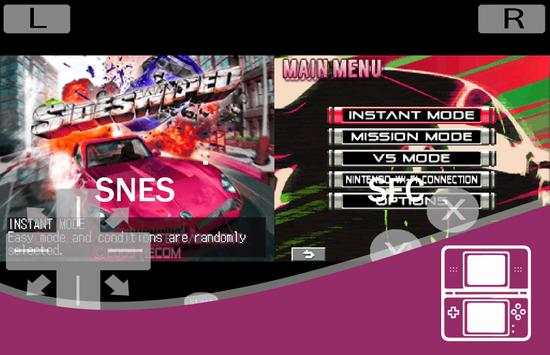
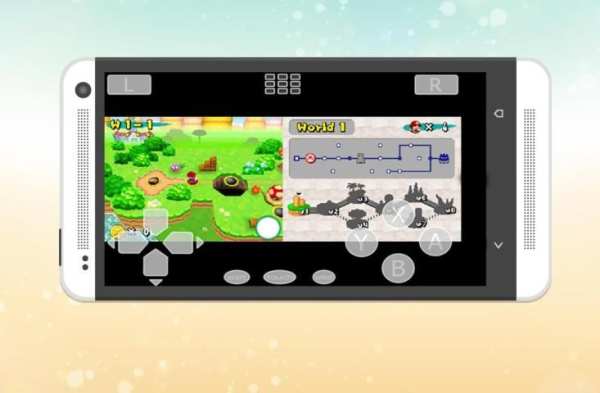
Emulator For NDS screenshot 1 Emulator For NDS screenshot 2

Enjoy playing your Nintendo DS game on your Android device at highest speed.
NDS Emulator- the best app base on Nintendo DS system
The first thing you'll notice about the app is how completely different it looks. NDS Emulator was designed from the ground up for Android 4, with the goal of making everything not only look better, but simpler to use. However, looks aren't the only things that changed; NDS Emulator brings with it a slew of new features, such as Sustain Button, Controller Vibration, and the ability to play your own music during games.
An high quality emulator to run NDS game files
* Important note:
- Only suitable for high-end devices (2G RAM, quad-core CPU or higher).
- If an error occurs the first time, do not worry, because emulator unknown cpu type in your device. Try again and it will work.
- If your device is lower than recommended or not popular, the emulator can not identify the cpu type. Games may be lag or crash. We have tried hard but could not identify all devices.
Features:
- Supports NDS game file (.nds, .zip, .7z, .rar)
- Play Nintendo DS games
- Save game states
- Load game states
- Control buttons and game screen editable
- And more ... download and discover yourself!
- Believe or not: all this cool features are FREE.
ATTENTION: This emulator is only to play private backups of legal Nintendo DS games. This product is not affiliate with or endorsed by Nintendo!. Please DO NOT ask for ROM, those requests are to be ignored.

...

👉 For More Detail of Emulator For NDS

#3 Terminal Emulator for Android

Terminal Emulator for Android
Rating: star 4.1 | Version: 1.0.70 | Size: 551.4KB
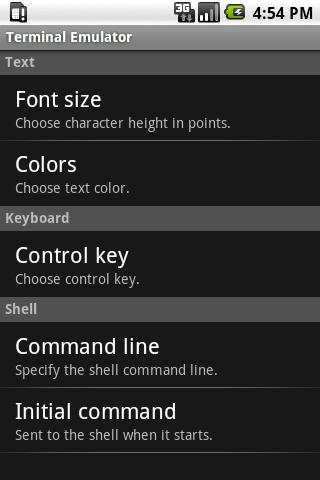
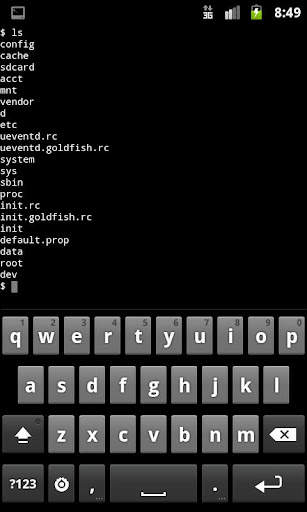
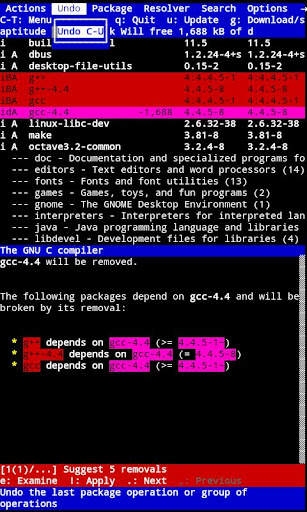
Terminal Emulator for Android screenshot 1 Terminal Emulator for Android screenshot 2 Terminal Emulator for Android screenshot 3

Access your Android's built-in Linux command line shell. Unleash your inner geek!
This is a new version of the popular "Android Terminal Emulator" application. Same great program, just with a new name.
Top Features
Full Linux terminal emulation.
Multiple windows.
Launcher short cuts.
UTF-8 text. (Arabic, Chinese, Greek, Hebrew, Japanese, Korean, Russian, Thai, etc.)
Completely free. No ads, no in-app-purchases, no nag screens, nothing.
Quick FAQ:
If you are having trouble entering text, try installing the free "Hacker's Keyboard IME". (Especially if you have a Samsung or HTC device.)
This app isn't a game emulator.
This app won't help you root your phone or change your phone's IMEI.
You need to know (or be willing to learn) how to use the Linux command line to use this app.
You may want to install a set of command line utilities like "Busy Box" or "Debian chroot" in order to add commands beyond the commands that come built into your Android device.
If you get a -505 error when trying to install this app under Android 5.0, it means that some other app is using the same permissions. You will have to uninstall the other app in order to install Terminal Emulator for Android. (People tell me that "jrummy's Toolbox Pro" causes this problem.)
Want to know more about Terminal Emulator for Android?
Join the G community: #Android Terminal Emulator
https://plus.google.com/u/0/communities/106164413936367578283
Or check out the documentation wiki:
http://github.com/jackpal/Android-Terminal-Emulator/wiki
Want to add or improve a translation of Terminal Emulator for Android? See https://github.com/jackpal/Android-Terminal-Emulator/wiki/Translating-to-Other-Languages for instructions.

...

👉 For More Detail of Terminal Emulator for Android

#4 HD Emulator for NDS

HD Emulator for NDS
Rating: star 3.0 | Version: 1.0 | Size: 11.6MB
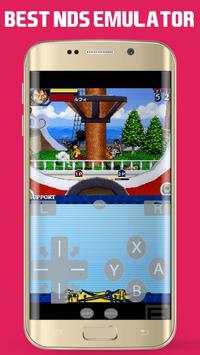
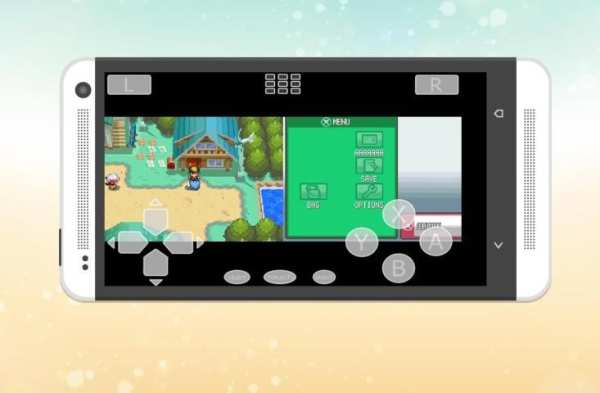
HD Emulator for NDS screenshot 1 HD Emulator for NDS screenshot 2 HD Emulator for NDS screenshot 3

Play Your Own Nintendo DS games on your Android device,
Best gaming experience at high definition with extra features!
Best emulator to play Emulator For NDS games with best game compatibility.
HD Emulator for NDS works well on most smartphones and tablets, even budget.
this emulator don't have any game included with this download.
but you can dump you own NDS games with extension .nds Files and you can download game by searching in google but you must have real game first.
put games in SD Card or USB Storage.
Finally, NDS emulator has been fully optimized for Android tablet...
HOW TO PLAY:
► Open Emulator For NDS
► Press the menu button on your device
► Choose "File Browser" in the popup menu
► Browse to folder containing your ROM files
► Select game to begin playing
Getting started
- Transfer ROMs anywhere to your internal storage/SD card
- Browse to them from within the app
- Default SD card directory on most devices is /mnt/sdcard
FEATURES:
► Emulates dual touchscreen interface
► Save and load game at any time
► GameShark/ActionReplay/CodeBreaker cheats
► Supports wireless controllers and device microphone
► Custom button layouts and key bindings
► Auto-rotate landscape or portrait orientation
► Stretch to fit screen or original aspect ratio
► Automatic frame skipping and flicker reduction
THIS APP DOES NOT COME WITH ROMS
THIS APP IS NOT A XBOX ONE EMULATOR
THIS APP IS NOT A XBOX 360 EMULATOR
THIS APP IS NOT A PS2 ONE EMULATOR
THIS APP IS NOT A PS3 ONE EMULATOR
THIS APP IS NOT A PS4 ONE EMULATOR
THIS APP IS NOT A PSP EMULATOR
Important notice:
- HD Emulator for NDS is created for educational purposes which is open source (GPL 2.0).
- No game file included!

...

👉 For More Detail of HD Emulator for NDS

#5 NDS 용 에뮬레이터

NDS 용 에뮬레이터
Rating: star 3.0 | Version: 1.0.0 | Size: 11.8MB
NDS 용 에뮬레이터 screenshot 1 NDS 용 에뮬레이터 screenshot 2 NDS 용 에뮬레이터 screenshot 3

당신의 안드로이드 장치에 자신의 NDS 게임 플레이,
추가 기능으로 고화질의 최고의 게임 경험!
최고의 에뮬레이터는 최고의 게임 호환성과 NDS 게임 에뮬레이터를 재생합니다.
NDS 용 에뮬레이터는 대부분의 스마트 폰과 태블릿, 심지어 예산에 잘 작동합니다.
이 에뮬레이터는이 다운로드에 포함 된 어떤 게임이 없습니다.
하지만 당신은 당신이 파일 .nds 확장자 NDS 게임을 자신의 덤프 수 있으며, 당신이 구글에서 검색하여 게임을 다운로드 할 수 있습니다하지만 당신은 첫번째 진짜 게임이 있어야합니다.
SD 카드 또는 USB 저장 장치에서 게임을했습니다.
게임 방법:
★ NDS에 대한 열기 에뮬레이터
★ 장치의 메뉴 버튼을 누릅니다
★ 팝업 메뉴에서 "파일 브라우저"를 선택
★ 당신의 ROM 파일이 들어있는 폴더로 이동합니다
★ 재생을 시작하는 게임을 선택
풍모:
★ 듀얼 터치 스크린 인터페이스를 에뮬레이트
★ 언제든지 저장 및로드 게임
★ GameShark / 액션 재생이 / CodeBreaker 속임수
★ 무선 컨트롤러와 장치 마이크 지원
★ 사용자 정의 버튼 레이아웃과 키 바인딩
★ 자동 회전 가로 또는 세로 방향
★ 스트레치 화면 또는 원본 화면 비율에 맞게
★ 자동 프레임 스킵 플리커 감소
시작하기:
장치 스토리지 ★ 전송 ROM을
★ ROM 파일 이름은 하나 .ROM, .DS, 또는 .ZIP에서 끝나야합니다
★ 롬은 합법적 인 방식으로 취득해야합니다. 여러 무료 공개 게임 / 데모를 사용할 수 있습니다
풍모
- NDS 에뮬레이터는 당신이 당신의 안드로이드 닌텐도 DS 게임을 재생할 수 있습니다.
- 안드로이드를 2.0, 2.3.x를, 3.X, 4.X 지원
- 멀티 터치 / 키보드 / 게임 패드 컨트롤러 지원
- 이동하고 원하는대로 터치 입력 컨트롤의 크기를 조정!
-로드 / 검색 압축 아카이브 (* .ZIP)
- 닌텐도 DS 시스템 (NDS 에뮬레이터)
- 사용자 정의 ROM 디렉토리, RomFetcher 지원
- PAL 지원
- 쉐이더! (hq2x 등 슈퍼 독수리, 2xSaI).
NDS 용 에뮬레이터는 무료 닌텐도 DS 에뮬레이터입니다. 그것은 그것의 아직 초기 단계에 있지만 상태 및 사운드 저장과 같은 기대할 수 많은 기능을 지원합니다. 또한 OUYA 게임 콘솔을 지원합니다.
NDS 용 에뮬레이터은 합법적으로 획득 한 닌텐도 DS 게임의 개인 백업 플레이를위한 것입니다. 이 제품은 제휴 또는 어떤 식 으로든 닌텐도에 의해 승인되지 않습니다. ROM의 고객 센터에 문의하거나 점점 도움이되지 마십시오 - 어떤 요청이 무시됩니다.
도움이 필요하면
niklasegger82@gmail.com
으로 이메일을 보내 주시기 바랍니다
이 일부 게임은 매우 잘 작동합니다 :
CG 무비 에디션 - 마음의 이야기
포켓몬 - HeartGold 버전
골든 썬 - 어둠의 새벽
신 여신 전생 - 데빌 서바이버 2
드래곤 퀘스트 IX - 별이 빛나는 하늘의 센티넬
그리고 더 많은...
적합성 :
-------------------
NDS ™위한 최선의 에뮬레이터는, 예를 들어 좋은 품질의 사용자 경험을 보장하기 위해 다양한 장치에서 테스트되었습니다 : 삼성 갤럭시 S6와 S6 가장자리 / S6 미니 / S6 액티브 / A7 / A5 / S3, HTC, 모토 X, 삼성 갤럭시 S5, 구글 참고 넥서스 5, LG 전자 (G2)와 소니 엑스 페리아, HTC 한 M9 우리의 에뮬레이터 밖에 안드로이드 ™ 장치에 가장 적합하다.
법률 :이 제품은 아무런 연관이 없으며 허가 승인 또는 닌텐도 © 회사, 회사, 계열사 또는 자회사에 의해 어떤 방식으로 라이센스가 필요하지 않습니다. "닌텐도 DS"와 "닌텐도는"미국의 닌텐도의 등록 상표, Inc. 모든 권리 보유. 모든이 구글에 NDS를 들어 에뮬레이터에 의해 시뮬레이션 및 사용할 수있는 모든 비디오 게임 소프트웨어 스크린 샷 및 관련 이미지 목록, 에뮬레이터 사용자 인터페이스 또는 홍보 자료 (이하 "에뮬레이트 콘텐츠") 플레이는 해당 저작권 소유자의 재산입니다. NDS 용 에뮬레이터 진실이 아닌 거짓 방식으로 능력과 기능 '어떤 에뮬레이트 된 콘텐츠의 사용은 NDS 에뮬레이터의 고객에게 알리기 위해 비교 광고를 제공하기위한 목적이다'를.
지금을 즐기십시오!
이 NDS 에뮬레이터는 오픈 소스 개발 (GPL 3.0)을 기반으로, 교육 목적으로 작성됩니다.

...

👉 For More Detail of NDS 용 에뮬레이터

Search Results

1/6

You may like

DOWNLOAD IS NOT SUPPORTED IN WEB STORE!
Use the latest version of 9Apps to download APK&OBB file of games in one click!
DOWNLOAD 9APPS