










DOWNLOAD IS NOT SUPPORTED IN WEB STORE!
Use the latest version of 9Apps to download APK&OBB file of games in one click!
DOWNLOAD 9APPS

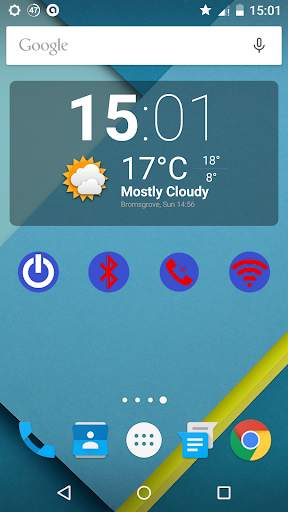
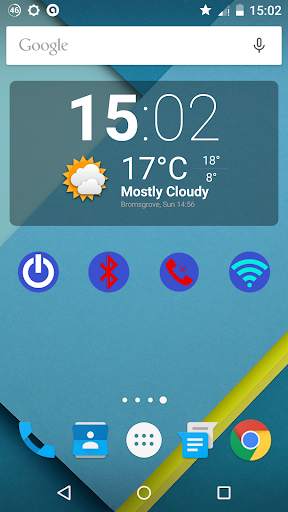
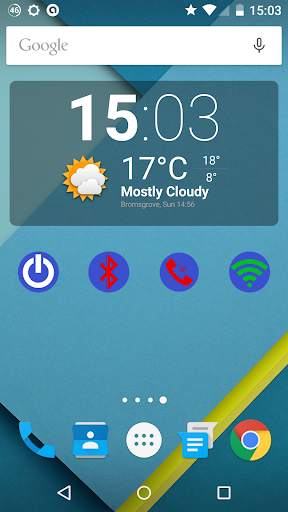
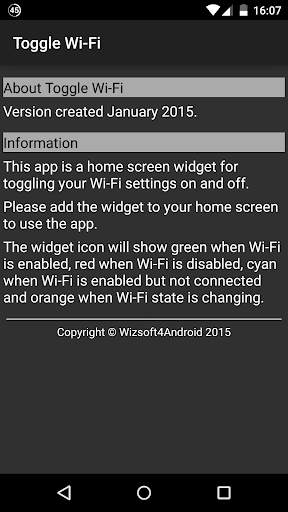
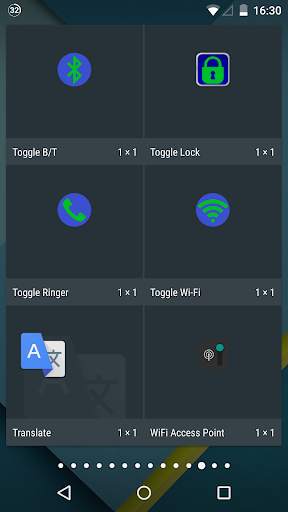
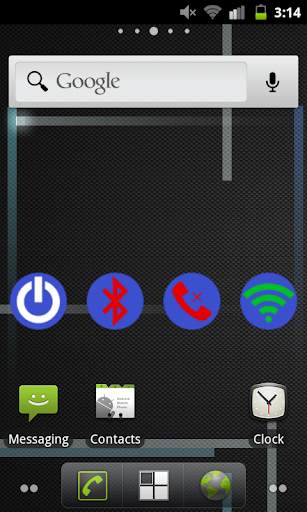
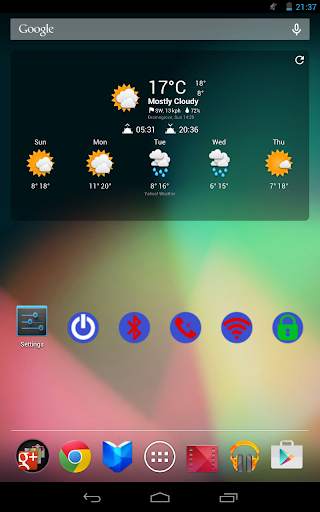
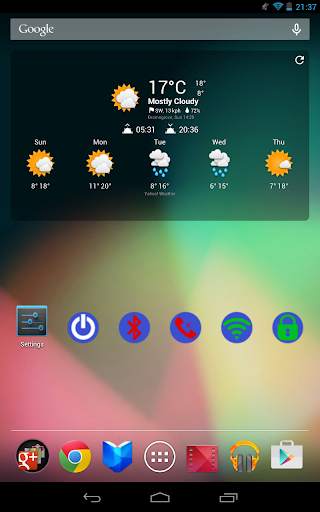
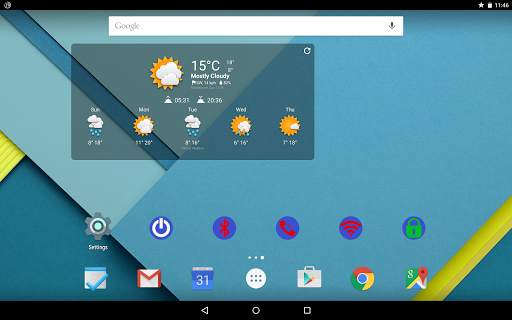
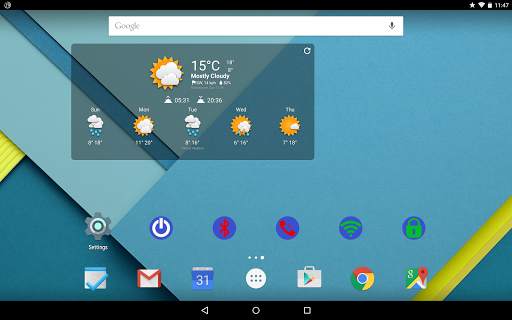
A simple application which toggles your Wi-Fi setting on/off (from enabled to disabled and back again).
Add the widget to your home screen to use the app. The widget indicates the current Wi-Fi status by the colour of the Wi-Fi icon as follows:
- Green: Wi-Fi is enabled and connected to a Wi-Fi access point
- Light blue: Wi-Fi is enabled, but not connected to a Wi-Fi access point
- Amber: Wi-Fi is either being enabled or disabled
- Red: Wi-Fi is disabled
Note that the widget colour also updates if the Wi-FI setting is changed by some other means (such as from the system settings), unlike some of the other toggle widgets available, so you always know the Wi-Fi status state from the widget colour.


New Wizsoft corporate icons in Material Design.


