DOWNLOAD IS NOT SUPPORTED IN WEB STORE!
Use the latest version of 9Apps to download APK&OBB file of games in one click!
DOWNLOAD 9APPS

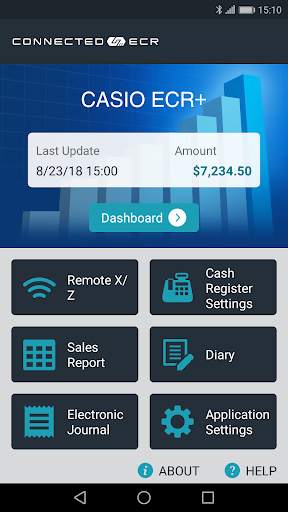
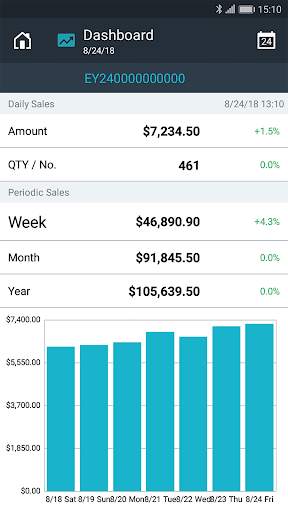
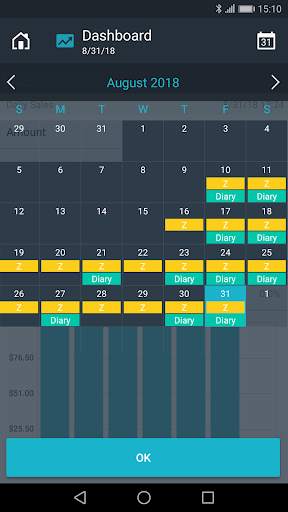
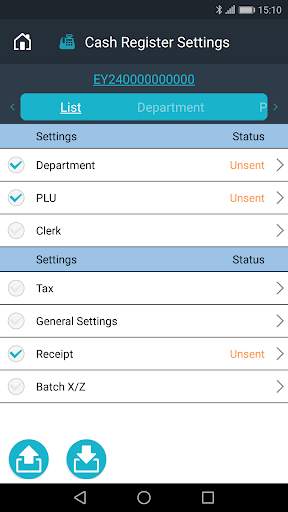
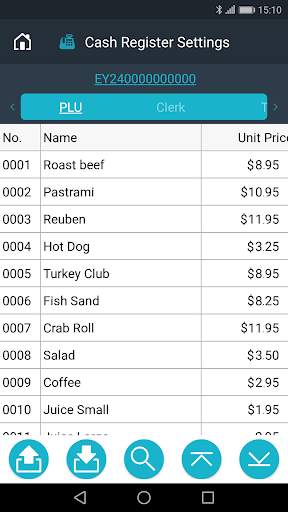
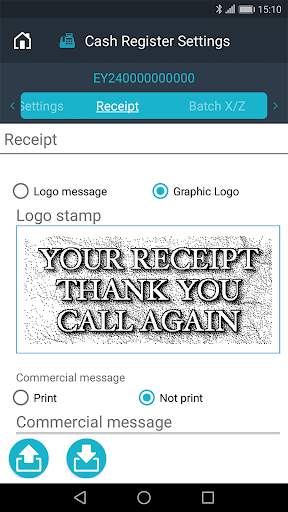
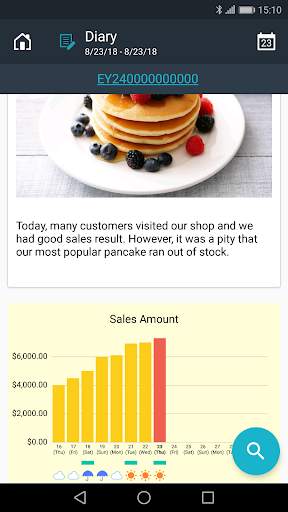
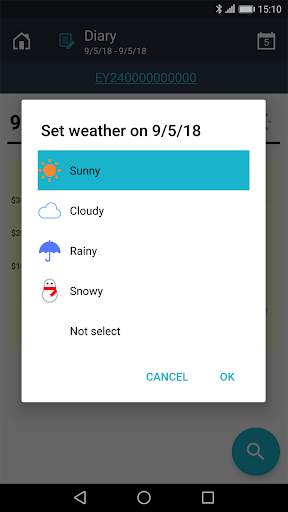
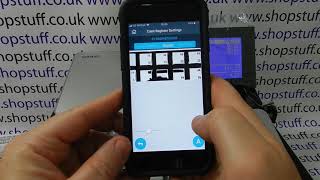
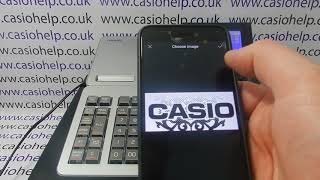
“Casio ECR ” connects cash register and smartphone with Bluetooth (R). You can easily manage cash register settings and monitor sales.
Main contents
-Easy Initial Setup
Input product name and prices through your smartphone.
-Quick Item / Price changes
Easy updates using Bluetooth, even during store hours.
-Sales Dashboard
Sales Dashboard provides daily / weekly / monthly sales data.
Visit the website below for details.
http://web.casio.com/ecr/app/
Visit the web site for operation guidance videos (English only)
CASIO Bluetooth cash register operation guidance videos
• In order to use CASIO ECR , this is all you need:
1) A Bluetooth-enabled Casio ECR model (see below for detailed model name).
2) A smartphone with internet connection (see below for detailed specification).
3) An email address to use for registration.
Once the preparation and verification have been completed, place the smartphone near to the cash register and start CASIO ECR .
Follow the prompts on the screen to continue with the setup.
________________________________
• Applicable models
SR-S500, PCR-T540, SR-S820, PCR-T540L, PCR-T560L, SR-C550, SR-S4000, PCR-T2500, SR-S920, PCR-T2500L, PCR-T2600L, SR-C4500
________________________________
• Applicable Smartphones
• Android OS 6.0 or higher
• Screen size 4.7 inch or bigger
• Screen resolution 720 × 1280 or higher
________________________________
Privacy Notice
https://world.casio.com/privacy_notice/casio_ecr_plus_en/