











DOWNLOAD IS NOT SUPPORTED IN WEB STORE!
Use the latest version of 9Apps to download APK&OBB file of games in one click!
DOWNLOAD 9APPS
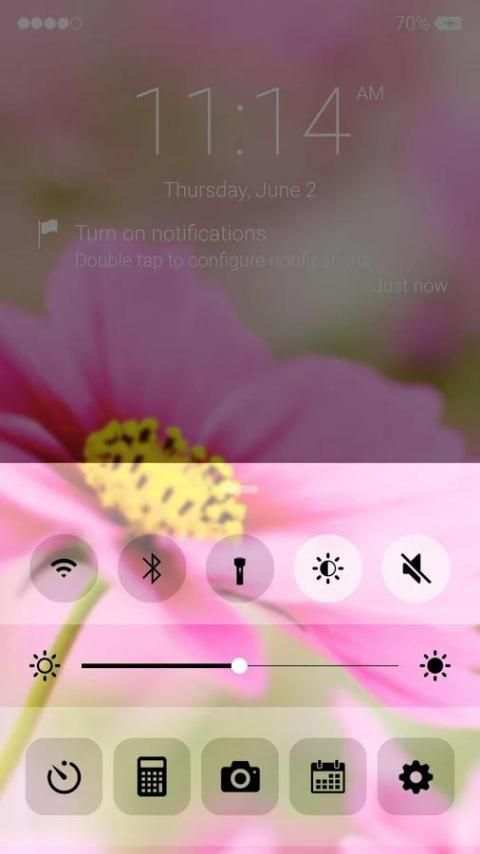
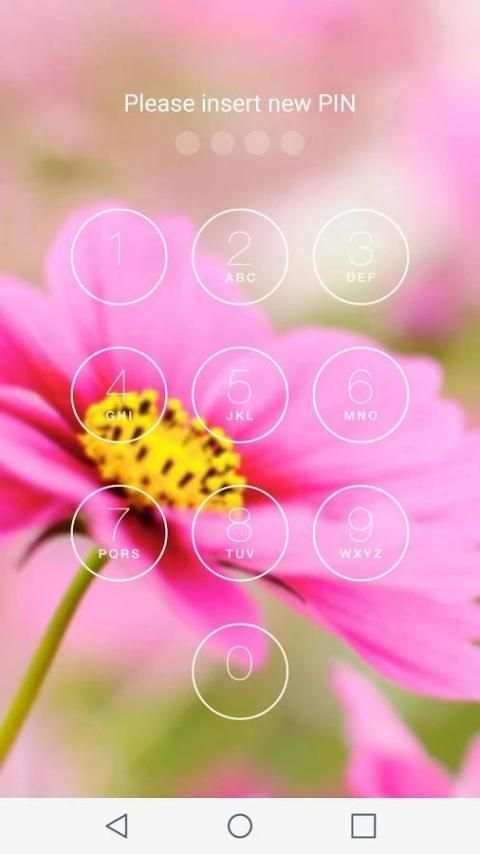
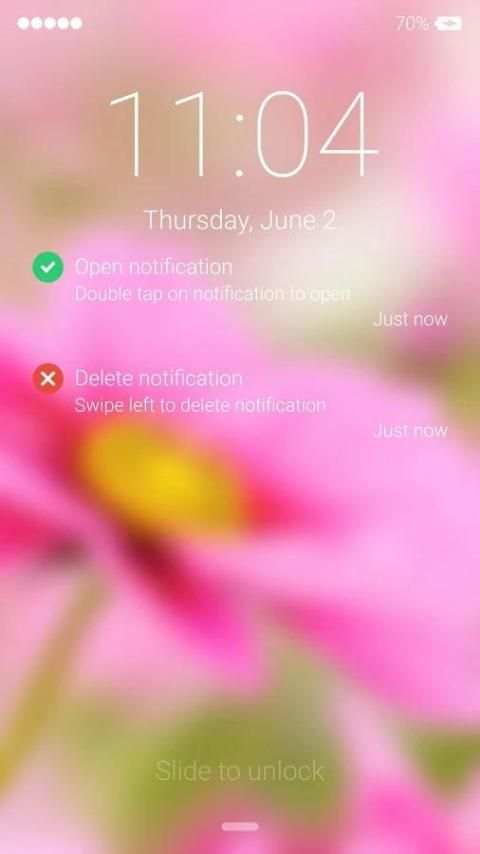
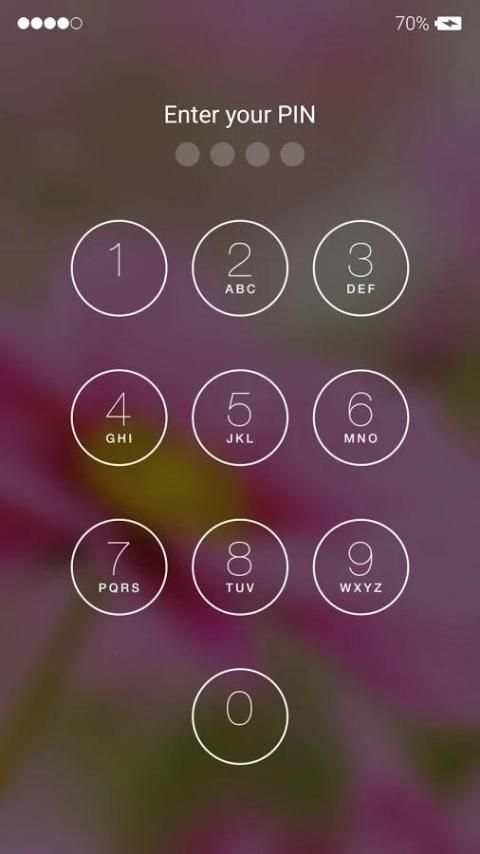
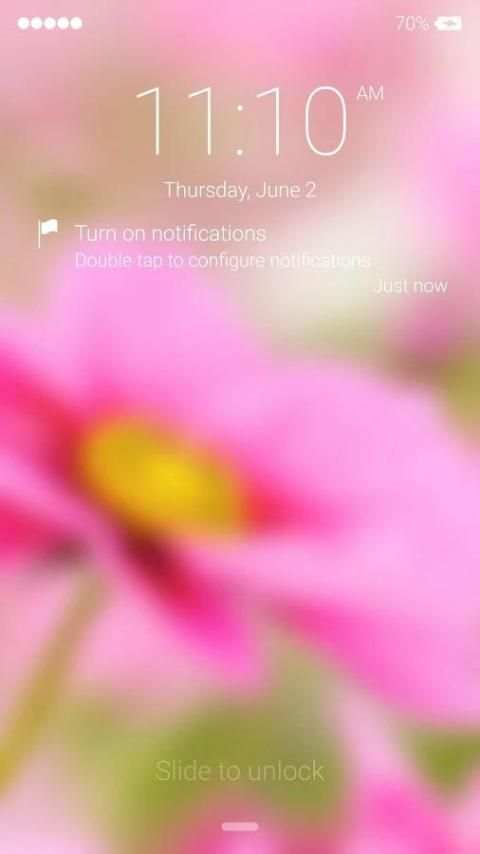
iLocker Screen is an application to protect your phone through using passcode so that no one can enter your phone without permission and lock code. This app is one of the best password lock screen app to prevent the curious one out there who want to see something your phone. is very beautiful and popular, right? Not only the style but also the experience. And many people on the world want the lockscreen your phone. And if you want one, we will give you something so you can use it to experience?
Now the privacy is one of the problem of when you are using smartphone. So how can you prevent people to seeing your phone. Then this maybe one of your best answer. This lock screen is design to have the powerful passcode with new technology so that it can protect you more. The power of the passcode is so big that if even they have your phone and they maybe know somehow to “come through” the original password, they cannot do that to your phone. Your phone will be fully and strongly protected with the powerful passcode and password.
Not only the password lock screen is powerful lock but also it’s very beautiful with parallax flat trending style. You can change the wallpaper of the lock screen with many high quality and HD theme background. Or you can set it with your DIY theme and wallpaper. Enjoy the powerfully protected lock screen and beautiful.
KeyFeature:
- Lockscreen pattern lock
- Photo lock screen
- Passcode lock
- Pin code
- Lock screen Slider
- Change your wallpaper with the one you like diy wallpaper
- Simple using. Select enable lockscreen and set password or passcode
- Active lock so need passcode to unlock
- Clean design
- 12h-24h time format
- Change wallpaper for your lockscreen with os 9 style
- Slide to easily unlock your phone with animation and sound.
- Set Pin or Password on Keypad Lock Screen
- Notification same as os9, show right on lockscreen
- Support Camera on Lock Screen in Notification same os 9
How to Use??:
1. Open the app settings, and tick to Enable Phone OS9 style lockscreen
2. Click the Disable System Lock in case you use the system lock.
3. Set Wallpaper to switch to different beautiful backgrounds we give you in the library with from OS 9 HD wallpaper and theme. Choose your favorite
4. Tick the Pin Lock check box to make your own password to protect your phone. Highly secure and very safety
Now download and enjoy this excellent with Phone Lockscreen style OS 9!
With this highly secure lock screen, now you don’t have to worry about your privacy and safety anymore. Thank you for using iLocker Screen


