












DOWNLOAD IS NOT SUPPORTED IN WEB STORE!
Use the latest version of 9Apps to download APK&OBB file of games in one click!
DOWNLOAD 9APPS

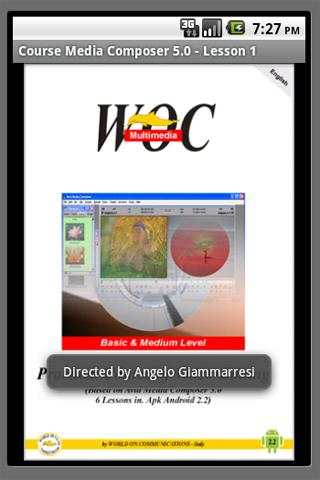
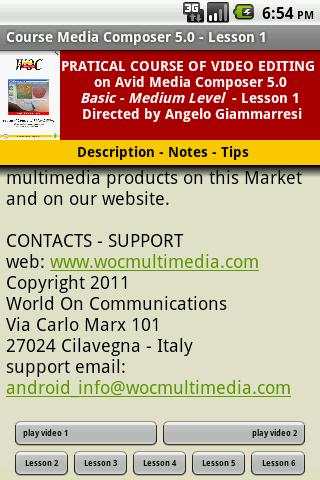
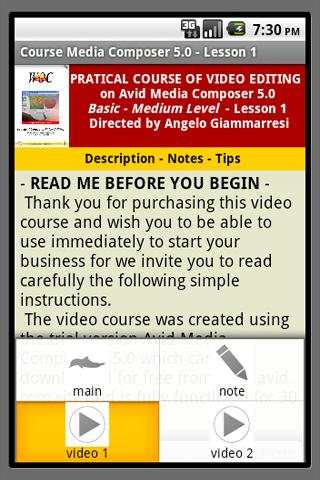
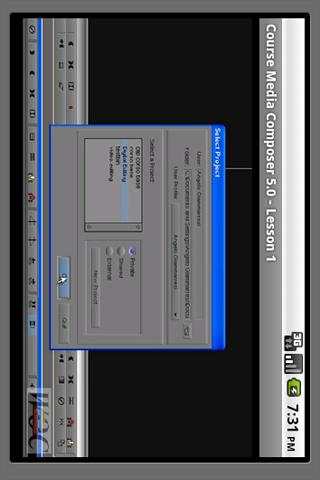
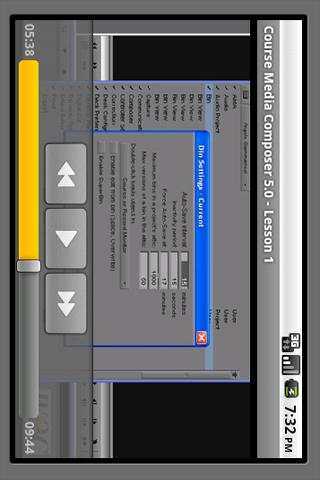
- English Version - Lesson One - 2 video clips.
EACH LESSON CAN BE BOUGHT SEPARATELY AND RUNS STANDALONE.
The video course was created using the trial version Avid Media Composer v.5.0 which can be downloaded for free from
www.avid.com site and is fully functional for 30 days.
Anyone can use this course because it was made a simple schematic and preliminary to the construction of a project from the choice of settings to export the final video.
The course is divided into 6 lessons can be purchased separately as Android applications. Each application is composed of some screens selectable from the menu, containing general information about the course, any suggestions and notes on the lesson, one or more video clips format 480x320 H.264 MP4 codecs.
The video portion of the course consists of 11 video clips for a total of about 90 minutes.
This lesson include two videoclips for a total duration of 15 minutes ca.
- LESSONS OF THE COURSE -
>>>>Lesson 1 - First and Second Part
Lesson 2 - Part Three
Lesson 3 - Part Fourth and Fifth
Lesson 4 - Part Sixth and Seventh
Lesson 5 - Part Eighth and Ninth
Lesson 6 - Part Tenth and Eleventh
- CONTENT VIDEO LESSONS -
PART ONE -
Introduction - Initial Settings - Create custom windows.
PART TWO -
Project Tabs - Set of items: Audio Settings - Audio Project - Bin -
Bin View - Import - Interface.
PART THREE -
Customize Keyboard - Set of items: Trim - Video Display - Capture - Deck Configuration - Media Creation - Capture Toolset (Image Capture) - Batch Capture/Log Shot.
PART FOUR -
Bin: Opening Clip - Bin View - Background Color - Opening External Bin - Super Bin - AMA Files.
PART FIVE -
First Editing - Undo/Redo - Sequences/Source Window - Subclip -
Timeline Tracks - Functions: Splice In - Add Edit - Lift - Extract.
PART SIX -
Pre-Editing in the Bin - Functions: Fill Window - Splice In - Overwrite - Segment Mode Splice In - Segment Mode Overwrite.
PART SEVEN -
Overwrite Trim - Ripple Trim - Locators.
PART EIGHT -
Quick Transition - Focus Function
- Segment Effects - Effect Mode -
Superimpose - Timewarp - Trim To Fill.
PART NINE - Timecode Burn-In - Match Frame - Freeze Frame - Motion Effect - Stabilization Effect - Color Correction.
PART TEN - Title Tool/Titling - Rendering Video Effects
- Audio
Editing.
PART ELEVEN - Audio Track Options - Auto Gain - Auto Pan - Mixdown Video - Mixdown Audio - Digital Cut/Export.
This video course is designed by the World On Communications – Via Carlo Marx 101 – 27024 Cilavegna – Italy, is not Avid video official course qualification but a compendium the use of editing software Avid Media Composer 5, based experience of the director Angelo Giammarresi.
Some code fixing and restyling of a screen layout


