









DOWNLOAD IS NOT SUPPORTED IN WEB STORE!
Use the latest version of 9Apps to download APK&OBB file of games in one click!
DOWNLOAD 9APPS
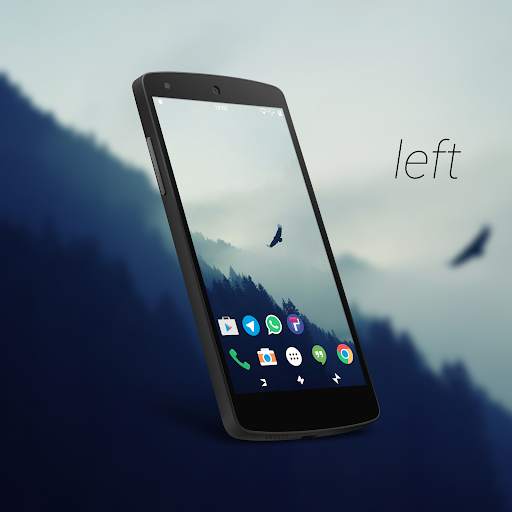
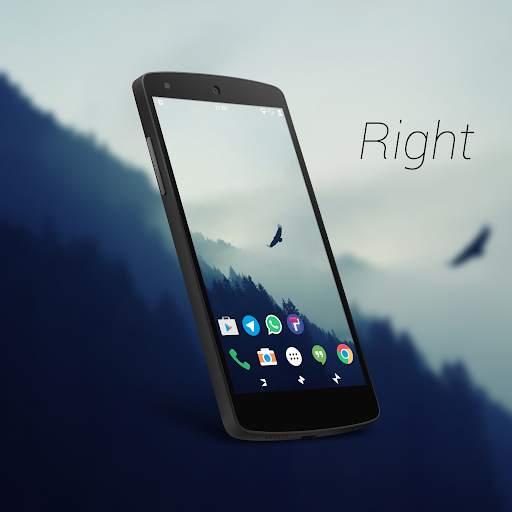
This theme change your navbar with particular icons .I called it butterfly because this animal have a part of his body mirrors the other as well as icons that make up the theme . They provide a unique and beautiful experience and above all it is free. Let me know how is it.
If you have problems you must update the layers manager app .It isn't the theme.
YOU MUST UPLOAD TO BETA4 OF LAYERS MANAGER
This is not for CM12.x/13.x but only for rom with RRO/Layers/Overlay. Compatible with Androd Marshmallow
HOW TO INSTALL THE THEME:
1) Open layers manager
2) Do one slide down
3) Open ButterFly
4) Select the navbar
5) Choose your favorite home button position and click the fab in the right corner
6) Reboot
THIS WILL ONLY WORK IF YOU HAVE A LAYERS COMPATIBLE CUSTOM ROM AND HDPI,XHDPI,XXHDPI OR XXXHDPI DEVICE.
NOTE:This is not a cm12.x/13.x theme!
YOU NEED ROOT AND LAYERS MANAGER APP INSTALLED
HOW CAN IT USE IT?
1) Install the app.
2) Go to layers manager app.
3) Open ButterFly NavBar -Layers Theme.
4) Install the navbar.
5) Reboot.
HOW TO CHANGE NAVBAR?
1) Uninstall the previous one via layers manager.
2) Install a new one.
3) Reboot.
FAQs:
1) I install the navbar overlay but nothing changes after reboot?
---Make sure that your device is hdpi,xhdpi,xxhdpi or xxxhdpi.
2) Navbars aren't changing?
---unistall the previous one first and also make sure that you have busybox installed.
Special thanks to Crigio and all developers who have advised me!


