













DOWNLOAD IS NOT SUPPORTED IN WEB STORE!
Use the latest version of 9Apps to download APK&OBB file of games in one click!
DOWNLOAD 9APPS
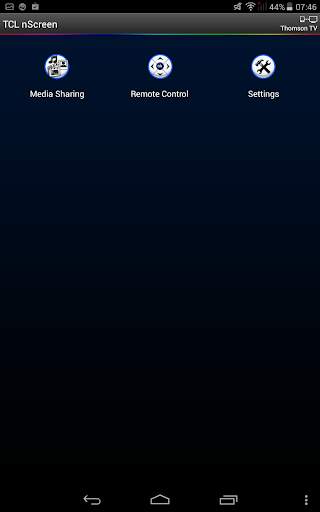
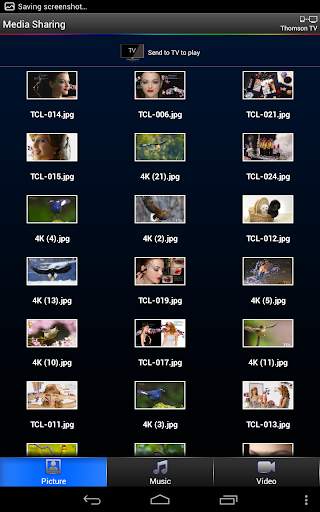
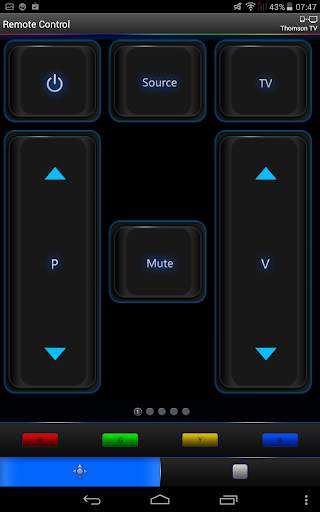
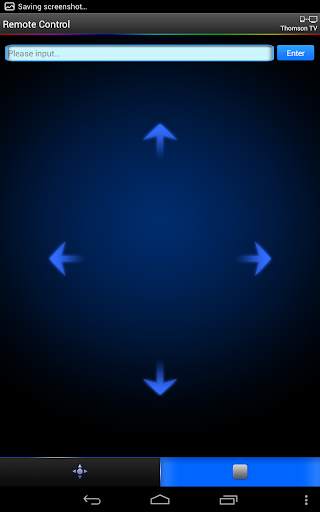
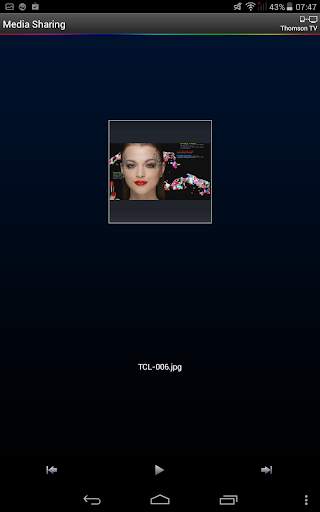
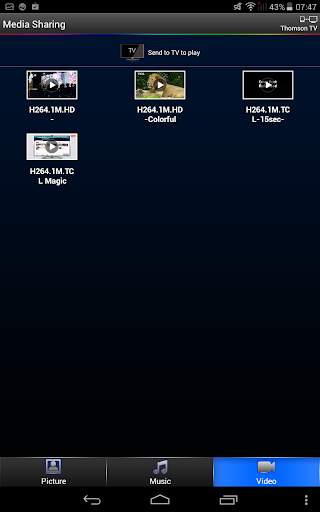
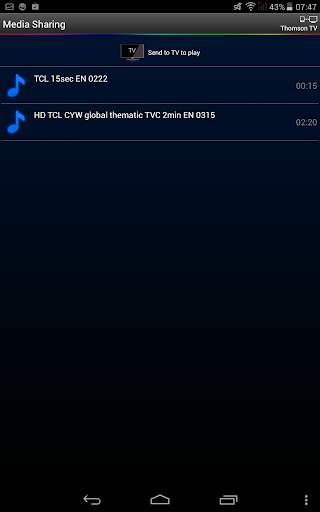
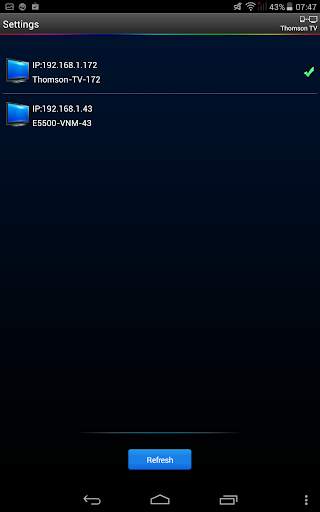
In the cloud technology era, it realizes the interconnectivity and interoperability between TV and smart mobile phone. The TCL nScreen is multi-screen interaction application which contains "Media sharing ", "Remote control" and other application . Through the media sharing application , you can share the video / Music / Picture in your smart phone to TV with your family & friend , and you can use the smart phone as a remote control unit to operate TV by the Remote control application .
Details step of media sharing:
1.Click “TCL nScreen” on phone. Connect phone with TV via same Wi-Fi;
2.Click “Media Sharing” to browse media files;
3.Send media to TV to playback. (with one of the following options)
a)Drag & Drop folder/file to the TV icon on top of the screen;
b)Swing phone towards TV to launch the first file;
c)Play the media on phone and click the TV sharing icon;
4. While playing on TV, shake the phone to play previous or next file
Details step of Remote control
1. Click “TCL nScreen” on phone. Connect phone with TV via same Wi-Fi;
2. Click “Remote Control” to operate TV.


