
DOWNLOAD IS NOT SUPPORTED IN WEB STORE!
Use the latest version of 9Apps to download APK&OBB file of games in one click!
DOWNLOAD 9APPS

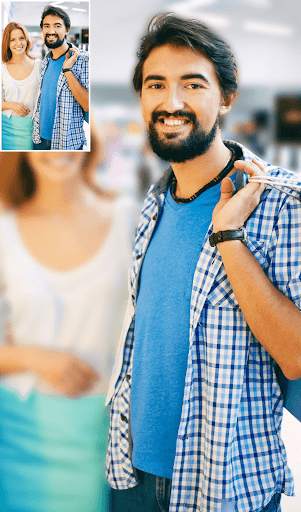
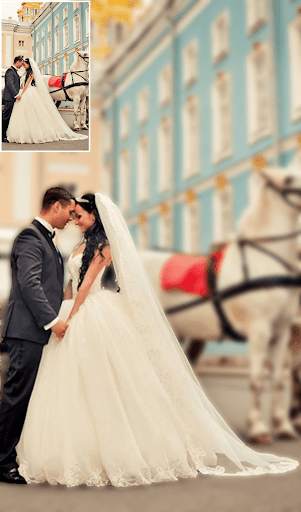
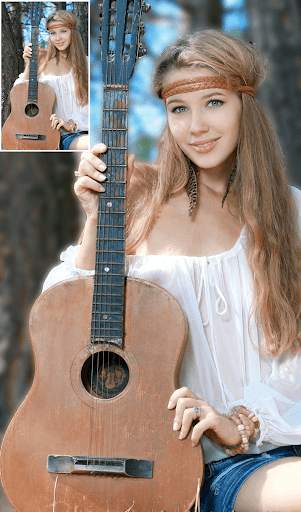
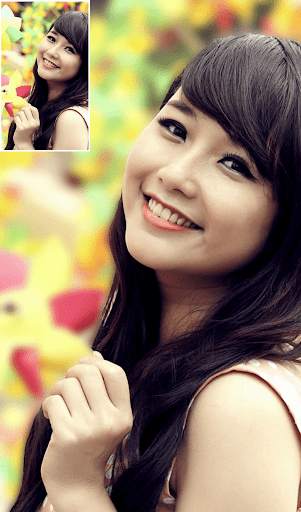
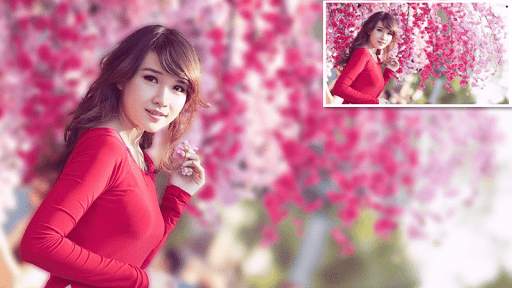
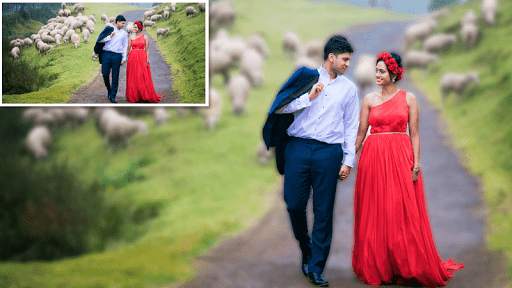
DSLR Camera Blur Background Effect Photo editor app is the best photo blur tool to blur image background and create real DSLR Camera effect using latest tools such as Blur and shape blur.
How to use Blur Image background:
1. Select an image from gallery.
2. Blurred image is shown in which you can adjust the blur transparency.
3. Select if you want to focus image or blur background.
4. You can blur or un-blur areas you want to put focus on. You can adjust the brush size to fine tune your image as well.
5. Save the photo into your sd-card or share it on your favorite social media platform.
Cool Features of DSLR Camera Effect:
1. Undo, redo supported: easy create blur DSLR effect
2. You can also adjust brush size, offset distance, hardness
3. Zoom in and Zoom out for photo blur.
4. Adjust blur level (blueness) with the blurriness seek bar.
5. Easy create blur with your finger with offset distance


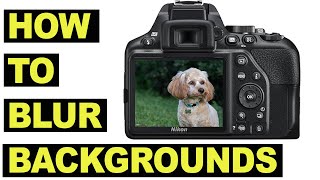
- Bug Fixed



Quikr – Search Jobs, Mobiles,
4.120.8MB

Temple Run 2
4.4122.1MB

Candy Crush Saga
4.491.1MB

Offline Music Mp3 Player- Muso
4.535.9MB

imo beta -video calls and chat
4.394.0MB

ShopClues
3.816.4MB

Dearmet: Video Chat, Live Talk
4.043.4MB

Facebook Lite
4.02.5MB

말하는 고양이 토킹톰
3.963.0MB

Stickman Fighting
3.059.6MB