DOWNLOAD IS NOT SUPPORTED IN WEB STORE!
Use the latest version of 9Apps to download APK&OBB file of games in one click!
DOWNLOAD 9APPS
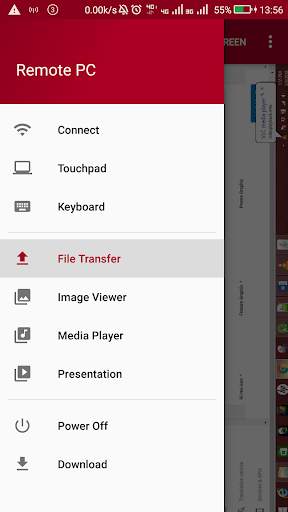
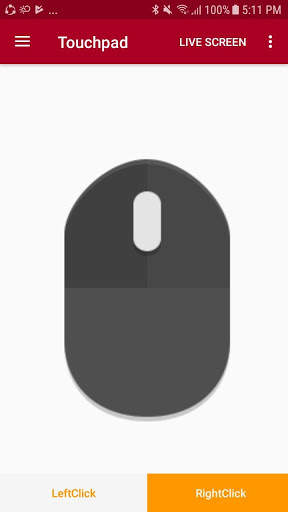
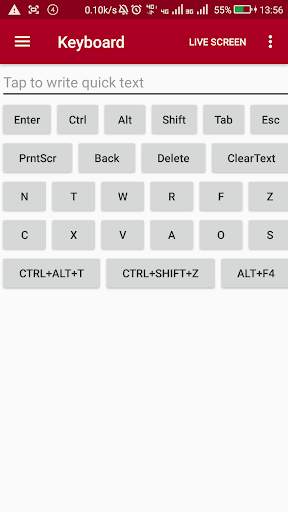
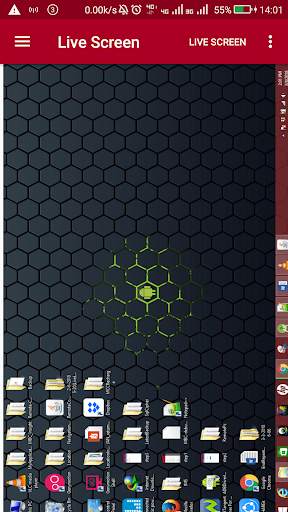
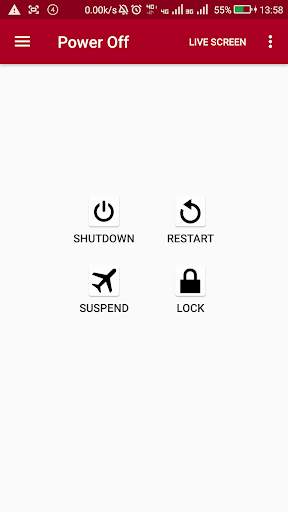
You can control your PC from mobile by connecting your PC to your mobile hotspot. Your mobile will be working as a mouse, keyboard, you can play music in your PC from mobile,You can transfer the file to your PC, you can able to see your mobile images to your PC etc.
Steps to follow:-
Step1:-
First of all You have to connect your pc with your mobile hotspot. And then just open the app and click on the Download option.Where I have given a drive link of a file named as
RemotePc.jar you have to download that file.Once download is finished ,that file will be stored on Download folder inside your mobile. Now you have to copy that RemotePc.jar file in your desktop or laptop and double click on it. Once it open up you will see like this-
Your IP Address: ........
Port Number:3000
Step2:-
Now open the app and click on the Connect option And there you have to enter the same IP address what is showing on RemotePc.jar in you PC.
Step3:-Now click on the Connect button.Once it connected to the server you can do whatever you want to do from all those options(like- Touchpad, Keyboard etc).