DOWNLOAD IS NOT SUPPORTED IN WEB STORE!
Use the latest version of 9Apps to download APK&OBB file of games in one click!
DOWNLOAD 9APPS

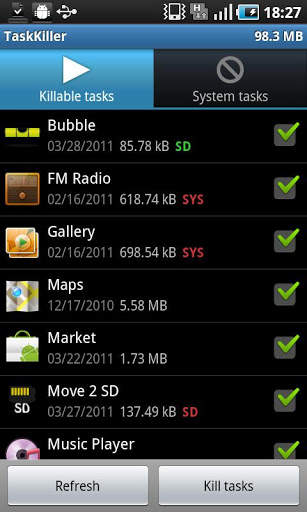
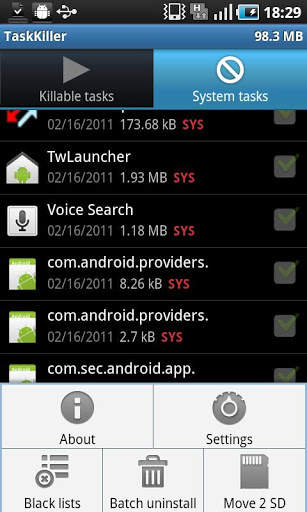
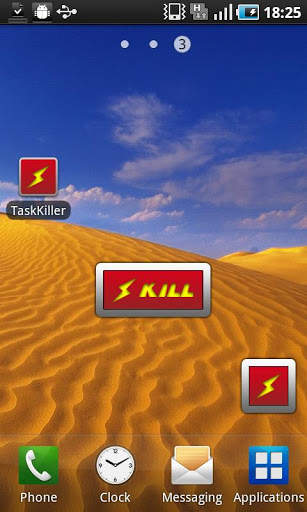
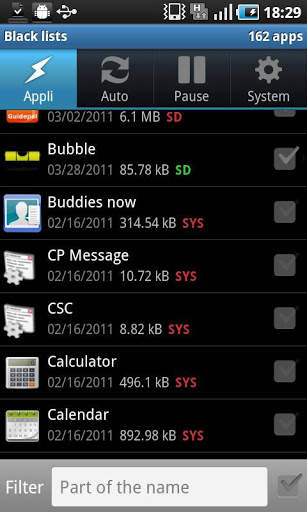
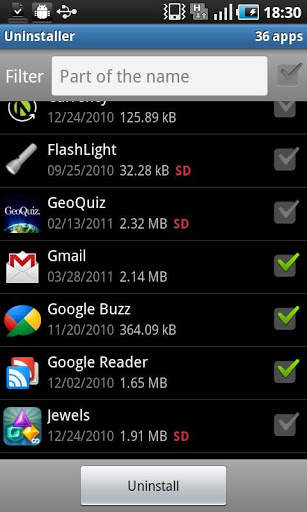
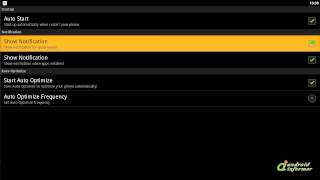
Increase your phone battery life and speed. Go on, give it a tryTaskkiller Pro helps increase your phone battery life, speed up your phone, and manage all your applications. It kills task when the screen turns off, sets up black lists, does batch uninstalls, moves apps to the SD card, and tracks memory usage. Android phones keep unused running programs in memory. Using multiple applications in a session can cause the phones RAM to be overloaded. Overloaded RAM consumes battery and slows down the phone performances. Taskkiller Pro ends unused tasks kept in memory, thus speeding up your phone and extend its battery life. You can setup Taskkiller Pro to end unused tasks when the phone screen turns off by using the KILL ON PAUSE functionality. You can also setup TaskKiller Pro to end unused tasks at a given rate by using the AUTO KILL functionality. The AUTO KILL functionality can be active only when the phone is asleep or when the phone screen is on. The combination of the AUTO KILL and the KILL ON PAUSE functions are very effective in saving the battery life. Foreground activities can be excluded from the kill process in order not to stop a work in progress. Tasks can also be ended manually from the application or by using the Taskkiller widget.A combination of four black lists allows a fine configuration of a task managed by Taskkiller. The SYSTEM black list includes every application that TaskKiller will never end. The SYSTEM black list includes by default any application that was bundled with the phone. The AUTO KILL black list includes the applications that shouldn39;t be killed at a given rate. The KILL ON PAUSE black list includes the applications that shouldn39;t be killed when the phone screen is turned off. With apps such as mp3 players and GPS trackers, it39;s a good idea to use the KILL ON PAUSE and the AUTO KILL blacklists as you don39;t want these applications to be killed while running as a background service. The uninstaller tool is designed to help you uninstall one or more applications from the phone. It displays the list of installed applications with the location SD or not, size and setup date. You just have to select the applications you want to remove and click on the REMOVE button to uninstall them all very fast.The move 2 SD tool is designed to help you change the setup location of the phone applications. The tool is only available for Android 2.2 and above. Select applications that can be moved to SD and click on the MOVE 2 SD button to move selected applications to the SD card. You can also move applications from the SD card to the phone internal memory. A notification will help you to know when an installed application can be moved to the SD card.