












DOWNLOAD IS NOT SUPPORTED IN WEB STORE!
Use the latest version of 9Apps to download APK&OBB file of games in one click!
DOWNLOAD 9APPS
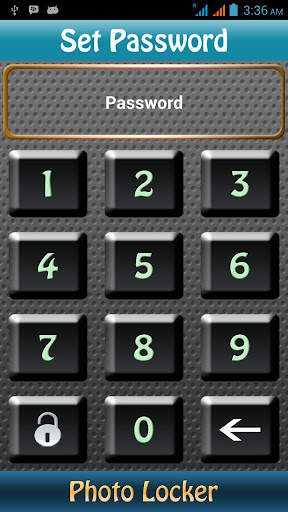
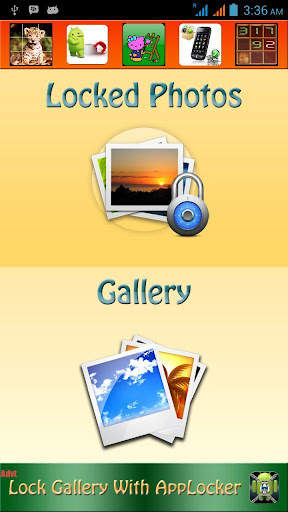
Hide Photos Safely with Photo Lock.
Key Features:
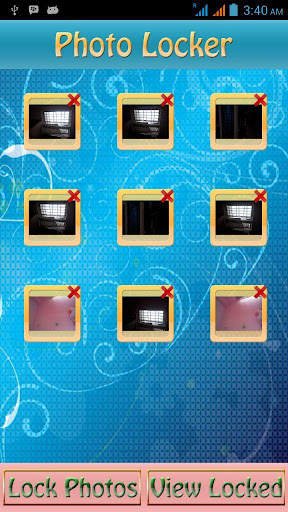
1)Folder Lock
2)Folder View
3)Browse Locked photos and Open Photos
4)Multi-Select options and More.
Warning:
Please Dont Delete PhotoLocker Folder in your phones storage,All your Locked photos are saved here.
Note:
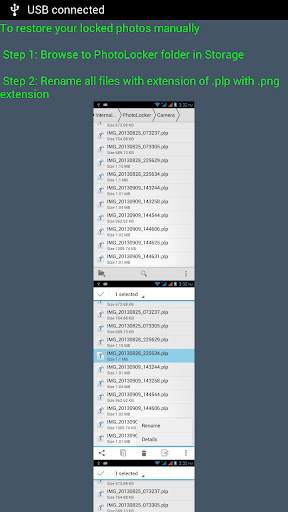
To restore your locked photos manually
Step 1: Browse to PhotoLocker folder in Storage
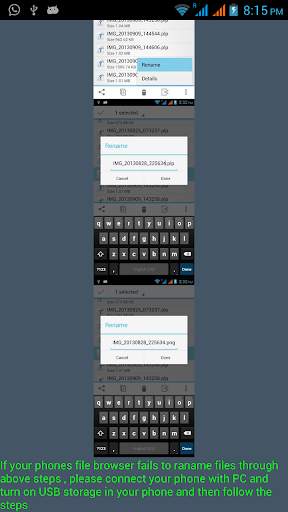
Step 2: Rename all files with extension of .plp with .png (or) .jpg extension (please have a look at attached screenshot)
If your phones file browser fails to rename files through above steps , please connect your phone with PC and turn on USB storage in your phone and then follow the steps



Enhancements and Privacy Policy Update