






DOWNLOAD IS NOT SUPPORTED IN WEB STORE!
Use the latest version of 9Apps to download APK&OBB file of games in one click!
DOWNLOAD 9APPS
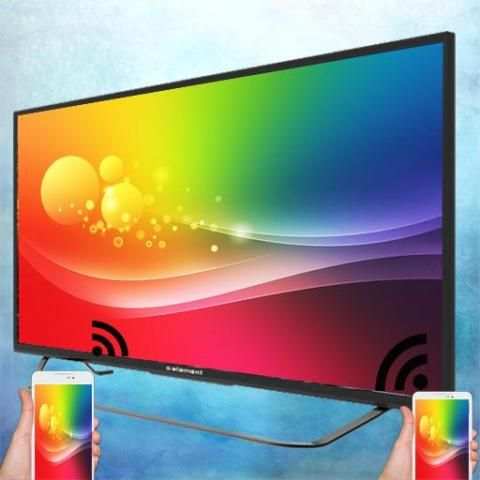
For Android Smart TV Mircast Display App will assist you to scan and mirror your android phone or tab's screen on smart TV/Display (mira cast enabled ) or Wireless dongles or adapters.
For Android And Smart TV Screen Mirroring Able to play videos, music, photos, etc in my smartphone with any devices (smartphone, smartTV, laptop, tablet, etc) at anywhere.
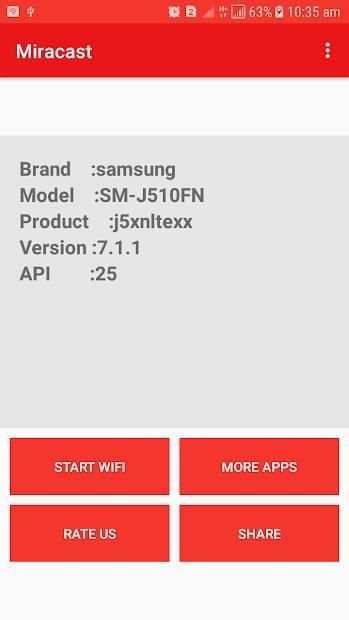
Mirror screen does not need extra dongle or cable. Click the application “Start WIFI”, the Mobile hotspot will be operating automatically. and After hotspot will be operating, connect to AP from other devices.
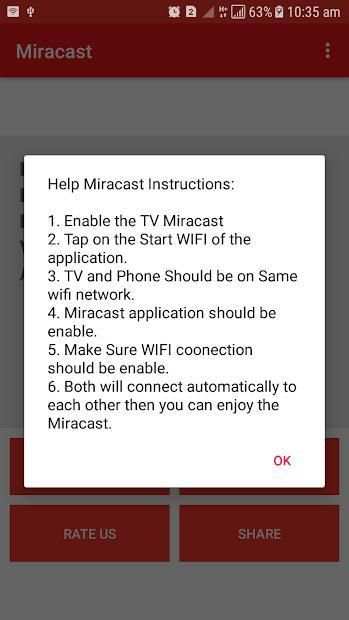
Screen Mirroring can only play contents but send screen as is such as HDMI, MHL, Miracast and Chromecast. User can share with friends and also there is help instructions.
Please follow below steps to mirror your mobile screen to smart TV.
1) Your Smart TV should support Wireless Display or any sort of Display Dongles.
2) The TV must be connected to wifi network same as your phone.
3) The Phone version must be android 4.0 and above.
4) Download and run Miracast App.
Untuk Aplikasi Android Smart TV Mircast Display akan membantu Anda memindai dan mem-mirror layar ponsel atau tab android Anda di TV / Display pintar (mira cast diaktifkan) atau dongle Nirkabel atau adaptor.
Untuk Android dan Smart Screen Screen Mirroring Dapat memutar video, musik, foto, dll di smartphone saya dengan perangkat apa pun (smartphone, smartTV, laptop, tablet, dll) di mana saja.
Layar cermin tidak perlu dongle atau kabel tambahan. Klik aplikasi "Mulai WIFI", hotspot Seluler akan beroperasi secara otomatis. dan Setelah hotspot akan beroperasi, sambungkan ke AP dari perangkat lain.
Screen Mirroring hanya dapat memutar konten tetapi mengirim layar seperti HDMI, MHL, Miracast, dan Chromecast. Pengguna dapat berbagi dengan teman dan juga ada petunjuk bantuan.
Ikuti langkah-langkah di bawah ini untuk mencerminkan layar seluler Anda ke smart TV.
1) Smart TV Anda harus mendukung Wireless Display atau semacam Display Dongles.
2) TV harus terhubung ke jaringan wifi yang sama dengan telepon Anda.
3) Versi ponsel harus Android 4.0 dan lebih tinggi.
4) Unduh dan jalankan Aplikasi Miracast.


✔ Tablet version updated with compatibility and user experiences.
✔ Connectivity fixed for various android phones.
✔ Cast TV, Car etc
✔ New Update in User interface and other fixes.
✔ Stable connection between the Miracast supported devices.
✔ connection between Smart TV and Phone


