






DOWNLOAD IS NOT SUPPORTED IN WEB STORE!
Use the latest version of 9Apps to download APK&OBB file of games in one click!
DOWNLOAD 9APPS

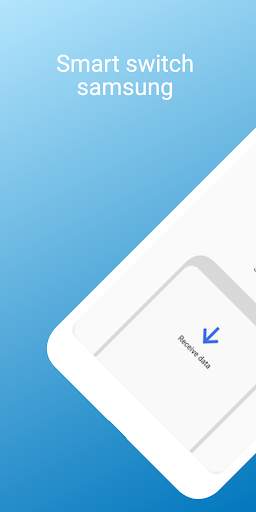
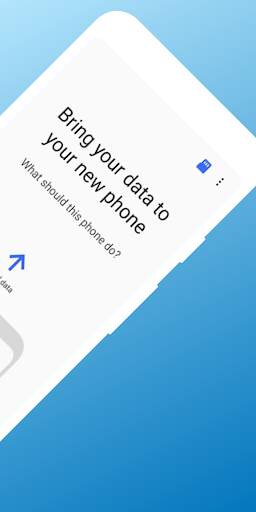
Samsung Smart Switch makes it more easer to transfer photos, files and important data from your old mobile devices to your New Phone.
Even if your old phone is not a Galaxy device, transferring data to a new phone via USB Cable, Wi-Fi or computer is done within a second.
When you are transferring by Wi-Fi, you need to download the app.
you only need the USB connector included with new phones. From contact info to messages,
from your photos and videos to your music library, your calendar events to your favorite apps,
and even your mobile setting preferences, with Smart Switch, you can pick up exactly where you last left off.
Tap Send Data on the old phone
On the new phone, tap "Receive Data".
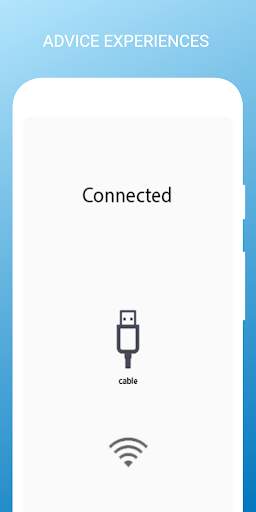
And then tap "Cable"
Connect the two phones using the old phone's USB cable
and the USB OTG adapter that came with your new phone.
Once it finishes scanning the old phone,
select the data you want transferred and then tap "Transfer"
When finished, tap "Done" on your phone
and tap "Close" on the old phone
Your contacts, images, pictures, videos transferred over to your new phone.
Launch Smart Switch on both phones.


