






DOWNLOAD IS NOT SUPPORTED IN WEB STORE!
Use the latest version of 9Apps to download APK&OBB file of games in one click!
DOWNLOAD 9APPS

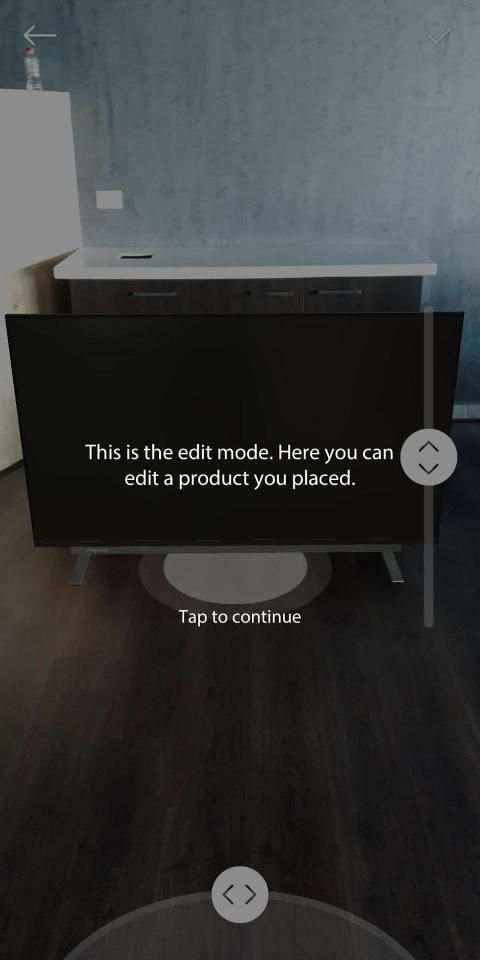
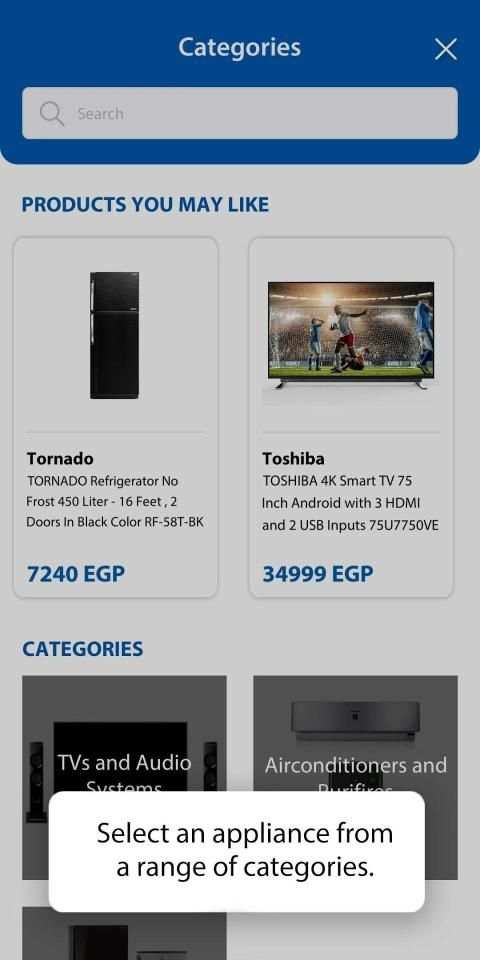
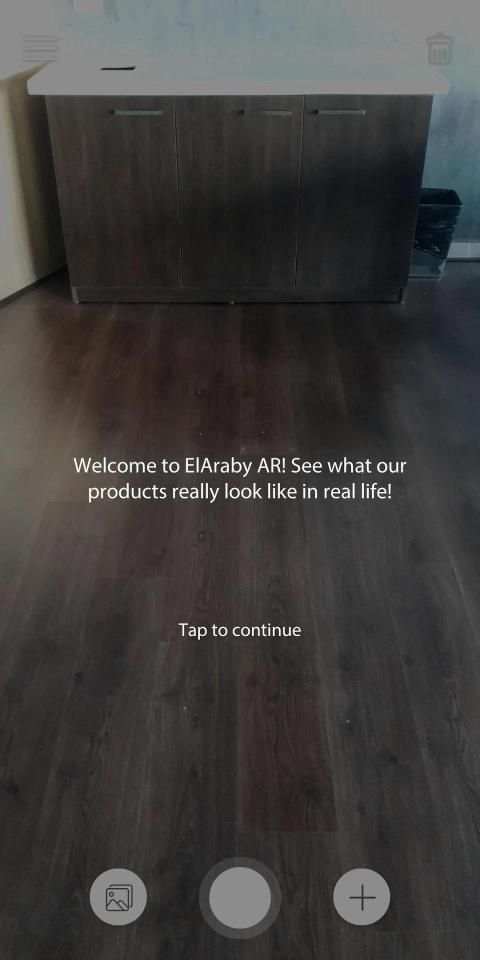
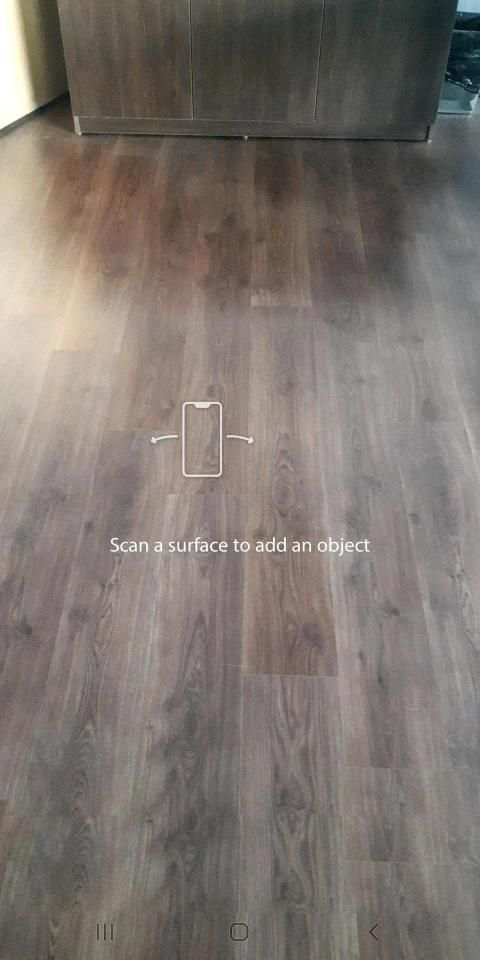
Shopping for appliances but can’t decide if they’ll match your home? The new version of ELARABY AR uses augmented reality technology to help you see how the appliance will look in your home, so you can decide which appliance will fit best. Just download the app, and try it in an empty space in your home! How does it work?
1. Download the app! For ELARABY AR 2.0 to work, you need to have ARCore installed. If you don’t, you will automatically be linked so that you can download it as well.
2. Go to an empty, well-lit space in your home and launch the app.
3. Move the phone around to scan the floor, so that the app can place the appliances correctly!
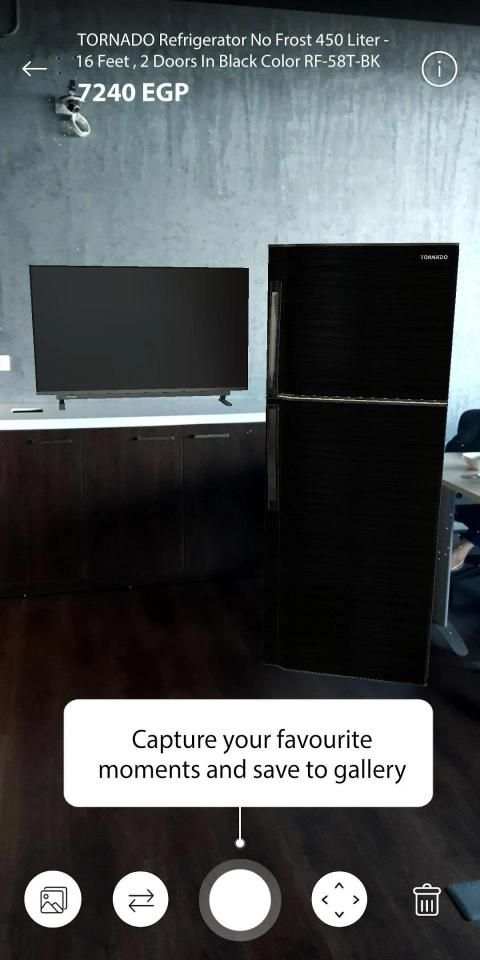
4. Select an appliance to place. Tap and hold the circle at the base of the appliance to move it around. You can also rotate it and change the elevation.
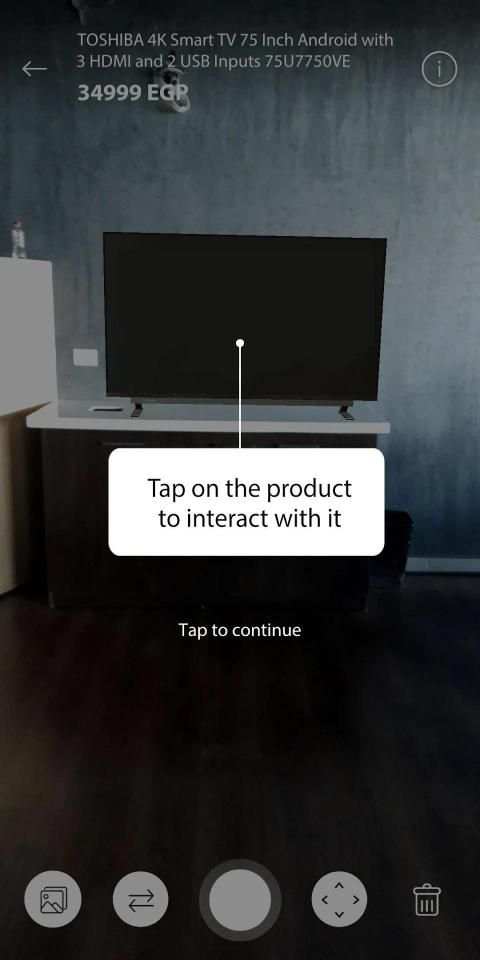
5. Once added, you can tap to view its information and price.
6. Add as many appliances as you want in your homes and once you’re ready you can take a photo!
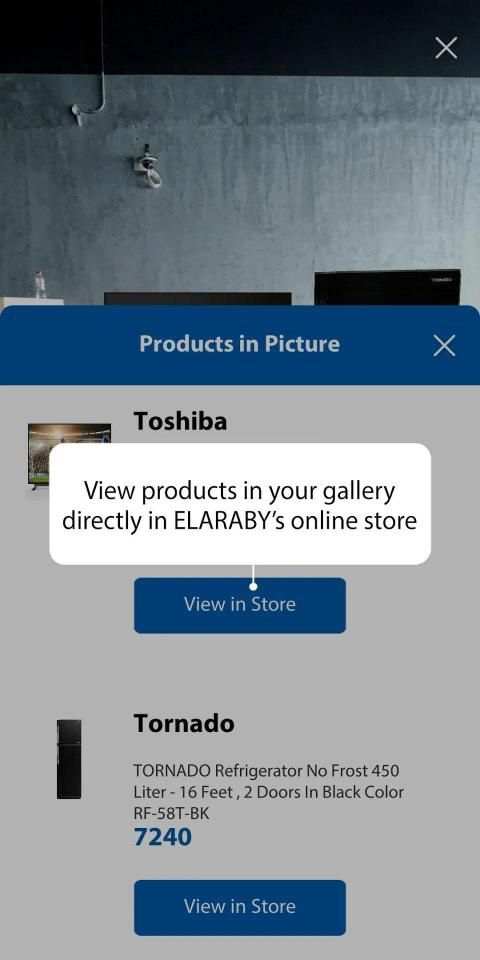
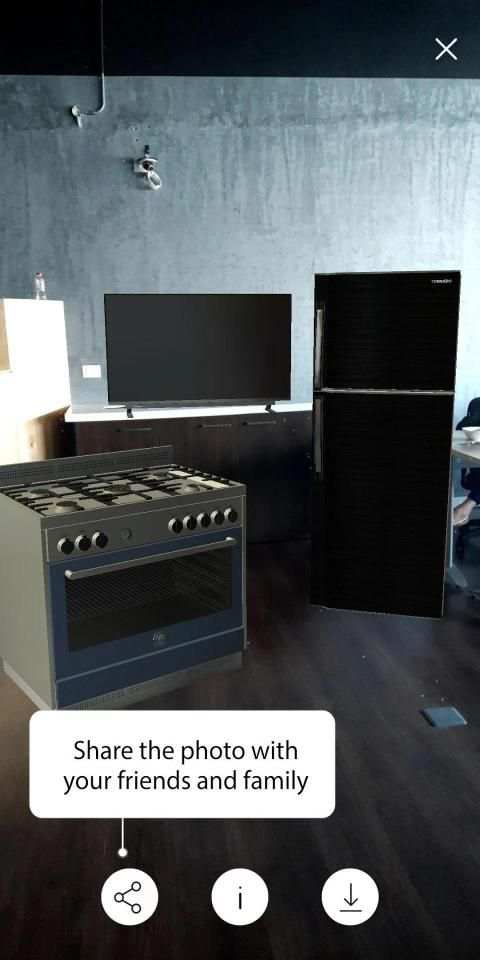
7. View the photo in the gallery and share it with your friends! If you’re ready to buy, you can tap to view the products in the photo, and link directly to the store.
We’re currently supporting the following appliances:-
Televisions
Air Conditioners
Stoves & Ovens
Refrigerators
More updates coming soon!
Note: Sizes of appliances are approximate. Please check the description for each appliance for the accurate dimensions.
Berbelanja untuk peralatan tetapi tidak dapat memutuskan apakah mereka akan cocok dengan rumah Anda? Versi baru ELARABY AR menggunakan teknologi augmented reality untuk membantu Anda melihat bagaimana alat akan terlihat di rumah Anda, sehingga Anda dapat memutuskan alat mana yang paling cocok. Cukup unduh aplikasinya, dan coba di ruang kosong di rumah Anda! Bagaimana cara kerjanya?
1. Unduh aplikasi! Agar ELARABY AR 2.0 berfungsi, Anda harus menginstal ARCore. Jika tidak, Anda akan ditautkan secara otomatis sehingga Anda dapat mengunduhnya juga.
2. Pergi ke ruang kosong yang cukup terang di rumah Anda dan luncurkan aplikasi.
3. Gerakkan ponsel untuk memindai lantai, sehingga aplikasi dapat menempatkan peralatan dengan benar!
4. Pilih alat untuk ditempatkan. Ketuk dan tahan lingkaran di bagian bawah alat untuk memindahkannya. Anda juga dapat memutarnya dan mengubah ketinggian.
5. Setelah ditambahkan, Anda dapat mengetuk untuk melihat informasi dan harganya.
6. Tambahkan sebanyak mungkin peralatan di rumah Anda dan setelah Anda siap, Anda dapat mengambil foto!
7. Lihat foto di galeri dan bagikan dengan teman-teman Anda! Jika Anda siap membeli, Anda dapat mengetuk untuk melihat produk di foto, dan menautkan langsung ke toko.
Kami saat ini mendukung peralatan berikut: -
Televisi
Pendingin Udara
Kompor & Oven
Lemari es
Pembaruan lainnya segera hadir!
Catatan: Ukuran peralatan merupakan perkiraan. Silakan periksa deskripsi untuk setiap alat untuk dimensi yang akurat.




Completely redesigned the mobile app experience to suit the new home appliances feature. All appliances can be added and interacted with without a marker
What should you expect from this release:
• New release requires installation of ARCore*
• Support for new appliances (TVs, AC, Stoves & Ovens, Refrigerators)
• More products to come in the following weeks. Stay tuned!
• Watches feature is being redesigned, so they have been temporarily removed


