





DOWNLOAD IS NOT SUPPORTED IN WEB STORE!
Use the latest version of 9Apps to download APK&OBB file of games in one click!
DOWNLOAD 9APPS
Blurish – Auto Blur Background
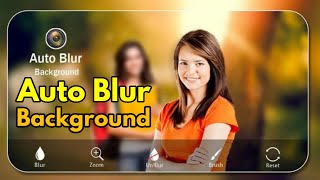
Make Your Photo Blurish with Our Auto Blur Background App with AI Technology.
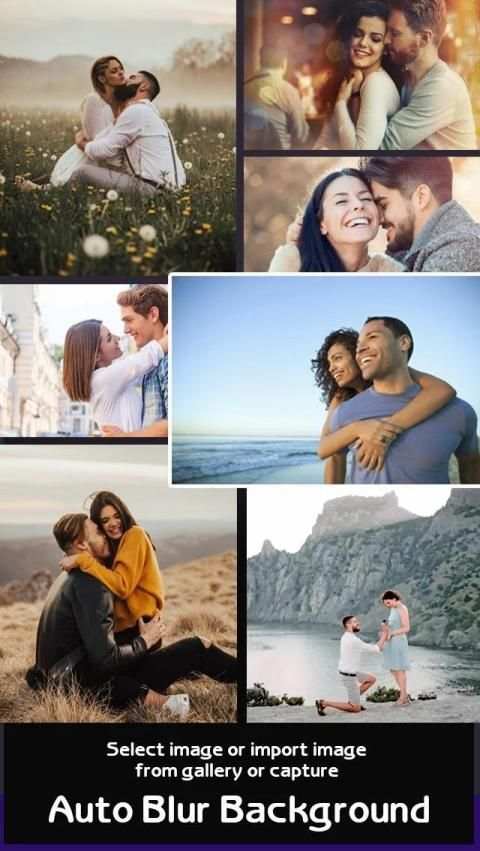
Blurish automatically detects main object from the image and automatically blur the background using Artificial Intelligence Technology so that you don't have to do Hard Work to Select Object . You don’t have to select object from the image. We will do it for you .
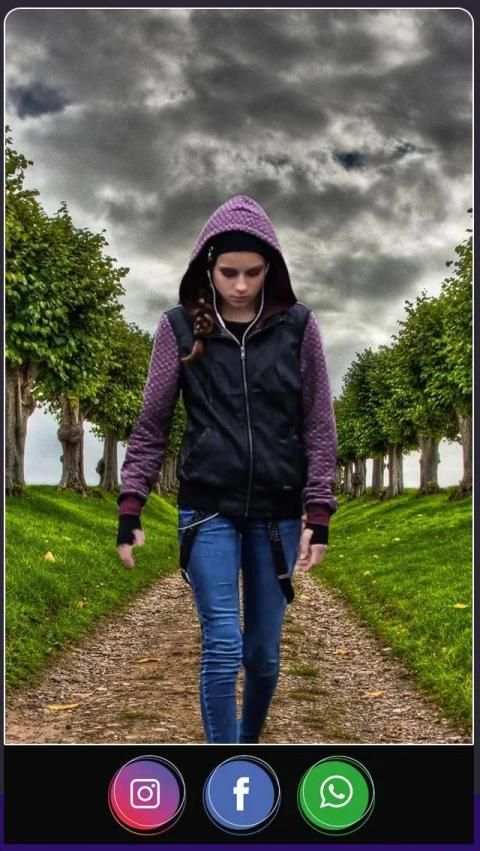
Blurish also applies special effects to your background also . It can also remove unwanted background from the Photo and applies background of your choice .
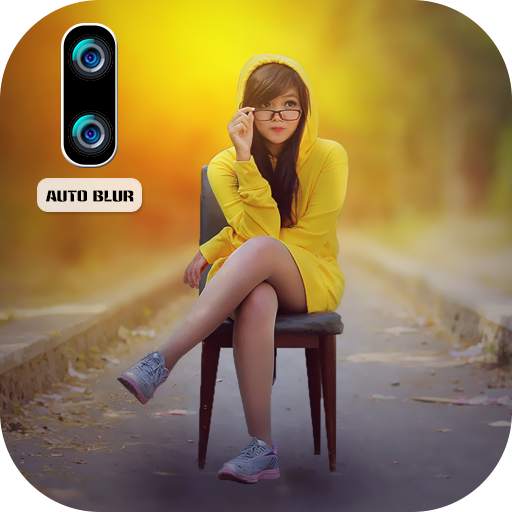
Blurish gives you Pure DSLR Effect on Photo . Looks like You have Created Portrait Mode Blur Photo .
So we can devide Our App into 3 Module with 3 Special Feature .
1 : Auto Blur Background DSLR Camera
2 : Auto Special Effect on Background
3 : Remove Unwanted Background from Photo – Auto Background Changer
1 : Auto Blur Background
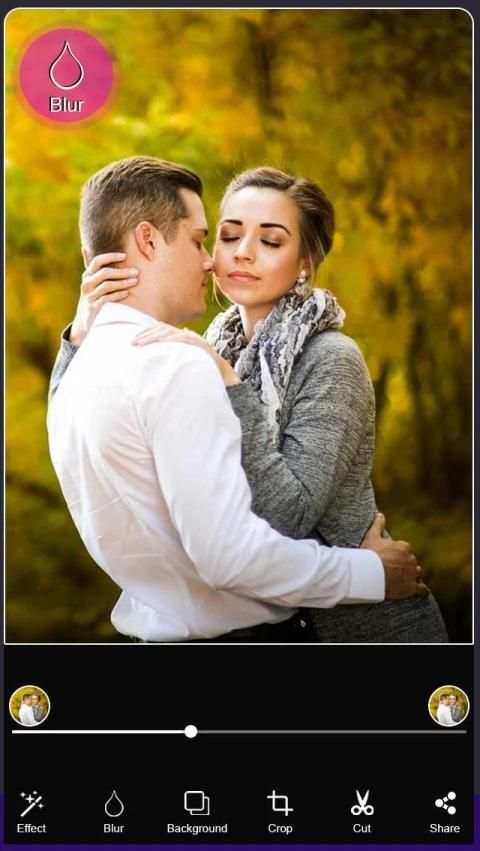
→ Select Your Photo from Gallery and just wait . Image Background will automatically get Blur .
→ You can also edit photo to get some part Blurry with Blurish – Auto Blur Background Editor .
2 : Auto Special Effect on Background
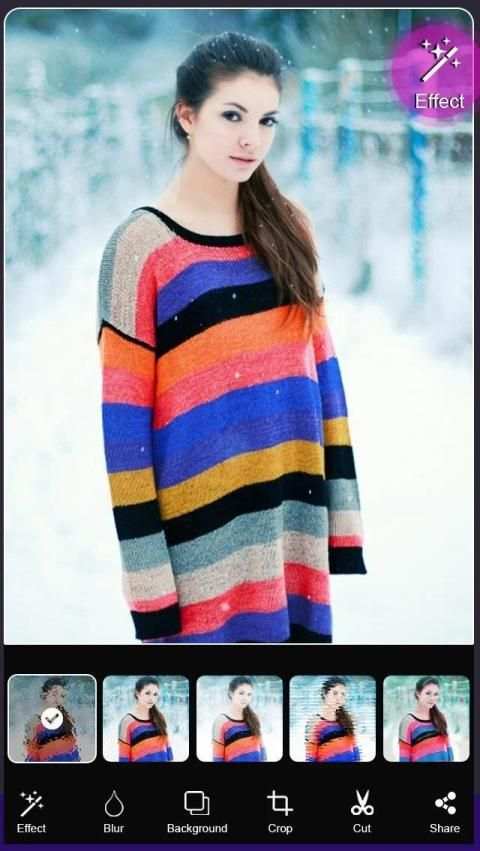
→ We have 15+ Special effect that makes your photo even Beautiful.
→ Select Effect from the list and apply to your Photo . Blurish will automatically apply effect to background.
3 : Remove Unwanted Background from Photo
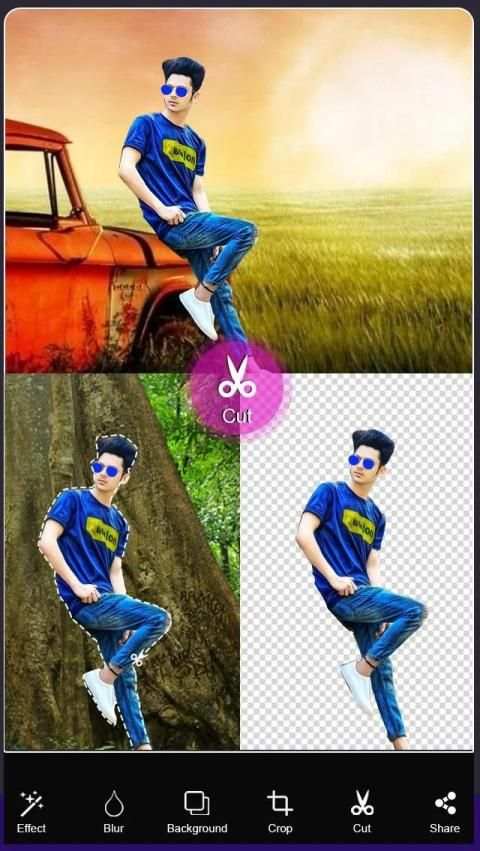
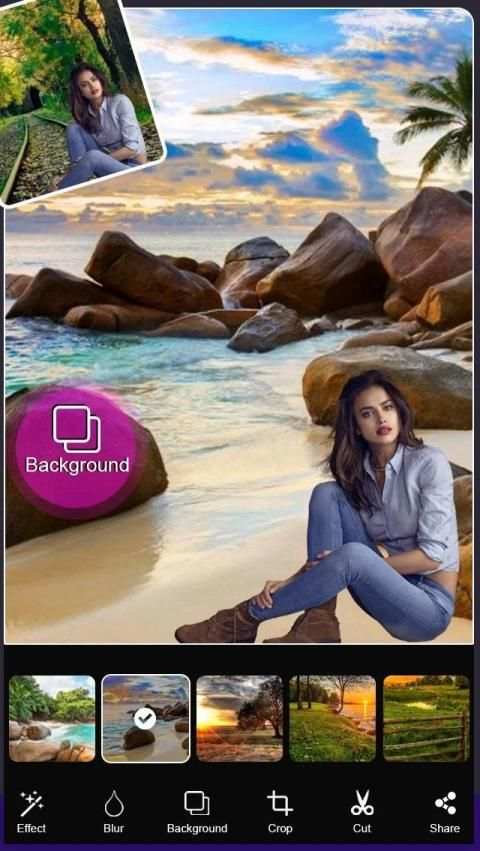
→ Blurish can automatically detect background of photo and removes unwanted background from the Photo .
→ We have 30+ Amazing Backgrounds like Cars , Animals , Nature , Beach and Many More .
So Blurish can be your Auto Background Changer , Auto Erase Background.
So Select background and look like you are at the beach or on the Mountain .
➭
How to Use ?
↣ Select Image from Gallery or Capture Image
↣ Select Blur Option to get Blurry image . use Slider to Adjust Blur Intensity.
↣ Select Effect to apply effect on your Background with 15+ Effects.
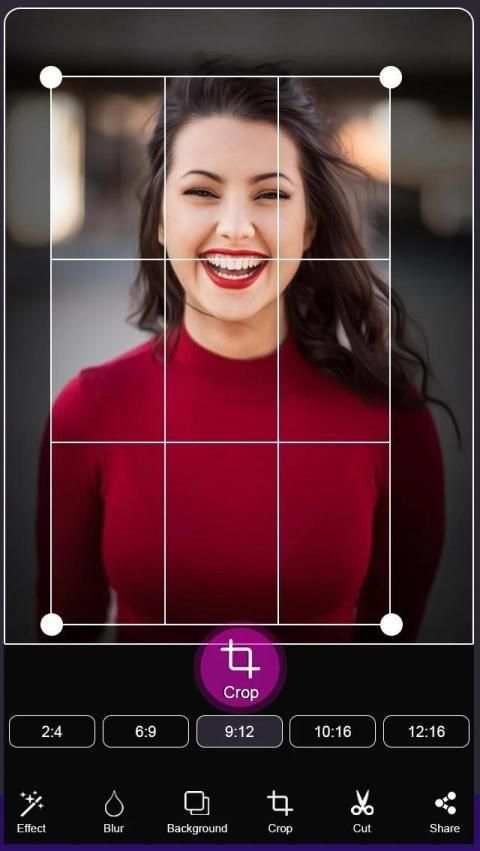
↣ Select Background option to change the Background of the Photo . You can also edit with auto eraser tool to remove unwanted part.
↣ Save and Share it to your friends.
Blurish - Latar Belakang Blur Otomatis
Jadikan Foto Anda Buram dengan Aplikasi Auto Blur Background Kami dengan Teknologi AI.
Buram secara otomatis mendeteksi objek utama dari gambar dan secara otomatis mengaburkan latar belakang menggunakan Teknologi Kecerdasan Buatan sehingga Anda tidak perlu melakukan Kerja Keras untuk Memilih Objek. Anda tidak harus memilih objek dari gambar. Kami akan melakukannya untuk Anda.
Buram juga menerapkan efek khusus untuk latar belakang Anda juga. Itu juga dapat menghapus latar belakang yang tidak diinginkan dari Foto dan menerapkan latar belakang pilihan Anda.
Blurish memberi Anda Efek DSLR Murni pada Foto. Sepertinya Anda Membuat Mode Potret Potret Blur.
Jadi kita dapat membagi Aplikasi kita menjadi 3 Modul dengan 3 Fitur Khusus.
1: Kamera DSLR Background Blur Otomatis
2: Efek Khusus Otomatis pada Latar Belakang
3: Hapus Background Tidak Diinginkan dari Foto - Auto Background Changer
1: Latar Belakang Buram Otomatis
→ Pilih Foto Anda dari Galeri dan tunggu saja. Background Gambar akan secara otomatis mendapatkan Blur.
→ Anda juga dapat mengedit foto untuk mendapatkan bagian Blurry dengan Blurish - Auto Blur Background Editor.
2: Efek Khusus Otomatis pada Latar Belakang
→ Kami memiliki 15+ efek spesial yang membuat foto Anda semakin indah.
→ Pilih Efek dari daftar dan terapkan ke Foto Anda. Blurish akan secara otomatis menerapkan efek ke latar belakang.
3: Hapus Latar Belakang Tidak Diinginkan dari Foto
→ Blurish dapat secara otomatis mendeteksi latar belakang foto dan menghapus latar belakang yang tidak diinginkan dari Foto.
→ Kami memiliki 30+ Latar Belakang Luar Biasa seperti Mobil, Hewan, Alam, Pantai, dan Banyak Lagi.
Jadi Blurish dapat menjadi Pengubah Latar Belakang Otomatis Anda, Latar Belakang Penghapusan Otomatis.
Jadi Pilih latar belakang dan terlihat seperti Anda berada di pantai atau di Gunung.
➭
Bagaimana Cara Menggunakan?
↣ Pilih Gambar dari Galeri atau Ambil Gambar
↣ Pilih Opsi Buram untuk mendapatkan gambar Buram. gunakan Slider untuk Menyesuaikan Intensitas Blur.
↣ Pilih Efek untuk menerapkan efek pada Latar Belakang Anda dengan 15+ Efek.
↣ Pilih opsi Latar Belakang untuk mengubah Latar Belakang Foto. Anda juga dapat mengedit dengan alat penghapus otomatis untuk menghapus bagian yang tidak diinginkan.
↣ Simpan dan Bagikan ke teman Anda.