










डाउनलोड वेब स्टोर में समर्थित नहीं है!
एक क्लिक में एपीके एंड ओबीबी फाइलें डाउनलोड करने के लिए 9Apps के नवीनतम संस्करण का प्रयोग करें
DOWNLOAD 9APPS
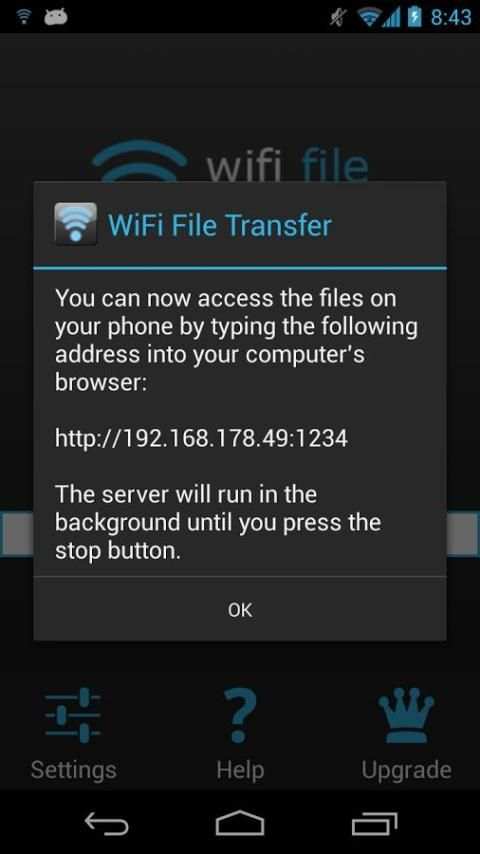
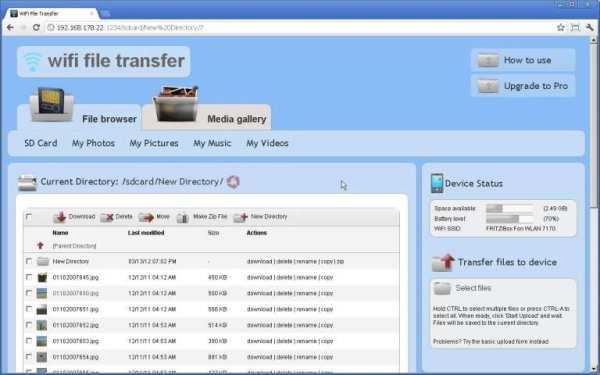
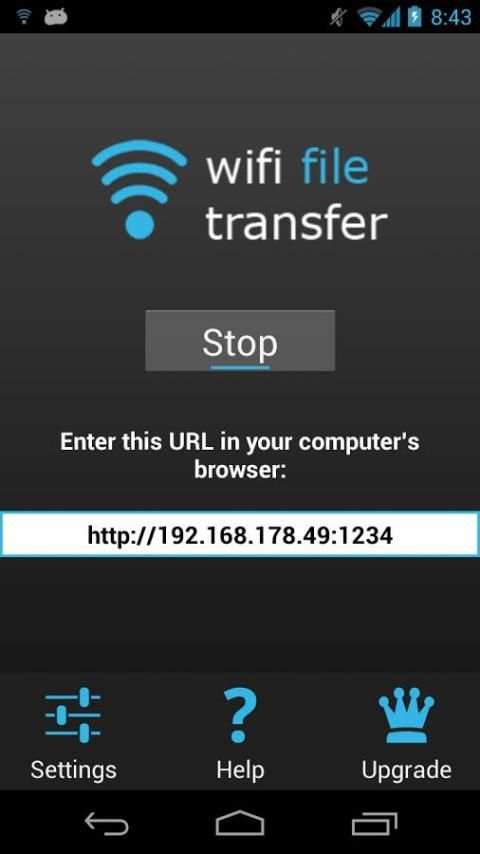
WiFi File Transfer lets you upload and download files to/from your phone or tablet over a wireless connection. Easy-to-use web interface, no USB cable needed.
FEATURES
• Upload or download multiple files at once
• Upload entire folder structures (Google Chrome only)
• Delete, rename, copy, zip or unzip files using the built-in file manager interface
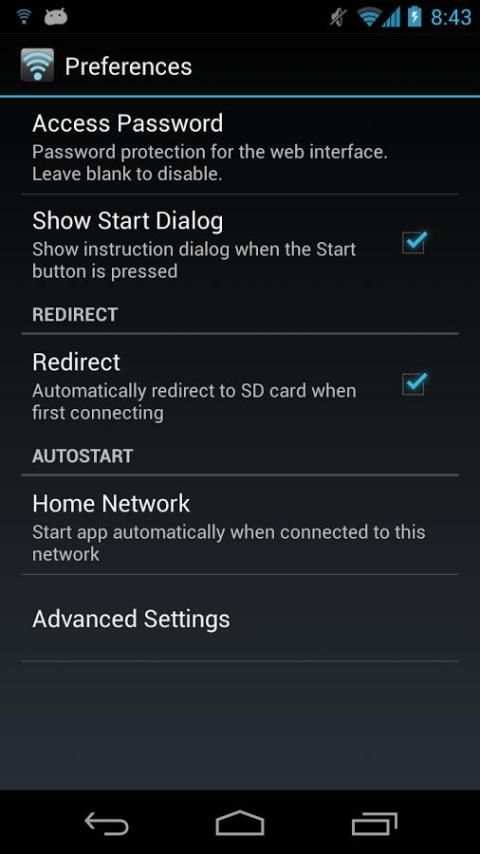
• Password authentication (optional)
• Shortcuts to photo, video and music directories
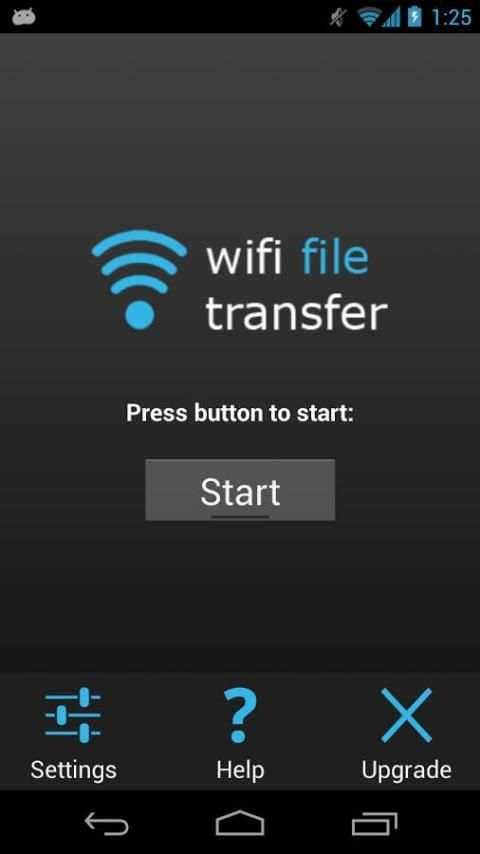
• Runs as a background service
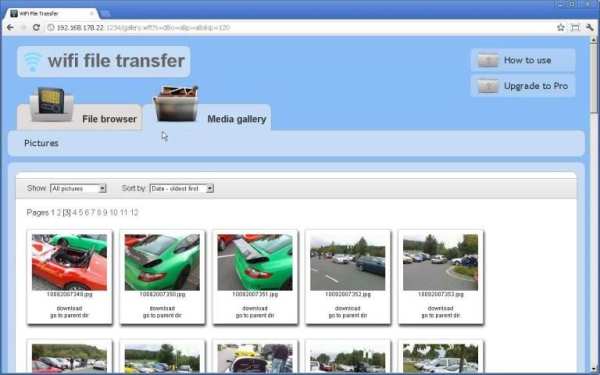
• View photos directly in your web browser (integrated thumbnail gallery)
• Autostart service when connected to home network (optional)
• Provides access to external SD cards and USB storage devices
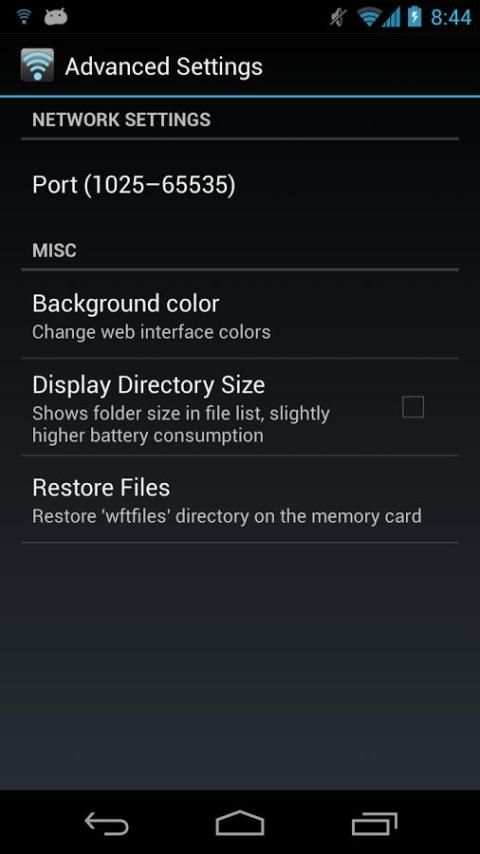
• Works while the device is in hotspot mode
NOTE
• In order to use this app, your computer and your phone need to be on the same local area (or wlan) network.
• If you would like to use this app on public WiFi networks, please make sure to set an access password in the app settings.
• If you're using WiFi File Transfer alongside other server apps such as WebSharing or Kies Air, make sure they do not use the same port number.
LIMITATIONS
• This free version cannot upload files larger than 5 MB. Everything else works 100%.
Feel free to send any questions, comments, complaints or suggestions to
[email protected]
.
Tags: web server, webserver, file explorer



Version 1.0.9:
• Deleting files fixed for Android 4.4
• Translation update
Version 1.0.8:
• Fixed problem with Select Files button in Internet Explorer
• Added SSL encryption for use on public networks
• Social media buttons now optional
• More reliable hotspot detection
• Fixed progress bars for folder upload
• Fixed duplicate filename bug for folder upload
• Corrected Google Analytics description in settings