
![Get Sony's Latest Xperia Weather App on Almost Any Android Device [How-To] screenshot 1](https://i.ytimg.com/vi/TVz3InAo0DI/mqdefault.jpg)










डाउनलोड वेब स्टोर में समर्थित नहीं है!
एक क्लिक में एपीके एंड ओबीबी फाइलें डाउनलोड करने के लिए 9Apps के नवीनतम संस्करण का प्रयोग करें
DOWNLOAD 9APPS
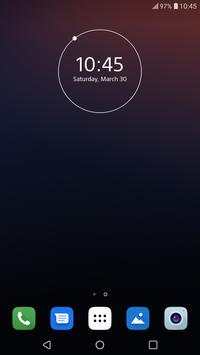
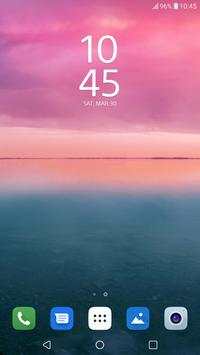
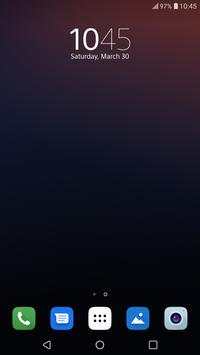
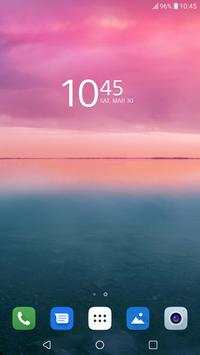
To use the widget on Android 4.0 :
- open the app drawer
- tap the "Widgets" tab
- find Xperia Clock Widget and drag it to the home screen
To use the widget on older versions of android:
- long press an empty spot on the home screen
- select "Widgets"
- tap on Xperia Clock Widget to add it to the home screen
NOTE: If you are using a Task Manager, make sure to add Xperia Clock Widget to the ignore list. When the app is killed, the time will stop updating.
Sony Xperia Clock Widget
Xperia One Clock Widget
Xperia 10 Clock Widget
Xperia 1 Clock Widget
First release


