














डाउनलोड वेब स्टोर में समर्थित नहीं है!
एक क्लिक में एपीके एंड ओबीबी फाइलें डाउनलोड करने के लिए 9Apps के नवीनतम संस्करण का प्रयोग करें
DOWNLOAD 9APPS
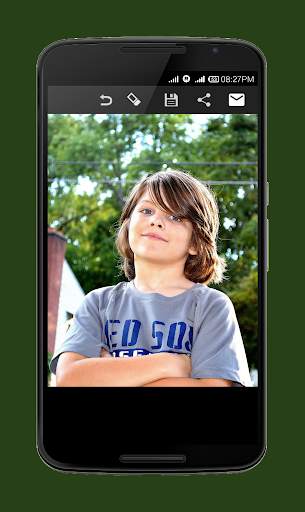
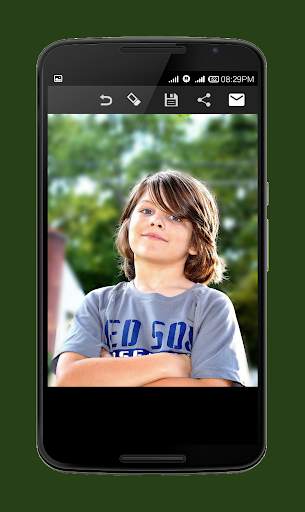
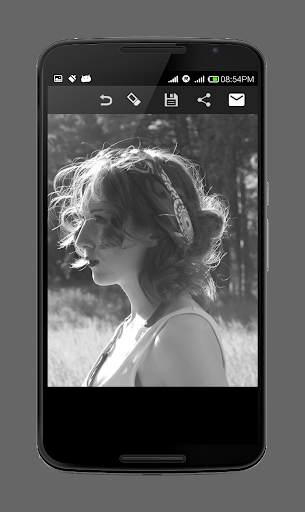
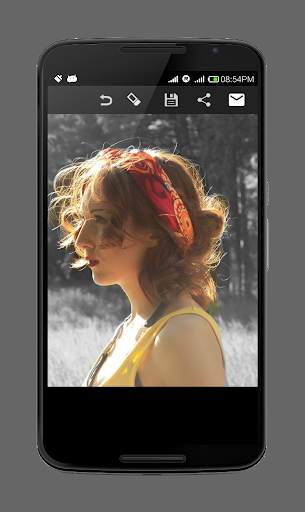
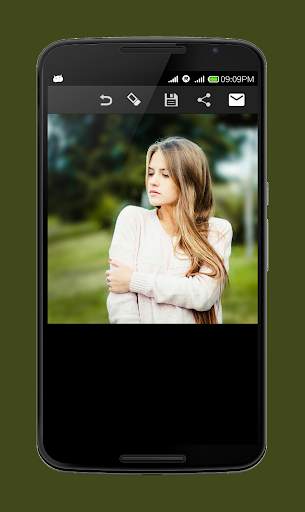
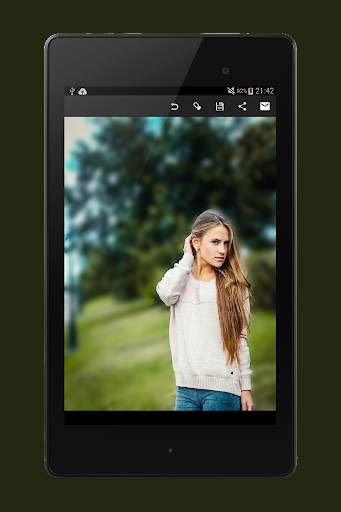
Blur image lets you selectively blur or un-blur the parts of your pictures so that you can manually focus on the subject properly. Also, its super easy to use and very small in size. No need of spending your hard earned money on high priced cameras when you can get the exact same effect on your mobile phone camera pictures by using this app.
How to use Blur Image background:
1. Select an image from gallery.
2. Blurred image is shown in which you can adjust the blur transparency.
3. Select if you want to focus image or blur background.
4. You can blur or un-blur areas you want to put focus on. You can adjust the brush size to fine tune your image as well.
5. Save the photo into your sd-card or share it on your favourite social media platforms like Facebook, Twitter, Instagram, Whatsapp,etc.
With this you will be able to create artistic and DSLR like photographs.
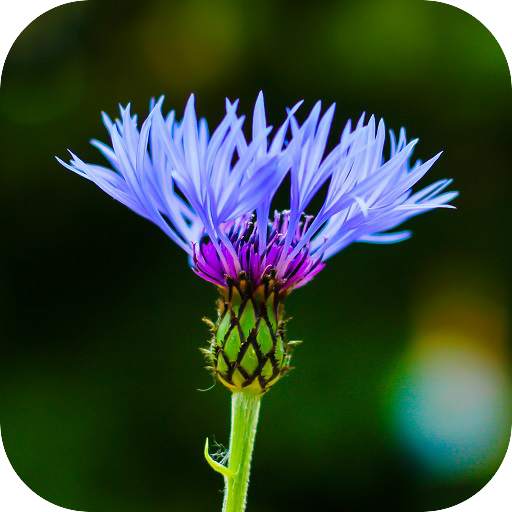
Image used in the icon is taken from Flickr uploaded by the user Axel Naud under CC by 2.0
license
https://creativecommons.org/licenses/by/2.0/
Minor Bugs Fixed


