










DOWNLOAD IS NOT SUPPORTED IN WEB STORE!
Use the latest version of 9Apps to download APK&OBB file of games in one click!
DOWNLOAD 9APPS

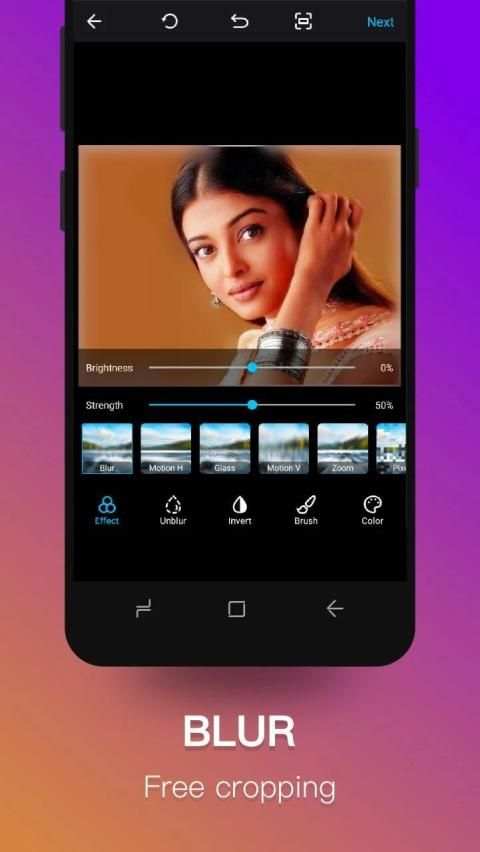
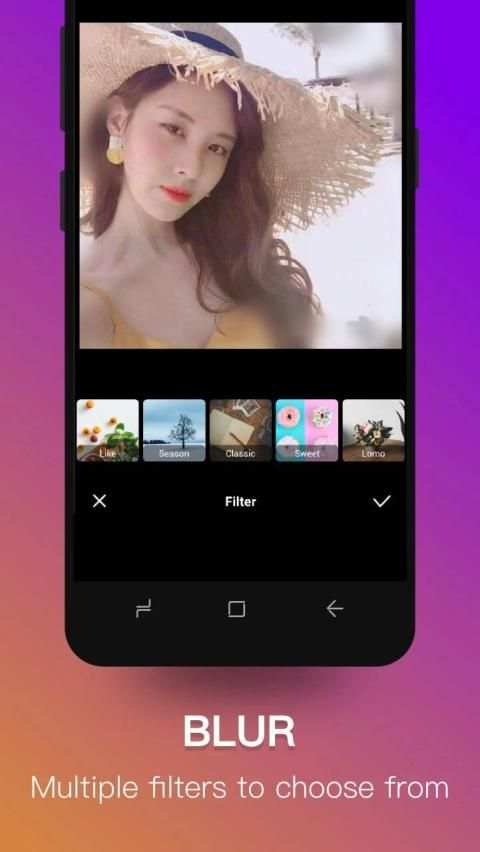
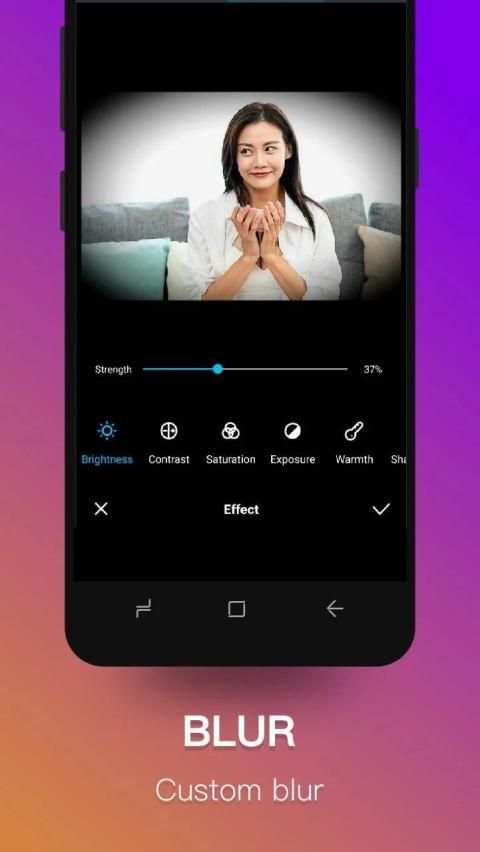
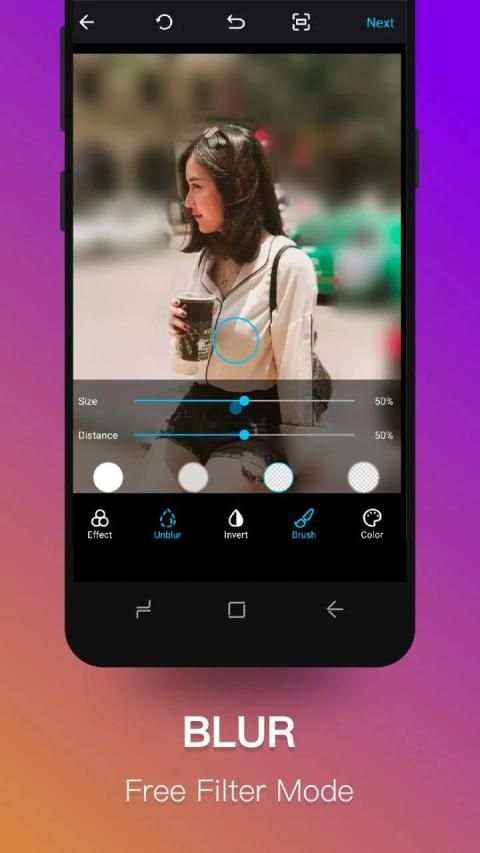
This Super Photo Blur app or photo blur editor can be used as shape blur editor. It contains lot of shapes to make photo blur more interesting and beautiful. Try this amazing photo blur editor and effect and create blur background image.
Super Photo Blur photo editor / auto blur image :
• Select image or import image from gallery or capture using camera to make blurry background.
• Draw around the image to focus and click on done button . It will blur background and unfocus it .
• Adjust blur intensity using burriness option.
• unblur image or blur image again, use manual blur effect image blur option .
Manual blur photo editor :
•after auto blur effect if you want to unblur again then use this blur photo editor
• just select blur or unblur and touch image to blur or unblur
• adjust blurriness and brush size to apply blur effect
Shape Blur :
• Select shape blur option and then choose image to be blurred
• try different shapes and adjust blurriness to get a proper blur image with shape.
• photo blur editor and effect is best shape blur photo editor.
Square Blur Pic : No crop
Use Square image blur to make square photo without cropping.It helps to make profile pic.
DSLR camera blur background output is possible using blur filters with shapes overlays and easy blur effects.
best blur app which changes your pic to an awesome blur background. Download free blur editor for blurring photo background and remove or smudge unwanted portion of photo.

![[ Photoshop Tutorial ] FIX BLUR PHOTO in 2 Minute using Photoshop screenshot 5](https://i.ytimg.com/vi/lj1Fzy2bRJE/mqdefault.jpg)
Bug fixed


