super task killer free on 9Apps

Free download latest super task killer free for Android here and enjoy it with your phone. Below you can download a list of top and latest apps related to super task killer free . 9APPS is a fast, safe app store. With 9APPS, you can save a lot of time on searching and downloading apps.

#1 Super Task Killer

Super Task Killer
Rating: star 3.0 | Version: 1.4 | Size: 348.4KB
Super Task Killer screenshot 1 Super Task Killer screenshot 2 Super Task Killer screenshot 3

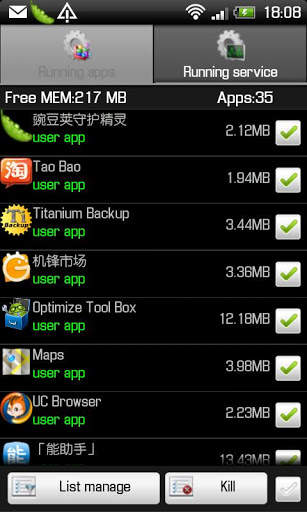
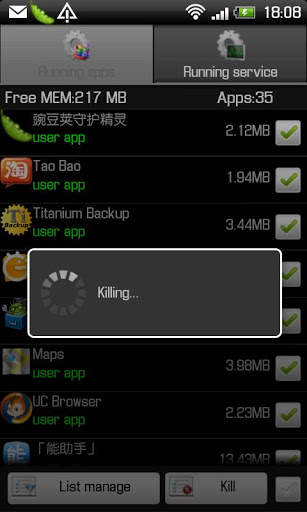
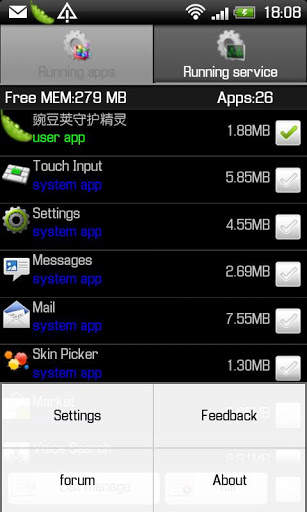
Super task killerFeel your smartphone is becoming slower and slower? Fell the battery life of your smartphone is shorter and short? Crazy about some unwanted running app and service that you can not stop them? You need super task killer.Why my smartphone is becoming slower and slower?That is because so many apps and service are running in your smartphone. Those running apps and service are taking RAM space and CPU becomes dull. No enough available RAM space and CPU is not smart, then of course your smartphone will becoming slower and slower.Why the battery life of your smartphone is shorter and short? That is also because so many apps and service are running in your smartphone. Some apps will auto start even after killing them, which will also short your batter life.Super Task Killer can help you solve these problems. It helps you kill running apps and service. free RAM space and memory, speed up your smartphone and extend the battery life.Features:1 Scan all running apps and service2 Kill selected running apps and service3 Ignore list to ignore apps and service that need not to be killed4.Auto end list to auto end apps and service.5.Widget enables you one click to kill all running apps to free memory.6. Easy uninstall apps.7.Free RAM space and memory, improve speed and save power.Instructions:How to use Super task killer?It is pretty simple to use the app. Open the app, there are two list: running apps and running service. In running apps list, select apps you want to kill and click Kill, those selected apps will be stopped. Long press any app, you can add this app to Ignore list or Auto end list or start it or uninstall it. In running service list, select running service to kill them. From Details, you can know all your apps both downloaded and system apps, and those on SD card. In running list, click any app, you can know the detailed running service for this app, then you can kill any service as you like. What is Ignore list for?If you add one app to ignore list, when you kill all apps, the apps in the ignore list will not be killed. Long press the app, you can add the app to ignore list.What is Auto end list for?Auto end list is for kill apps automatically which can free RAM and memory and save battery .Long press one app you can add this app to auto end list. In Rules settings ,you can set the rules for auto end apps. First turn on Auto end process, and then you can select the auto end interval, when screen closed, every 30m, every 1h, 2h,or 4h. In Auto end rules, you can select auto end apps in Auto end list or just end user or all apps except apps in Ignore list.Why choose Super task killer?Other task killer apps can only kill running apps but can not kill running service. When some apps are killed, service of the killed app may still running in the backstage. Only if you kill running apps as well as running service, can you free RAM space, then speed up your smartphone.Translation needed Any warm hearted friends, please contact me at opda.team@gmail.comTroubleshooting:If something does not work so well or if you have any advice for this app, please do not hesitate to contact me at swgj114@gmail.comThank you very much for using my app. I will appreciate it very much if you like this app and rate it.

...

👉 For More Detail of Super Task Killer

#2 Task Killer Free

Task Killer Free
Rating: star 3.0 | Version: 1.0.3 | Size: 95.8KB
Task Killer Free screenshot 1 Task Killer Free screenshot 2

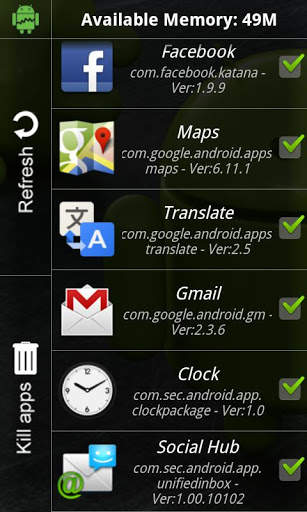
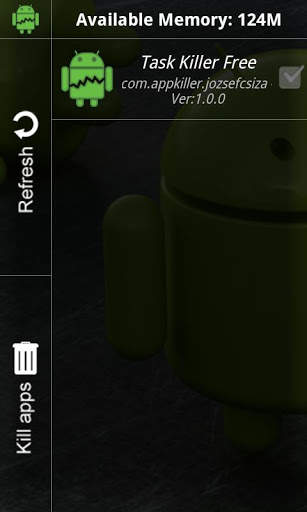
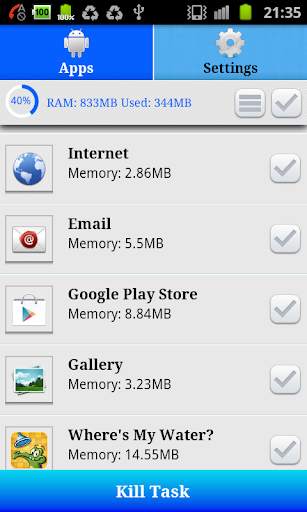
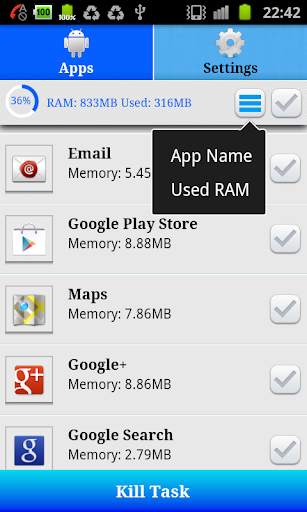
quot;task Killer Freequot; is a free full screen app for killing background processes.Works on non rooted phones too.If you want to force stop an application from the list just long press it.If you like it rate it.SEO: Task, Task Killer, Advanced Task Killer, Background Process, Kill Background Processes, Free memory

...

👉 For More Detail of Task Killer Free

#3 Advanced Task Killer - Free

Advanced Task Killer - Free
Rating: star 3.5 | Version: 1.2 | Size: 1.2MB
Advanced Task Killer - Free screenshot 1 Advanced Task Killer - Free screenshot 2 Advanced Task Killer - Free screenshot 3

Do you know that your phone runs slowly when there are too many background apps? Do you want to speed up your phone with just one click?
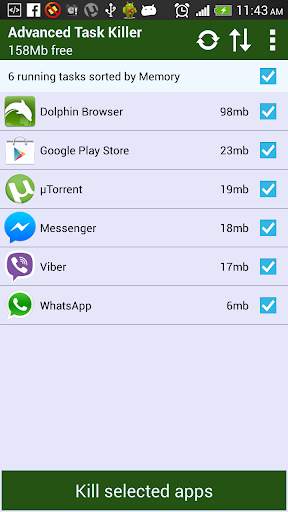
Advanced Task Killer can help you to kill (close or stop) the running apps of your phone, free up the memory and increase the speed of your phone. It has all features which task manger has.
- Detailed list of running apps including memory consumed.
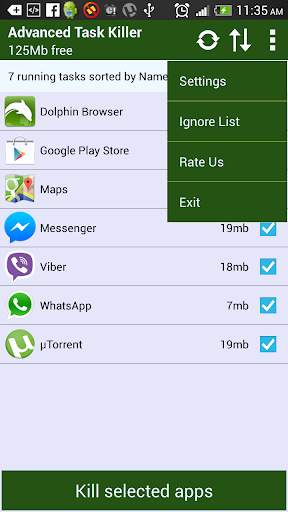
- Ignore List
- One tap widget
- Auto kill
[IMPORTANT] - This App does not not use any background service in contrast to all task killers available on play store. This is important as background service it self consume a lot of memory and processor speed.
1. How to use it (for new users to quick start)?
ATK is pretty simple. Open this tool and take a look at the running applications list? Uncheck some apps you don't want to kill (such as Advanced Task Killer and some system apps) Tap the button 'Kill selected apps', it will kill all applications checked.
2. Why there are app running that I haven't used or even opened?
Some app will start up once you turn on your phone or be invoked by some events.
3. What is ignore list/ignore?[IMPORTANT]
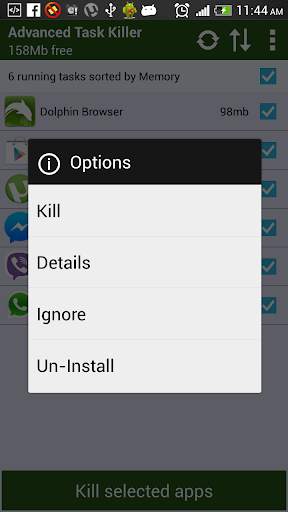
Ignore list is for you to ignore some app you don't want to kill. If you long press on the app listed on the main screen of ATK, the menu will pop up, then you can select 'Ignore', the application would be moved to ignore list. When you tap 'Kill selected apps', it won't be killed any more.
4. What is Auto Kill?
If you want to kill apps automatically you need to choose one of auto-kill level
- High: Delete all apps which consume memory except system apps.
- Low:
Delete all apps which consume memory including system apps.

...

👉 For More Detail of Advanced Task Killer - Free

#4 Auto Task Killer Free

Auto Task Killer Free
Rating: star 3.5 | Version: 1.1.2 | Size: 2.9MB
Auto Task Killer Free screenshot 1 Auto Task Killer Free screenshot 2

El asesino de tareas avanzadas es simple, más rápido y automático asesino de tareas.La tarea avanzada Killer ayudará a aumentar la batería al matar la tarea automáticamente.Muestra la memoria asignada actualmente en cada aplicación.
Ordenar la lista de aplicaciones por el nombre de la aplicación y el tamaño de la memoria asignada.Muestra la información de memoria utilizada.

...

👉 For More Detail of Auto Task Killer Free

#5 Super Task Killer

Super Task Killer
Rating: star 3.0 | Version: 1.2.2 | Size: 581.1KB

Super Task Killer screenshot 1 Super Task Killer screenshot 2

Super Task Killer is a tool in simple operation. 1.stop the Task which like process or service,can stop any one Task or select all Task. 2.show system memory information and clear system memory 3.Search and Uninstall any application 4.run background This is one function of King Kong Lock®.You can get powerful system tools box by search 'King Kong Lock'.

...

👉 For More Detail of Super Task Killer

Search Results

1/1

You may like

DOWNLOAD IS NOT SUPPORTED IN WEB STORE!
Use the latest version of 9Apps to download APK&OBB file of games in one click!
DOWNLOAD 9APPS