DOWNLOAD IS NOT SUPPORTED IN WEB STORE!
Use the latest version of 9Apps to download APK&OBB file of games in one click!
DOWNLOAD 9APPS
SmartWatch BT Notifier: recibe notificaciones y controles de teléfonos en su reloj inteligente ...
Cómo usar:
Paso 1: Instale SmartWatch BT Notifier
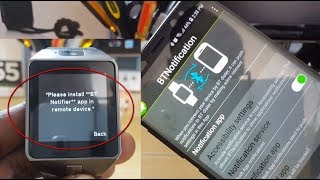
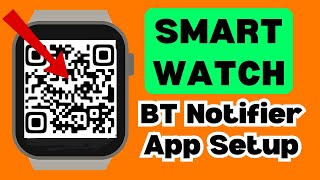
Paso 2: Abra SmartWatch BT Notifier en su SmartWatch. Haga clic en el botón "Habilitar Bluetooth". Después, haga que SmartWatch sea detectable haciendo clic en "Hacer descubrible".
Paso 3: Abra la aplicación SmartWatch BT Notifier en su teléfono. Presione "Habilitar permisos" para permitir que SmartWatch BT Notifier acceda a las notificaciones. Se le enviará a la pantalla de configuración de notificación de su teléfono, donde debe encender el vaso para SmartWatch BT Notifier. Después de que haya terminado con la configuración, haga clic en APARTADO, para ser redirigido a la aplicación SmartWatch BT Notifier.
Paso 4: Haga clic en "Habilitar Bluetooth" y, después de que BT esté habilitado, haga clic en "Conectar dispositivo".
Paso 5: Buscar De la lista apareció el nombre de Bluetooth de su dispositivo Smart Watch y conéctelo.
Paso 5: Presione "Par / OK" en ambos dispositivos y confirme los dispositivos de emparejamiento, si es necesario (haga clic en Aceptar / Permitir). ¡Done! ¡Tu teléfono Android y tu reloj Android / Wear están conectados!
Gracias por usar esta aplicación SmartWatch BT Notifier ...