DOWNLOAD IS NOT SUPPORTED IN WEB STORE!
Use the latest version of 9Apps to download APK&OBB file of games in one click!
DOWNLOAD 9APPS
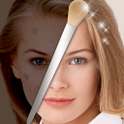
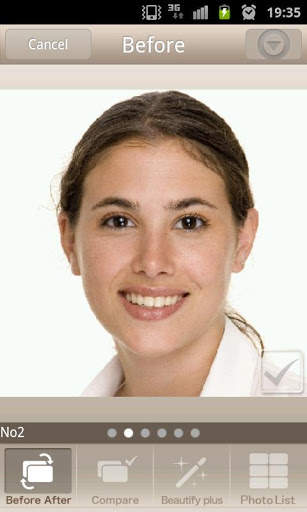
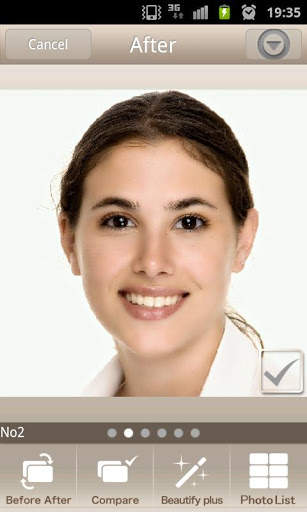
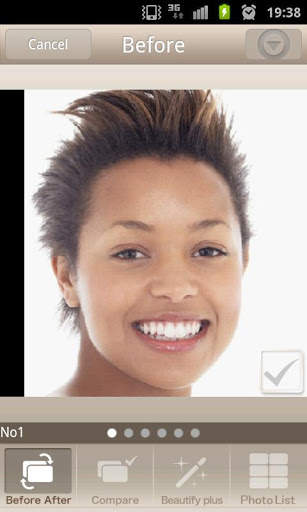
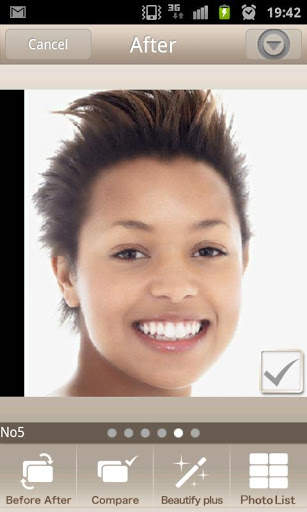
Let39;s make the face beautiful by using Best FaceYou can make beautiful photographic portrait easily by using Best Face.The wrinkles and the spots are erased from youryour friend39;s facesand make it smooth.Of course the photograph can be saved.This application uses Face Image Beautification Systemof the Meiji University Prof. Kaoru Arakawa design.Researchcooperator:Yamagata University Prof. Kohei NomotoAbout Face Image Beautification System.This system removes the unwanted components that spoil the beauty of face , makes your skin smoother , emphasizes the shadow, and makes entire face looks more beautiful.How to use1.push the quot;Photoquot; and select the target photo. Six beautified photos will be displayed. Supports android39;s camera 2.Push the quot;Savequot; button on the best shot. The photo will be saved.3.If there is no good photo, Choose two better photos and push the quot;BeautifyPlusquot; button. 6 rebeautified photos will be made.Key featuresWhen it beautifies first time, six photographs are made at random.An original photograph is displayed in the first place of sixThe list of beautified photographies.It is possible to beautify it again based on two selected. Unlimited beautifyCompare beautified with original and photos.Compare of photographs selected.notes The beautified photo is resized to below 380x380 pixel. The size depends on trim The good effect of Best Face is not brought easily from the photograph where a dark part exists in face. Please take a picture of face brightly. The good effect of Best Face is not brought easily from the photograph where a hair is gold.