











DOWNLOAD IS NOT SUPPORTED IN WEB STORE!
Use the latest version of 9Apps to download APK&OBB file of games in one click!
DOWNLOAD 9APPS

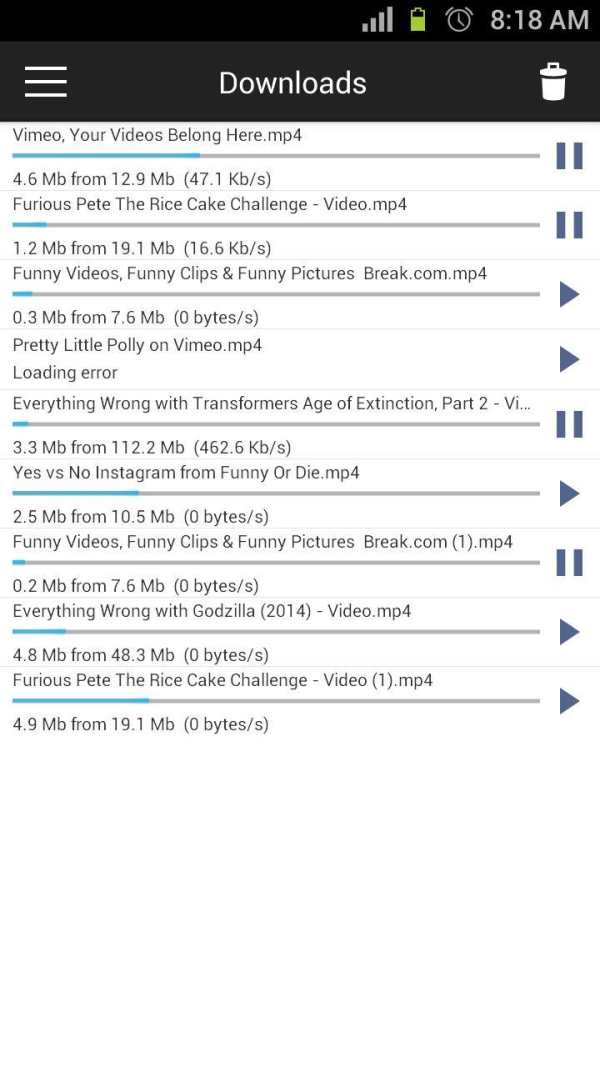
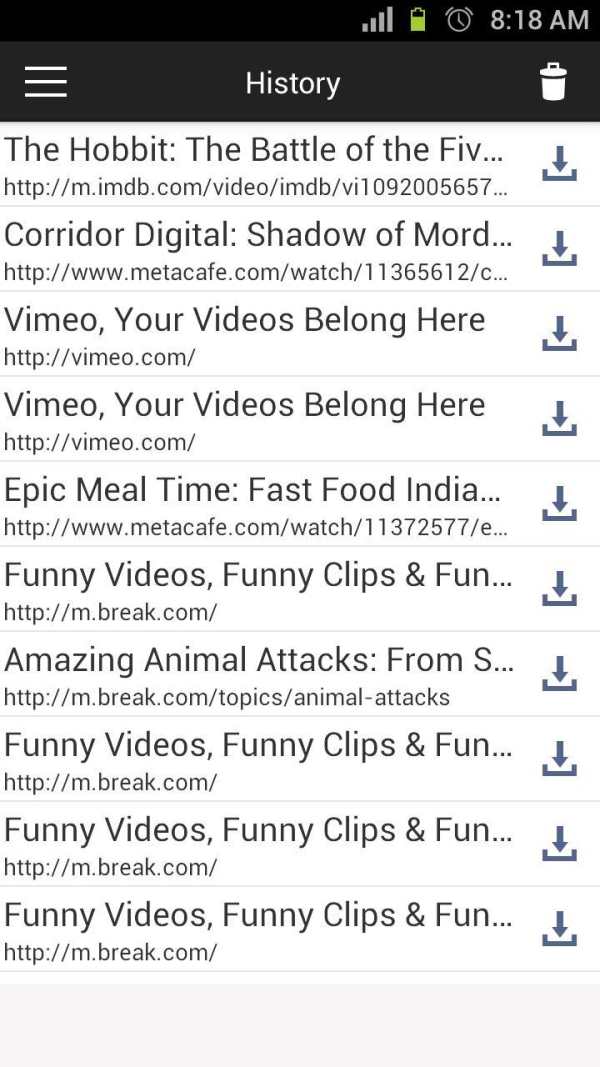
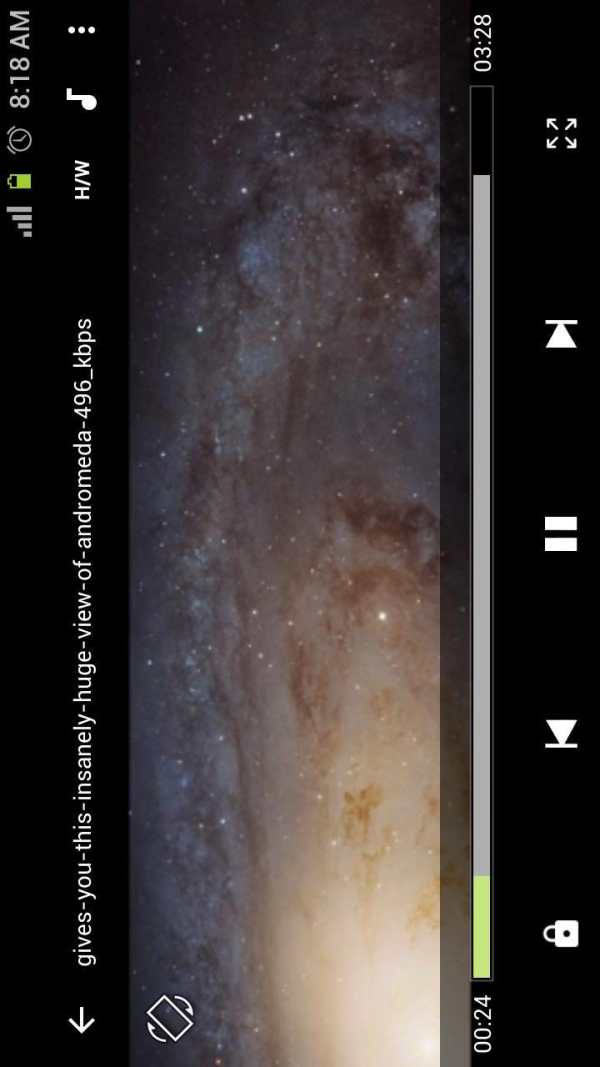
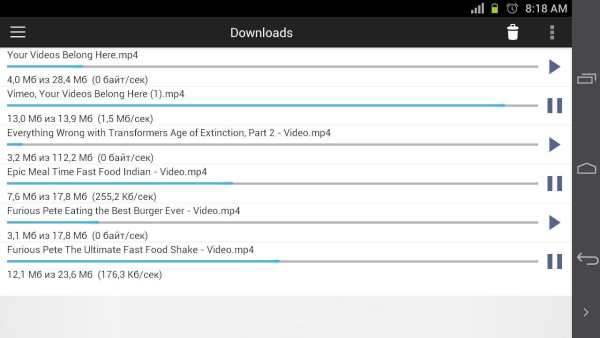
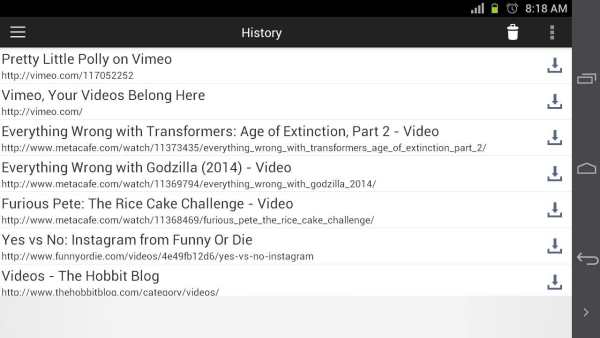
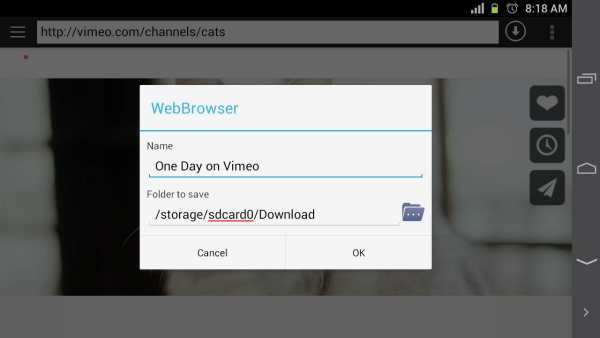
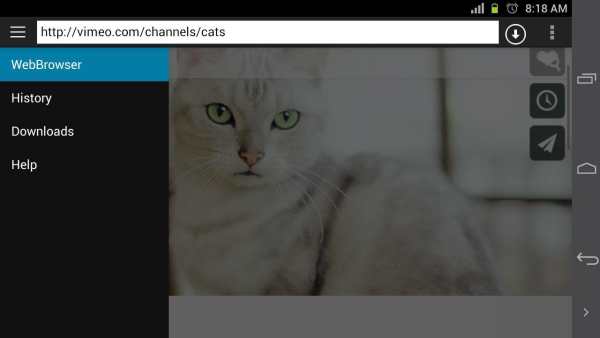

Video Downloader AVDownloader allow download videos almost from any website and play downloaded videos without Internet connection.
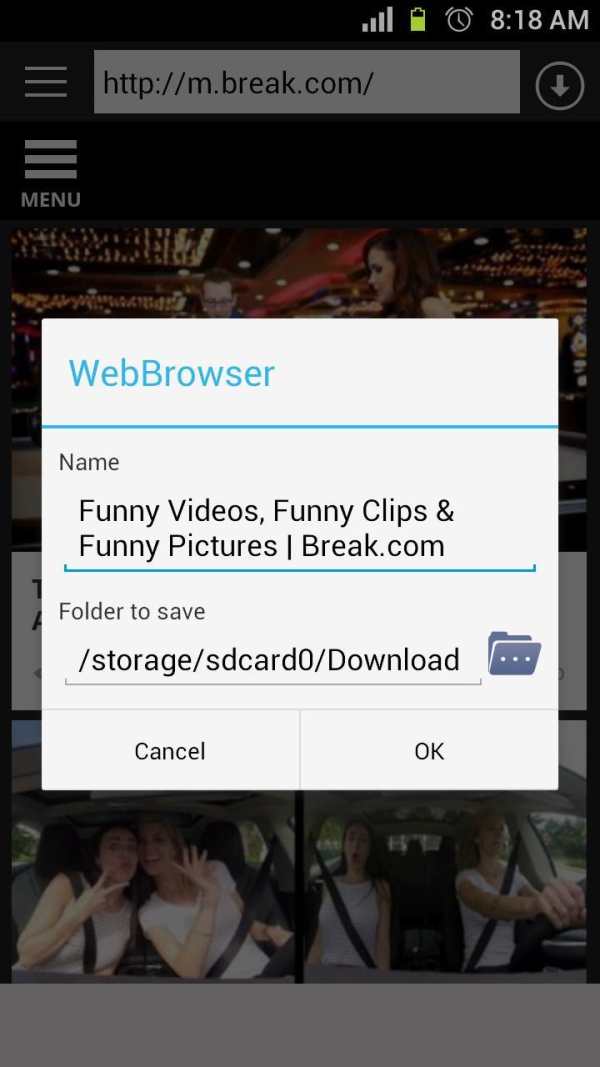
● How can I download a video to Video Downloader AVDownloader?
1. Tap address bar and type search query or address of website with video
2. Open page with video you want to download
3. Tap Download button on top panel
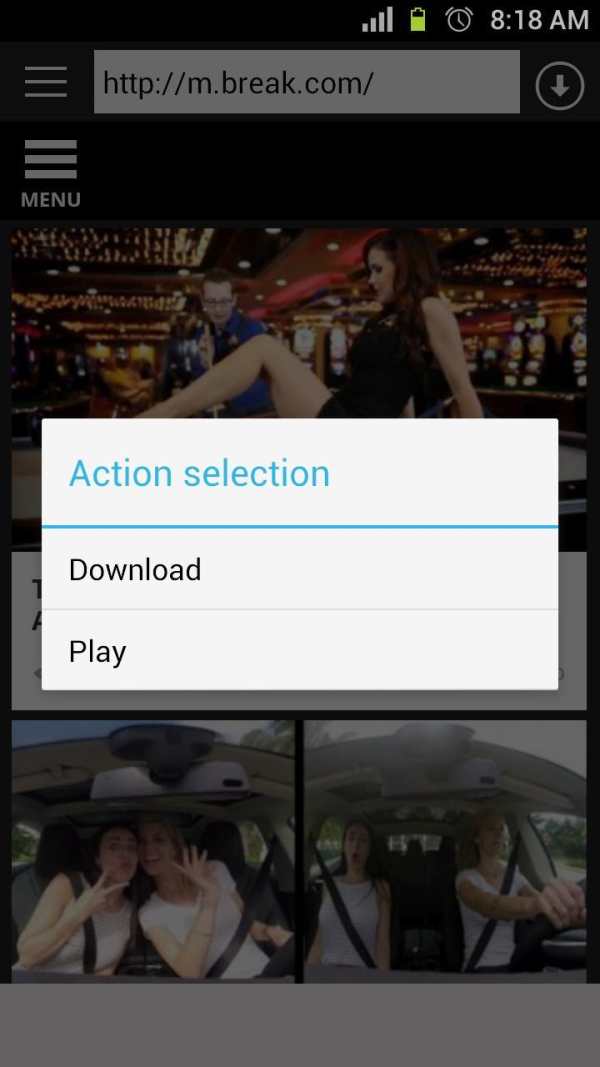
● How to download video if webpage contains several videos:
1. Browse to video you would like to download then touch and hold it
2. Tap the Download button
● What are formats video available for download via Video Downloader AVDownloader?
To download the video formats: 'mp4', 'm3u8', 'mov', 'qt', '3g2', '3gp', '3gpp', 'm4v'
● How can I watch downloaded videos?
To view the downloaded video fits any video player. We recommend you play the downloaded video, especially the video format m3u8, using the video player "MX Player". It is better than other meets all requirements of streaming video.
NOTE: App can't download videos from YouTube due to their terms of service.
Please check carefully the copyrights before downloading video, app not responsible for copyrights infringements.
Please contact with us if you have any problem about this application. We will solve the problem ASAP.
Bugs fixes


