
DOWNLOAD IS NOT SUPPORTED IN WEB STORE!
Use the latest version of 9Apps to download APK&OBB file of games in one click!
DOWNLOAD 9APPS
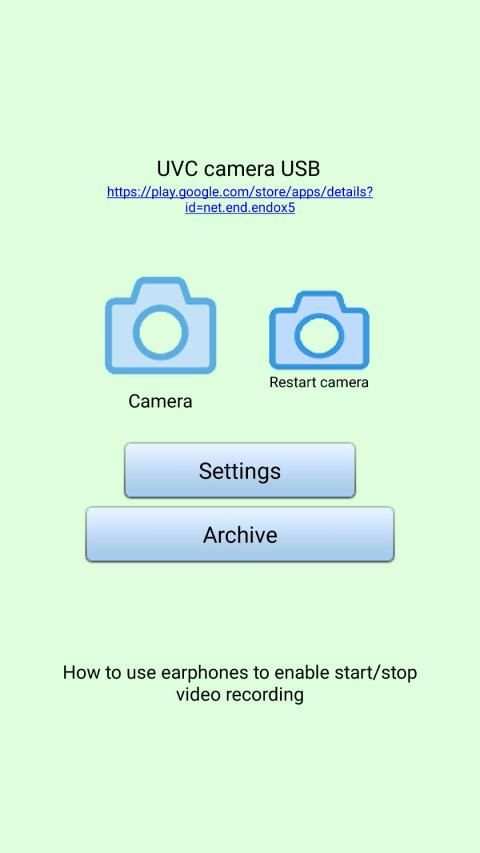
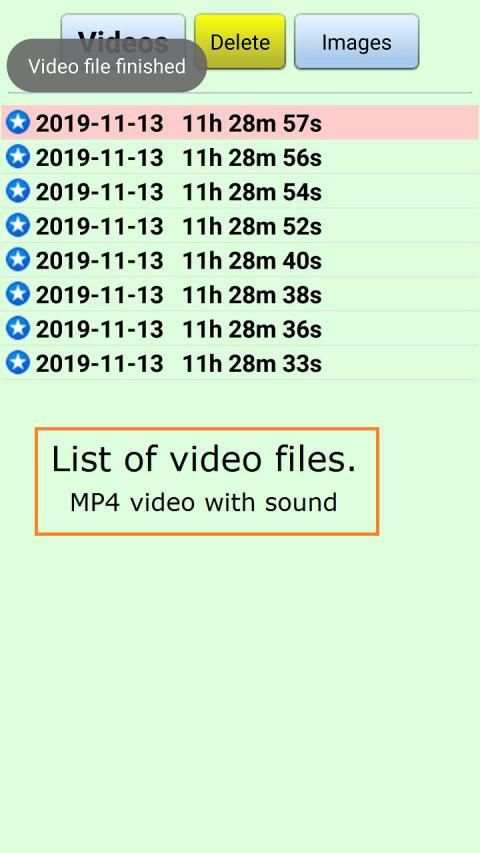
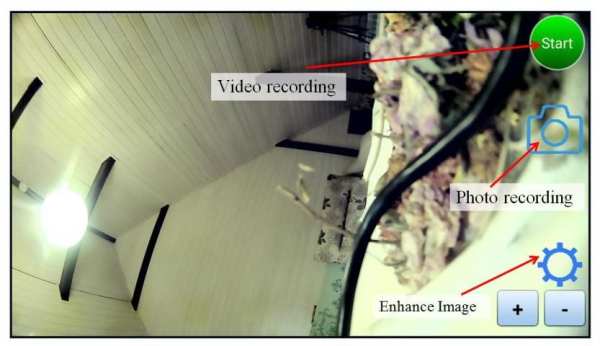
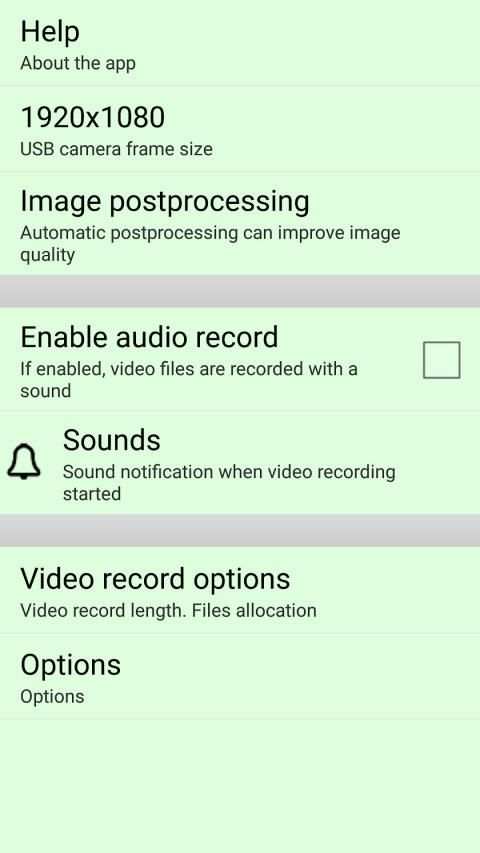
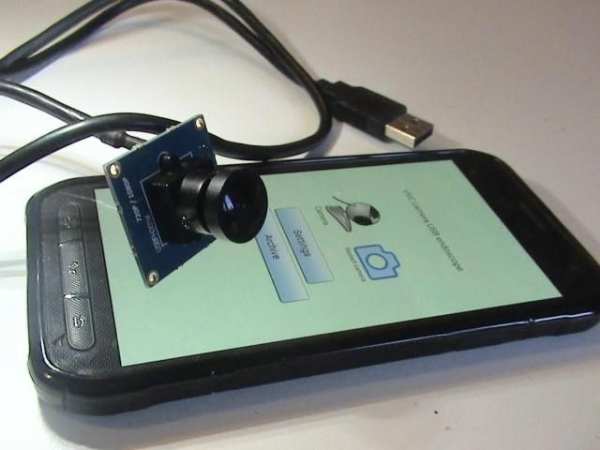
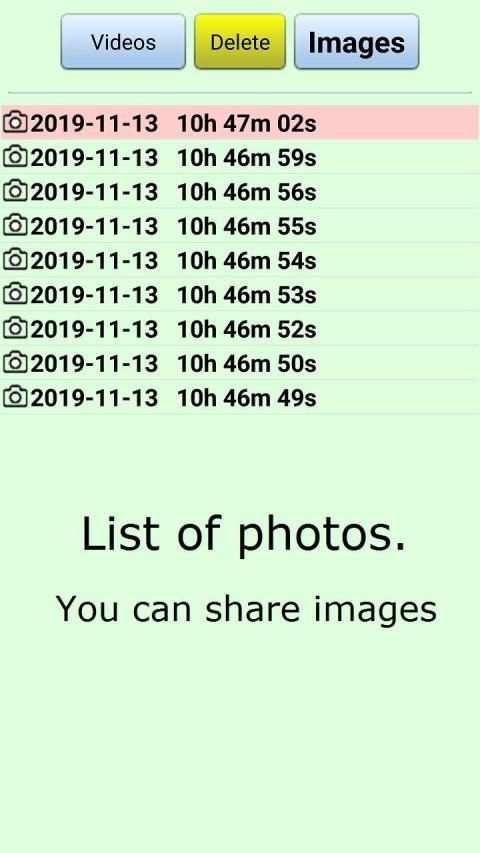
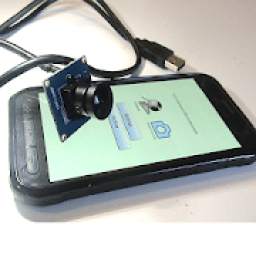
This app can connect your USB camera or USB endoscope to android gadget in 5 seconds.
Main features:
1) The app can support more than 40 different smartphone's brands
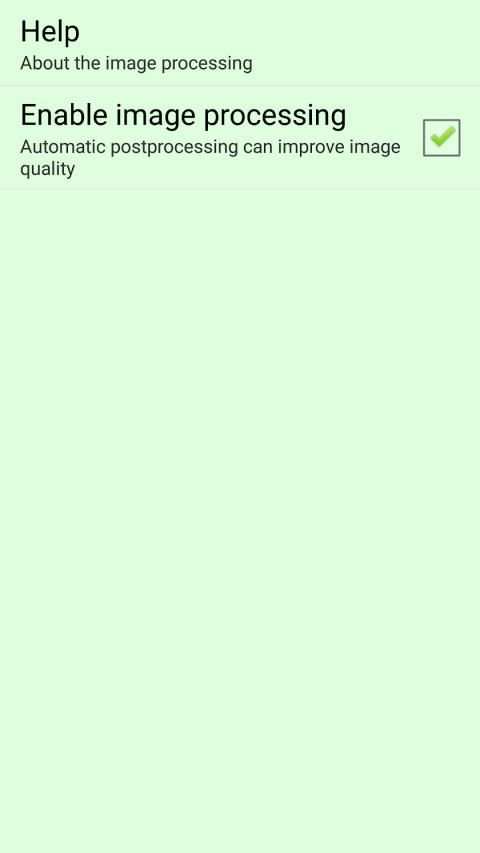
2) Unic image post processing can improve image quality in dark image regions
3) You can share both video files and images over EMAIL, BlueTooth, Internet
4) You can use standard 3.5mm earphones to start/stop video recording
Top feature:
High video quality (up to 1920x1080 frame size, 25 frames/sec)
How to use stereo earphones to start video recording?
You can use standard 3.5mm stereo earphones to start/stop video recording.
1) Select in the app: Settings - Use earphones to start recording - Enable earphones.
2) Connect 3.5mm stereo earphones to the audio port of your gadget
3) Click the button on earphones to start / stop video recording.
To record only an image you need to double click.


Sony, Moto, Huawei, Samsung gadgets support



Candy Crush Saga
4.491.1MB

Talking Tom
3.963.0MB

Temple Run 2
4.4122.1MB

Stickman Fighting
3.059.6MB

Quikr – Search Jobs, Mobiles,
4.120.8MB

imo beta -video calls and chat
4.394.0MB

Offline Music Mp3 Player- Muso
4.535.9MB

ShopClues
3.816.4MB

Facebook Lite
4.02.5MB

Dearmet: Video Chat, Live Talk
4.043.4MB