










DOWNLOAD IS NOT SUPPORTED IN WEB STORE!
Use the latest version of 9Apps to download APK&OBB file of games in one click!
DOWNLOAD 9APPS

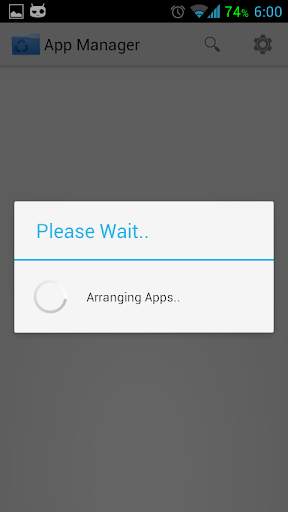
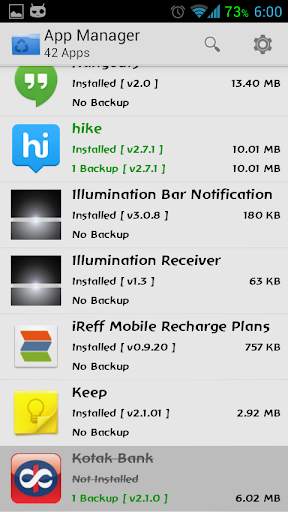
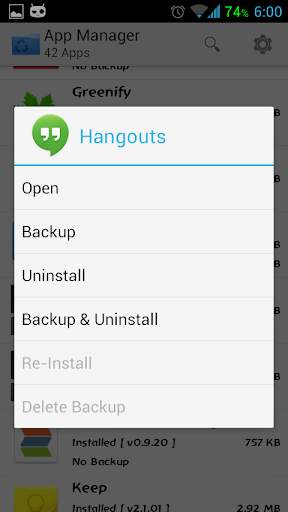
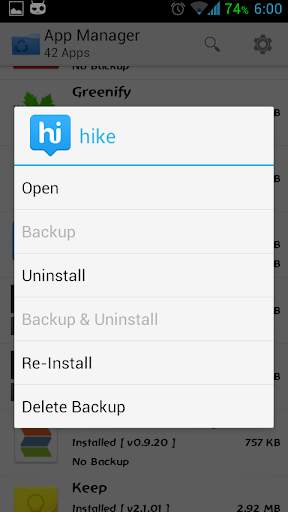
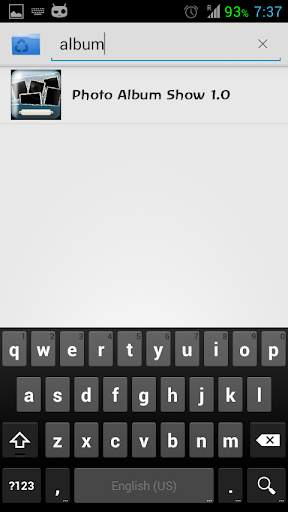
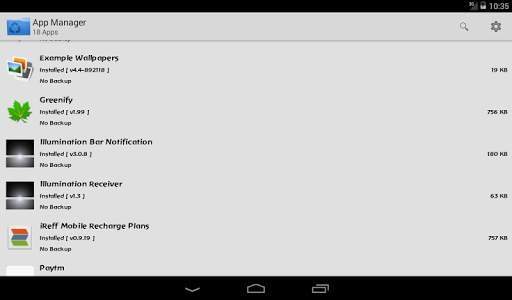
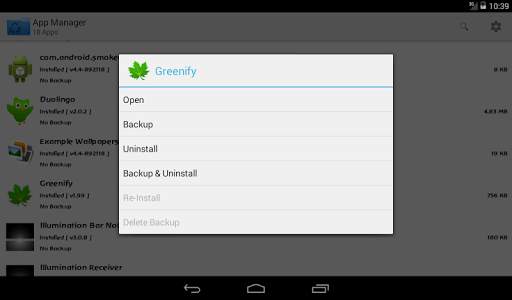
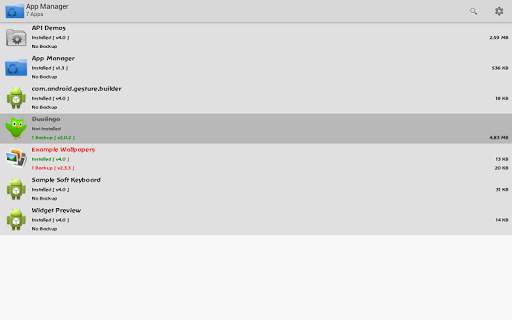
APP Manager helps you backup and restore installed application easily.
»
The backup is stored in the /sdcard/BackUp folder by default.
»
Uninstall apps quickly without navigating to setting page every time.
»
Take a quick backup before you uninstall an app.
»
View all backed up apps stored in sdcard and restore them if required.
»
Share the apk/apps with your friends via bluetooth or mail
Features:
»
Share apps instantly
»
Backup apps to SD Card
»
Restore apps from SD Card
»
Quick Backup & Uninstall
»
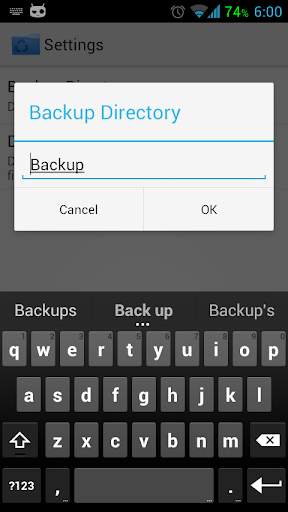
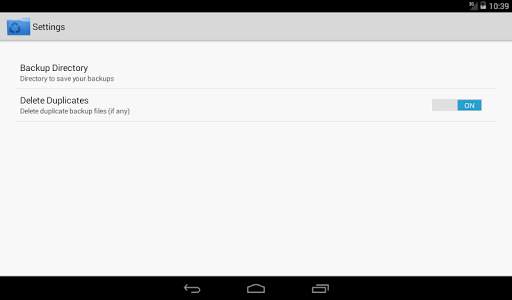
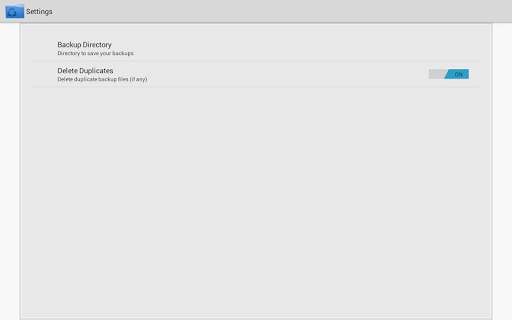
Backup to any custom folder
»
Batch Backup
»
No Ads
Note:
»
APP Manager cannot backup data or settings of apps for you, but it only backup the apk files to SD card.
»
App only displays user installed apps but not system apps
FAQ:
-----
Q: Does it backup data of apps?
A: No, currently it only backup the apk files of apps.
Q: Why can't I restore apps?
A: Go to "System Settings"->"Applications", enable the "Unknown sources" setting, then you can restore apps from SD card.
Q: What are "Protected" apps?
A: "Protected" means that the apps are protected by "Copy Protection", and the apk file of them cannot be copied to SD card.




v2.1
→ Added Share Options
→ Crash Fixes
v2.0.1
→ Bug Fixes
v2.0
→ Batch Mode
→ Minor UI Change to suit batch mode
→ Minor under the hood changes


