












DOWNLOAD IS NOT SUPPORTED IN WEB STORE!
Use the latest version of 9Apps to download APK&OBB file of games in one click!
DOWNLOAD 9APPS
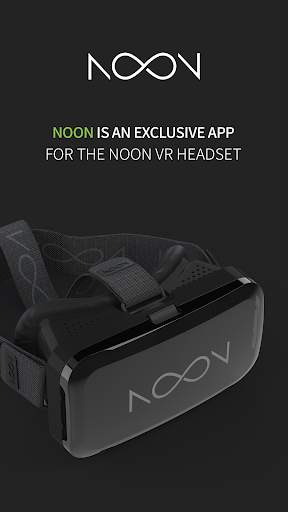
NOON app is a dedicated app for NOON VR headset.
More information on NOON VR headset can be found at http://www.noonvr.com
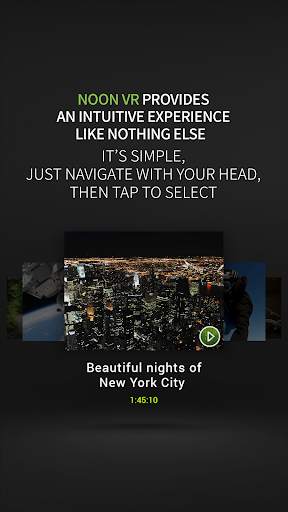
NOON app provides an intuitive user experience in VR mode.
[VR Videos]
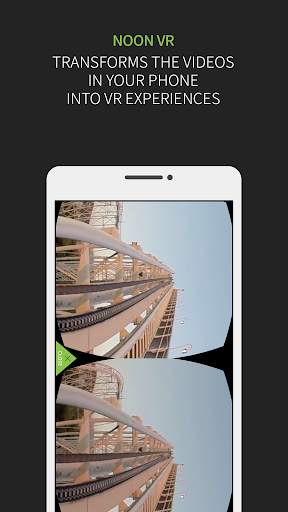
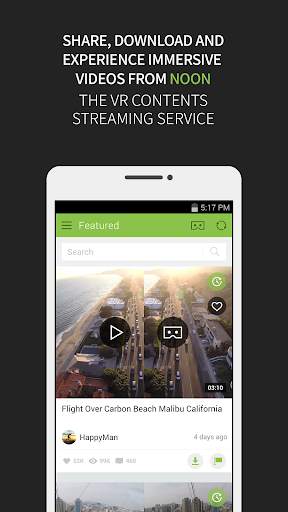
With NOON app, users can browse and watch all the videos stored in the phone/PC in VR space.
360-degree videos, stereoscopic 3D videos, and normal 2D videos are supported.
Users can select and play the videos by simply changing the head orientation in VR mode. To activate any button in VR mode, just hover the on-screen cursor on it for two seconds.
[Remote feature]
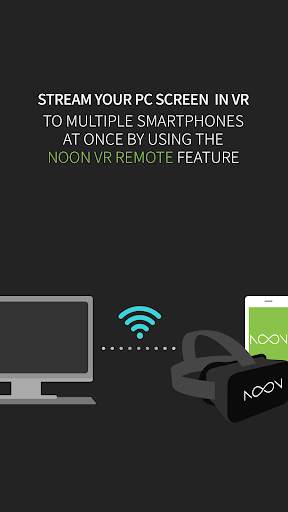
Stream videos, games, and images from your PC to NOON VR with the new ‘Remote’ feature.
[Simply tapping]
In VR mode, users can re-orient the front direction of the content by simply tapping any part of the headset or the phone through vibration detection mechanism.
In VR mode, the control menu pops up by double-tapping the headset or the phone. Even during the video playback in VR mode, users can adjust the screen size, change the screen aspect ratio, adjust the volume, seek the video, and switch the video formats.
[NOON VR v3.92 Update]
- fix to crash issue


