









DOWNLOAD IS NOT SUPPORTED IN WEB STORE!
Use the latest version of 9Apps to download APK&OBB file of games in one click!
DOWNLOAD 9APPS

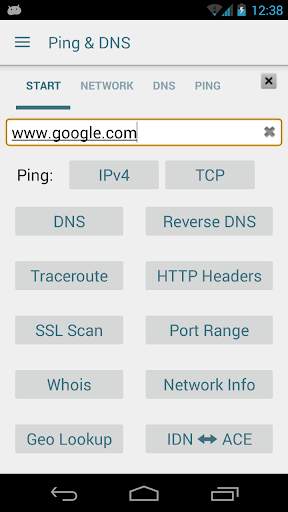
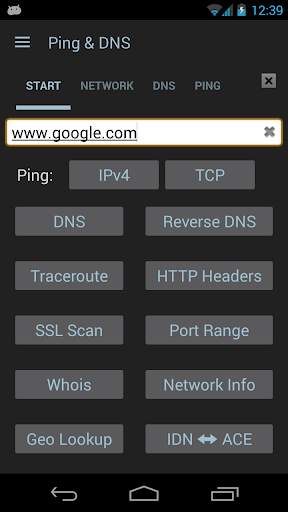
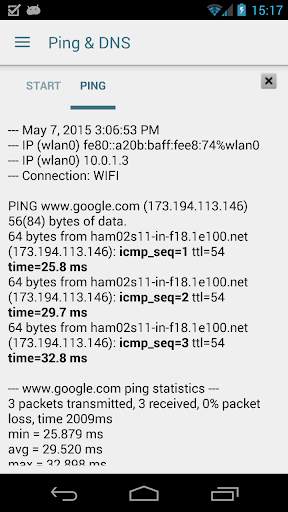
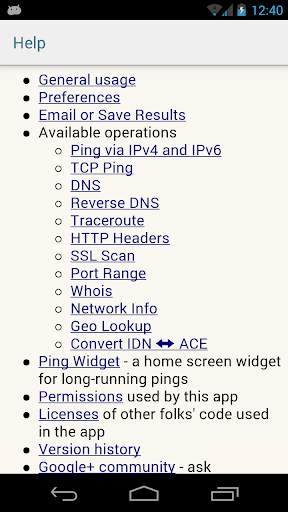
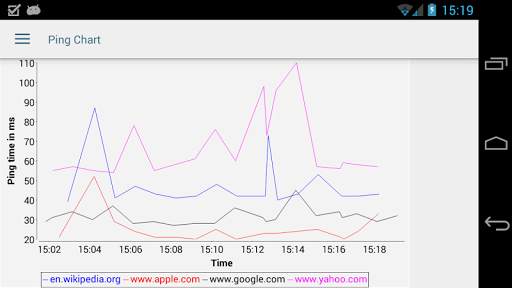
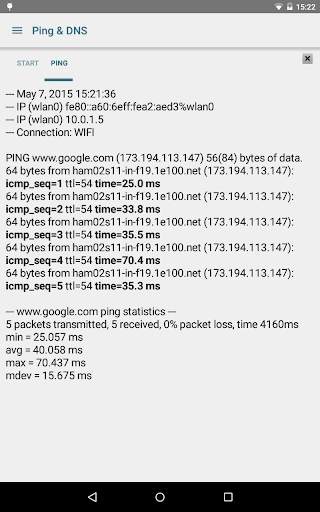
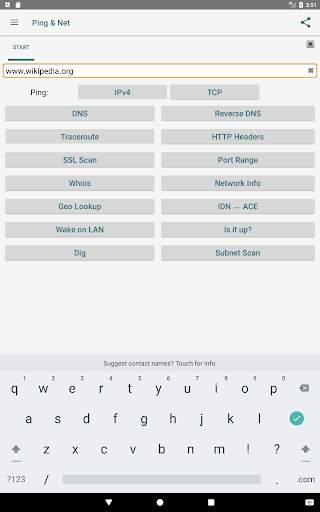
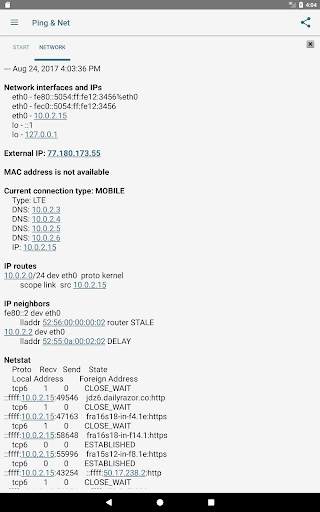
(For an explanation of the GPS permission, see below.)
Displays lots of network information and diagnostics: Ping a server (via ICMP over IPv4 or IPv6 and TCP), DNS lookup (with geographical lookup of IP addresses), reverse DNS lookup, WHOIS queries, inspecting HTTP response headers, trace routes (also with IP address geo lookup), check whether a range of ports is open, scan a host for SSL versions and ciphers, perform Path MTU discovery, look up the location of hosts, check whether it's reachable from the public internet, and determine the risk associated with an IP Address. It also shows details of the current network setup and connection of the device, including netstat information. "Wake on LAN" functionality for waking up machines. The optional "NetSentry" monitors network interfaces and warns when usage limits are about to be breached.
Includes a home screen widget for long-running pings, and a Wake-on-LAN widget for waking a specific host.
Recently used hosts, IP addresses and DNS servers are remembered for auto-completion.
The results can be copied (via long-click on the output text), sent via email or stored in a file as text or PDF. A history of the results of recent operations is kept (swipe left and right to switch between tabs).
Numerous options (like using an alternative name server, Ping TTL, showing ping times for each traceroute step, Broadcast Ping, using HTTPS, setting the HTTP port number, selection of DNS record types to query, etc.) are available.
Contains no ads.
Please join the Google Group "Ping & Net" where I support this app, especially if you're having problems.
WHY THE GPS PERMISSION? First off, GPS is only accessed if the "Show Location" checkbox is set in the Ping Options dialog. This checkbox is turned off by default, so unless you explicitly set it, you don't need to worry about your location ever being tracked. Tracking location is useful for measuring ping times during long-running pings across large areas, like a factory or a university campus. Once a long-running ping with location is done, a Google Earth file (.dmz) is created that shows the ping times along with the geo location of each ping. Most people will never need this option, so you don't have to worry. And even if you do use it, location data is stored on the device, it is not sent or uploaded anywhere (the exception being if you attach the Google Earth file to an outgoing email - in which case you're in charge of where the email is sent to). So all the negative comments you may see in the Play Store are unfounded.




Pressing the back button on the start page now exits the app.


