mirrorop on 9Apps

Free download latest mirrorop for Android here and enjoy it with your phone. Below you can download a list of top and latest apps related to mirrorop . 9APPS is a fast, safe app store. With 9APPS, you can save a lot of time on searching and downloading apps.

#1 MirrorOp Presenter
MirrorOp Presenter
Rating: star 2.9 | Version: 2.2.5.0 | Size: 47.5MB
MirrorOp Presenter 1 تصوير الشاشة MirrorOp Presenter 2 تصوير الشاشة MirrorOp Presenter 3 تصوير الشاشة

License keys are available via in-app purchase.
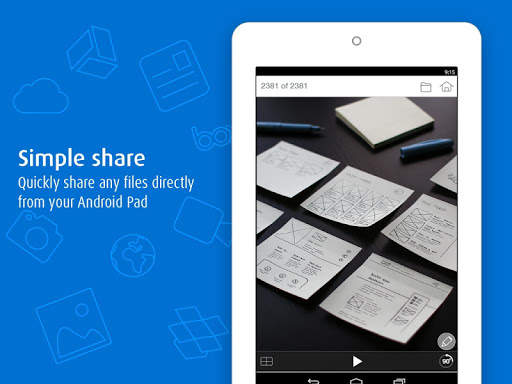
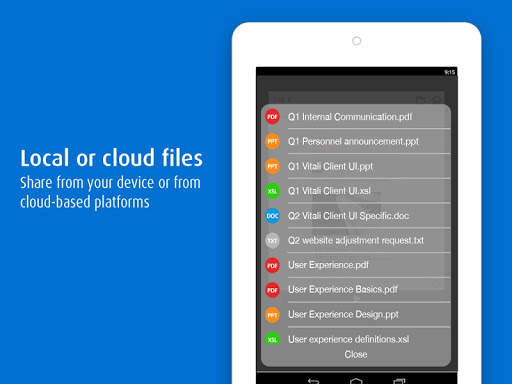
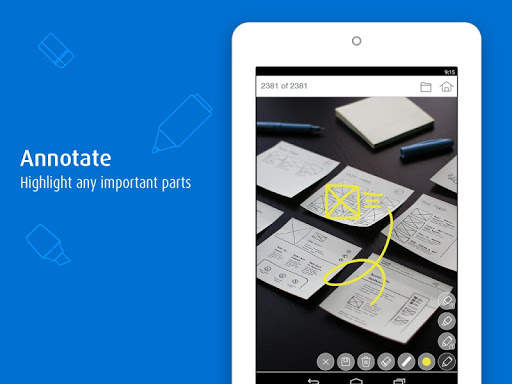
MirrorOp Presenter is the latest member of the MirrorOp family. As the successor of the popular WiFi-Doc app, MirrorOp Presenter adds more flexibility for presenters and teachers by including the built-in browser (for showing web pages) and live camera (for sharing non-digital contents like printed materials or even 3D real objects). MirrorOp Presenter also introduces new annotation tools that help presenters highlight presentation materials or write/draw any ideas that just pop up.
Key Features
★ Documents (Word, Excel, PowerPoint, PDF)
★ Photos (JPG,
PNG)
★ Browser
★ Live Camera
★ ScreenMirroring
★ Annotation tools
★ Cloud
Requirements

MirrorOp Presenter is free to use with wePresent receiver devices (e.g. WiPG-1000/WiPG-1600/WiPG-2000/WiPG-1600W/WiCS-2100). For more info, please visit https://www.barco.com/wepresent or contact your local wePresent distributor.

MirrorOp Presenter is free to use with CSC (ClickShare for Conference Rooms) and CSM (ClickShare for Meeting Rooms) receiver devices. Firmware update may be required. For more info, please contact your local ClickShare support team.

For other (unauthorized) receiver devices which have downloaded the MirrorOp Receiver app, projection via MirrorOp Presenter will be stopped every 5 minutes unless users make an in-app purchase of the license key.
Setup with 3 easy steps
1. Install receiver device.
2. Connect to the receiver device via WiFi.
3. Launch the MirrorOp Presenter app and start presentation
EULA
http://www.barco.com/en/support/docs/TDE9701

...

👉 For More Detail of MirrorOp Presenter

#2 MirrorOp Sender for Galaxy

MirrorOp Sender for Galaxy
Rating: star 3.0 | Version: 1.2.0.6 | Size: 2.8MB
MirrorOp Sender for Galaxy 1 تصوير الشاشة MirrorOp Sender for Galaxy 2 تصوير الشاشة MirrorOp Sender for Galaxy 3 تصوير الشاشة

MirrorOp Sender for Galaxy now supports all MirrorOp receivers! You can now register the sender with in-app purchase key to use it on any MirrorOp receiver.
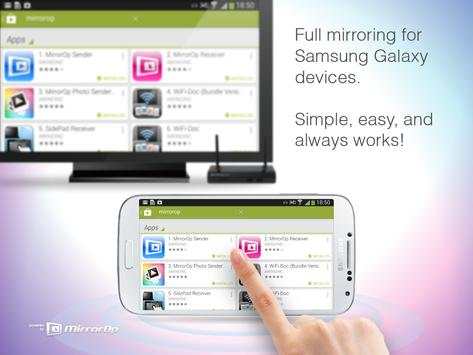
Now you can use your Samsung Galaxy phone or tablet to share any content to any MirrorOp enabled central display.
Completely flexible and universally compatible with any app, the MirrorOp sender allows you to easily share pictures, movies, games or presentations onto your TV or projector.
Your content is not streamed or retrieved from the cloud, instead the MirrorOp receiver duplicates whatever is on your device and gives you an exact copy on another display. You can even operate your Galaxy device from the receiver with a mouse or touch screen!
Key Features
- Duplicates screen (full mirroring) of Galaxy phones and tablets to another display
- Shows dynamic content and moving images smoothly
- Plays content directly from your device, no internet required
- Easy to use with any MirrorOp receivers
- Works universally with any app on your device
- Up to 4 users sharing simultaneously to the same receiver device
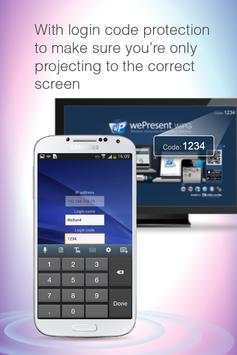
- Password security so you know you’re sharing on the right display
- Auto orientation
- Remote control with mouse or touch panel
- Audio mirroring is enabled on devices with Android 4.4 (Kitkat )
Requirements
- Samsung Galaxy device running Android 4.0 or above
- Free to use with
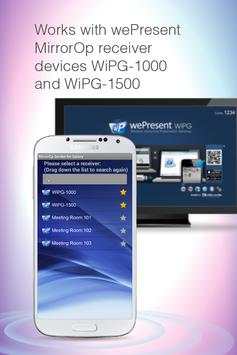
wePresent WiPG-1000/wePresent WiPG-1500
receiver devices (for more info visit www.awindinc.com or local wePresent distributors)
- Free to use with Barco
ClickShare for Conference Rooms (CSC)
and
ClickShare for Meeting Rooms (CSM)
receiver devices (firmware update may be required, for more info please contact your local ClickShare support or Barco representatives)
- For other MirrorOp receivers, buy activation key with in-app purchase to use with all other MirrorOp receivers. Without license key, you can only use up to 5 minutes in one session but to press "PLAY" can start another 5-minutes-trial.
Setup with 3 easy steps
1. Install receiver device
2. Connect to the receiver device
3. Launch the MirrorOp sender on your Galaxy and you’re on-screen
Support Community
Join our Google group to get news on latest features, support and new ways to use your device:
https://groups.google.com/forum/?fromgroups#!forum/mirrorop-service
EULA
http://www.mirrorop.com/sphone2tv/EULA.txt

...

👉 For More Detail of MirrorOp Sender for Galaxy

#3 MirrorOp Sender Add-On: LG

MirrorOp Sender Add-On: LG
Rating: star 3.0 | Version: 1.1.8.8 | Size: 585.8KB
MirrorOp Sender Add-On: LG 1 تصوير الشاشة MirrorOp Sender Add-On: LG 2 تصوير الشاشة

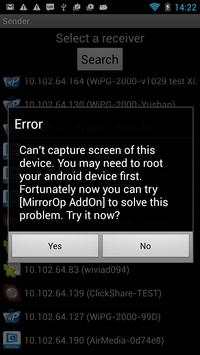
This app is an Add-On module for MirrorOp Sender. Please install MirrorOp Sender first. The sender will automatically detect that if your device need to install this module and guide you to install it.

...

👉 For More Detail of MirrorOp Sender Add-On: LG

#4 MirrorOp Photo Sender Free

MirrorOp Photo Sender Free
Rating: star 3.0 | Version: 0.9.8.2 | Size: 2.6MB

MirrorOp Photo Sender Free 1 تصوير الشاشة MirrorOp Photo Sender Free 2 تصوير الشاشة

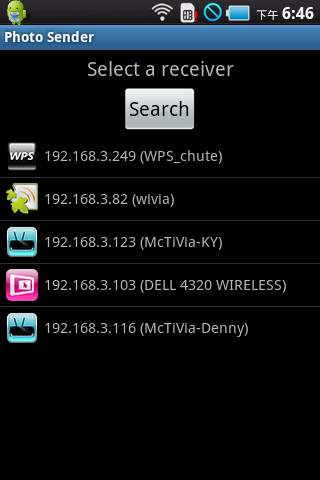
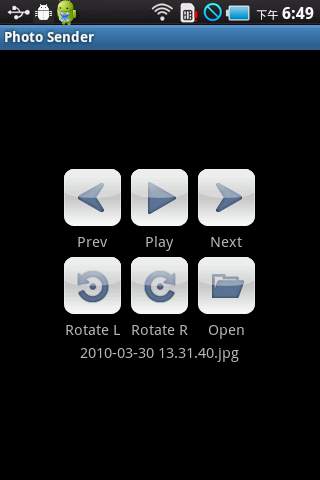
photo sender can send your photo from your handheldtablet to a MirrorOp receiver Please visit:http:mirrorop.comfor more information

...

👉 For More Detail of MirrorOp Photo Sender Free

Search Results

1/1

You may like

DOWNLOAD IS NOT SUPPORTED IN WEB STORE!
Use the latest version of 9Apps to download APK&OBB file of games in one click!
DOWNLOAD 9APPS