

DOWNLOAD IS NOT SUPPORTED IN WEB STORE!
Use the latest version of 9Apps to download APK&OBB file of games in one click!
DOWNLOAD 9APPS
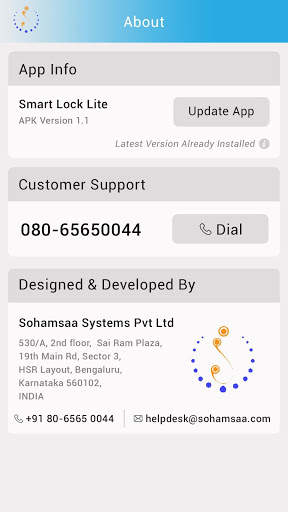
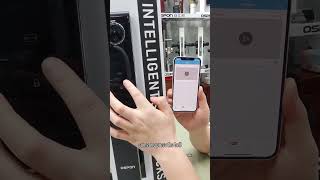
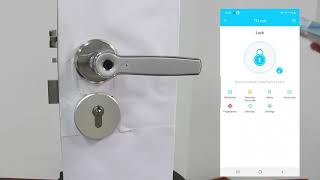
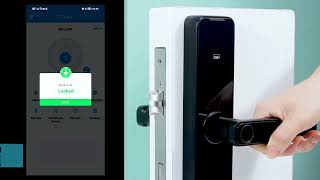
Smart Lock is an Intelligent Lock which can be used for Homes and Offices to secure against Intruders and give access to Guests or Someone who need access with Digital Keys which are totally secure and can be changed dynamically.
Smart Lock comes with Application for Android and iOS to Unlock and Configure with secure Lock ID and Key PIN. Smart Lock uses credentials User ID / Password, Lock ID, Key PIN. Unique User ID / Password will be provided to configure Lock ID, Key PIN including User ID / Password. Smart Lock has built in Keypad which can also be used to unlock and configure.
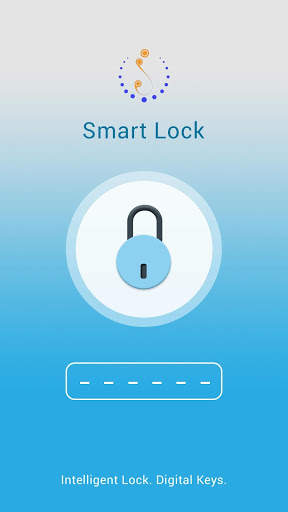
Smart Lock App uses Bluetooth Low Energy ( BLE ), an wireless personal area network technology to communicate with the Lock. User can unlock by entering the PIN ( generated from App ) by App or by Lock Keypad. Once PIN successfully validated user will have 5.5 seconds window time to unlock the Lock by pushing Lever.
Smart can be operated by two different systems,
1. Smart Lock built-in Keypad
2. Smart Lock Android / iOS Applications
The Smart Lock manual provides details about the Lock and Operations.
Features at a Glance:
Smart Lock operates in three different modes i.e Config, Active and Standby mode. Details of each mode is given below.
1. Config Mode:
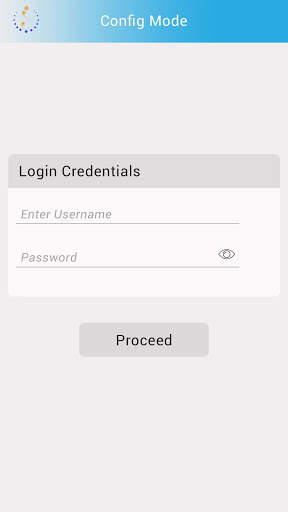
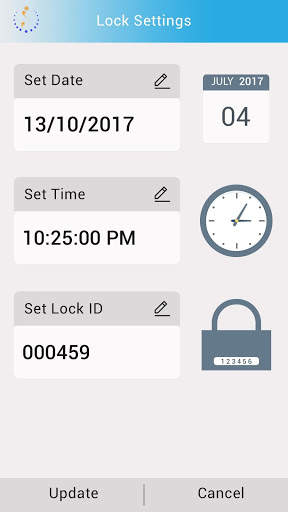
User can change the set date, time, lock ID & PIN, or perform a factory reset in Config mode. The app has a settings icon on top right of every screen, on click of which the user is taken to a log-in screen. When the user enters the correct login credentials, the ‘Lock Settings’ screen appears. The App receives the data set from the Lock & displays to the user. The user can edit each values in two ways - either enter valid values, or allow the app to use system(mobile) values.
1.1 Factory Reset:
If user forget the 4-digit PIN for configuration, Lock can be reset either by entering Factory Reset PIN (example: *9*LMNO#) from Keypad, or after logging into the app and entering Factory Reset PIN (example: ‘LMNO’). The factory reset PIN ‘LMNO’ is unique for each Lock and comes with the Smart Lock package. The user cannot change the factory reset PIN.
2. Active Mode:
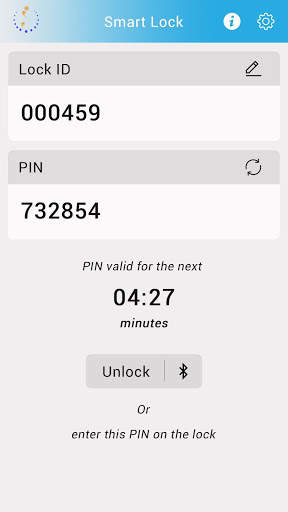
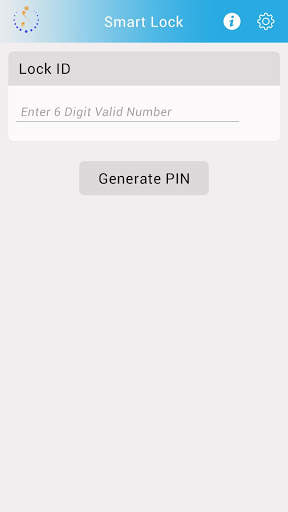
Active or Operational mode is when the Lock is ready to accept, validate & operate. The user generates the 6-digit PIN from the App ( Home screen ), by entering the 6-digit Lock ID, and clicking on “Generate PIN” button. To unlock the lock via Bluetooth, the user needs to click on “Unlock” button in the countdown timer screen.
On click of unlock button, App will initiate a search for the available nearby Bluetooth devices.The user must select the Lock based on the Device ID from the displayed list. The App will pair with the Lock via Bluetooth and unlock it. After successful validation of PIN App will unlock the Lock and use will have window time of 5.5 secs to unlock it within this time after which Lock locks automatically.
3. Sleep Mode:
Smart Lock will go to sleep mode after idle for 15 secs. Back light will go OFF in the sleep mode. The Bluetooth is always active in the Lock, the BLE keep advertising and is ready for pairing. Once the App is paired the Lock wakes up and enter Active mode for operation. The Lock can be put to Active mode by pressing '#' from the Keypad.
4. STATUS INDICATIONS
Status indicators are useful to show current status and indicate result of the Operations. Smart Lock has built-in LEDs and a buzzer for this purpose.
4.1 LEDs
There are 2 LEDs - Red & Green (just above the keypad region) and 4 backlight LEDs (beneath the keypad) in the Lock for visible status indication
4.2 Buzzer
The Lock comes equipped with a single tone buzzer to provide necessary feedback through audio sound to the user.
The User Manual provides detailed chart of Light and Sound indicators and their interpretation.