











DOWNLOAD IS NOT SUPPORTED IN WEB STORE!
Use the latest version of 9Apps to download APK&OBB file of games in one click!
DOWNLOAD 9APPS

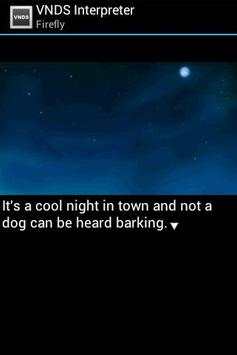
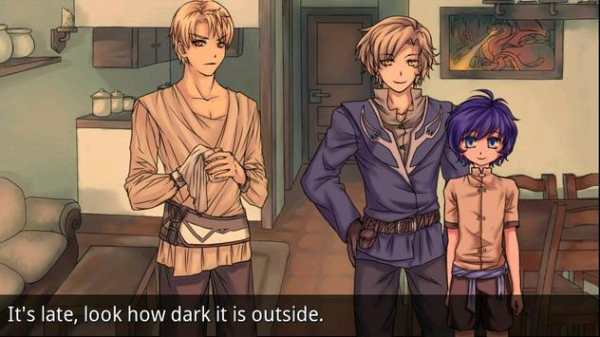
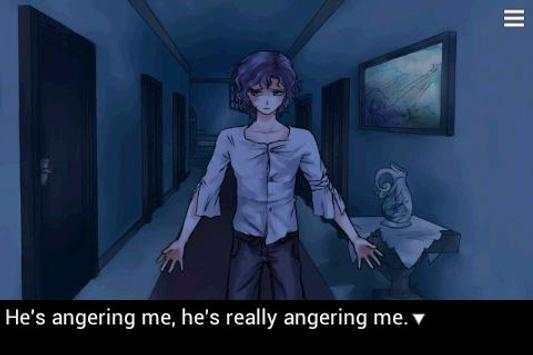
This visual novel engine brings VNDS support to Android. Allows you to read any visual novel written in (or converted to) the VNDS script format.
*** NO SAVE SUPPORT IN LITE VERSION ***
Instructions:
VNDS novels consist of a folder containing several zip files with images, audio files, etc. Copy the entire folder to /vnds/novels/ on your device and the app will automatically detect it (you should have a folder structure like this: vnds -> novels -> mygame -> info.txt). It will search both internal memory as well as any SD cards present, so store your VNs wherever you prefer. If you don't want to store everything in /vnds/novels/, you can add your own novel search path from the opening screen.
Features:
- High-res mode allows for VNDS novels with an image resolution greater than 256x192. When a visual novel is available in multiple image resolutions, pick the one closest to your device's display resolution.
- Longpress the touchscreen to quickly skip through text.
- Hit the back button to view recently displayed text. This textlog mode can also be accessed from the context menu.
- Configurable text speed, size and textbox position (including an optional fullscreen textbox).
- Auto read mode: Automatically advances the text.
- Continuous text mode: Appends text instead of clearing the textbox for each line.
- Privacy mode: Black out all non-text graphics for when you're reading something embarrassing in a public setting.
bugfixes:
- Text stream mode broke after loading


