










DOWNLOAD IS NOT SUPPORTED IN WEB STORE!
Use the latest version of 9Apps to download APK&OBB file of games in one click!
DOWNLOAD 9APPS
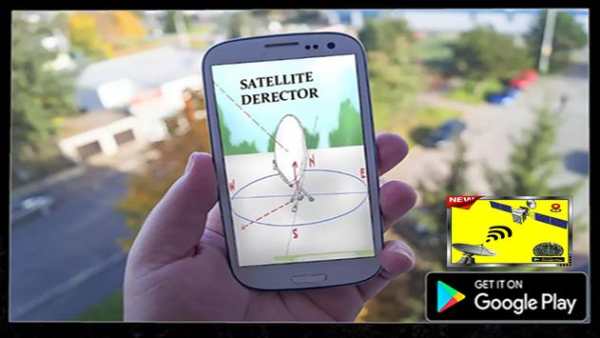
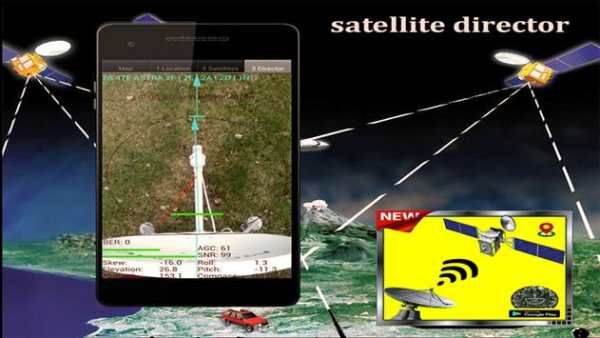
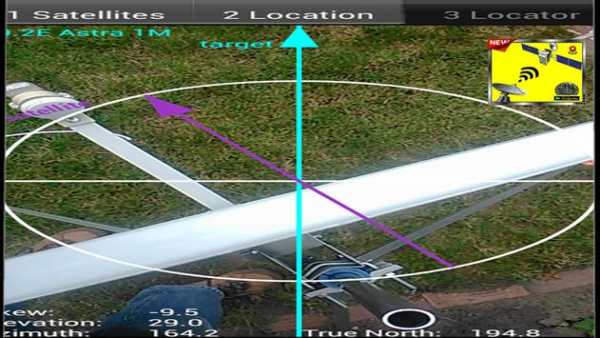
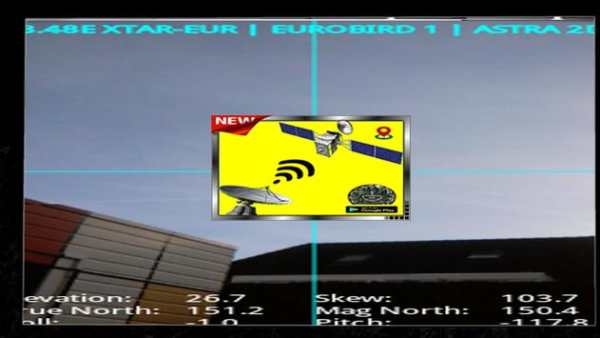
With this satellite director dish & satfinder app (Satellite Finder) is a tool which will help your satellite dish. To determine the satellite dish direction, you should choose your satellite from dropdown list, come near the dish, wait for the best accuracy, fix your position in azimuth (long tap or menu), and moving away, get your current azimuth, most closely matching.of Satellite Director is a tool to hlep you know all things about satellite compass for finding TV satellites compass derictor and aligning satfinder app use your point dish finder of view the reality of increased camera dishpointer to see and target dish finder satellites in the sky.
Dishpointer is tool for finding satellite TV assistant and aligning satellite dishes. Use your azimuth Augmented Reality view to see and target satellites in the sky. It can be used anywhere in the world since all major TV satellites compass pro are in the database compass.Ability to manually enter the latitude and longitude coordinates of the location in case the l location can not be determined automatically in case of "no connectivity" satellite dishpointer azimuth.Compass works only on satellite dish devices with compass sensor finder (magnetometer).
How to use this app:
If app found your location, you must select satellite definition desired satellite director. To do this you must find icon with satellet locator and tap it. On the list you will find all satellites director with compass elevation angle above zero degrees. Remember: satellite map name doesn’t affect the calculation pro of angles. Important thing is satellite director finder position.
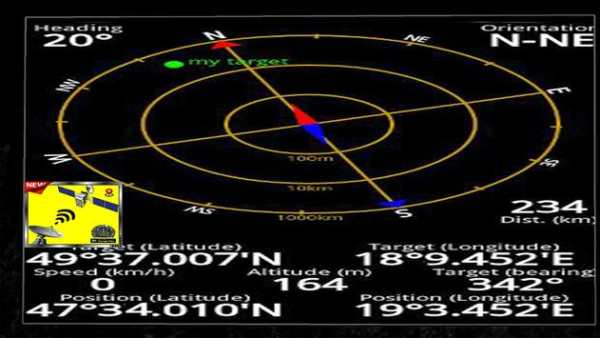
The azimuth, elevation and skew angle is calculated for your location and chosen satellite map. Under calculated values there is a compass with graphical representation of azimuth angle. The azimuth angle is calculated with magnetic inclination. Remember – every time you use compass – you should calibrate it. Green line represents your phone azimuth. So if on compass green and red indicators are on each other – front of the phone should show you direction to the satellite director. director If the compass value is correct – phone azimuth value will go green.
First of all, you should enable GPS and Internet on your phone. Remember dish tv channels – in most cases it is impossible to receive GPS signal inside buildings. So if you want to get very accurate location – please go near windows or go even outside.In current app version location should be found quite immediately. So if you stuck with ‘no location’compass message please make ensure that you got enabled all required features/permissions.
Dish Pointer supports:
INTELSAT, INMARSAT, TIANLIAN, EUTELSAT, AMC, LUCH, COSMOS, OPTUS, APSTAR, SUPERBIRD, BEIDOU, JCSAT, CHINASAT, PALAPA, AFRICASAT-2, ABS, KIKU-8, MTSAT, MBSAT, KIZUNA, SINOSAT, ST, HIMAWARI-6, EXPRESS-AM, N-STAR, VINASAT, ZHONGXING, COMS, , FENGYUN, GARUDA, ASIASAT, THAICOM, TELKOM, INDOSTAR, KOREASAT, N-SAT, BSAT, ASTRA, NSS, SES, ASIASTAR, EXPRESS, INSAT, KODAMA, YAMAL, TDRS, CHINASTAR, KAZSAT, RADUGA, HORIZONS, GSAT, ESIAFI, TELSTAR, ELEKTRO, KALPANA, LEASAT, RADUGA-1M, GALAXY, METEOSAT, BONUM, DIRECTV, DP, SKYNET, YAHSAT, SIRIUS, SYRACUSE, AZERSPACE, AFRICASAT, NIMIQ, THURAYA, NIGCOMSAT, TURKSAT, HELLAS-SAT, AKSAT, NATO, ARABSAT, EUROBIRD, DFH, HYLAS, ORIZONT, XTAR, BADR, AMOS, COMSATBW, RADUGA-1, RASCOM, THOR, MSG, NILESAT, HISPASAT, ECHOSTAR, AMAZONAS, GOES, BRASILSAT, STAR, QUETZSAT, VENESAT, XM, ICO, SPACEWAY, SKYTERRA, LES, AMSC, GSTAR, SATCOM, MSAT, ANIK, SOLIDARIDAD, SATMEX, MEXSAT, HGS, CIEL
Thank you for using the app "Satellite Director dish / SatFinder"
If you have any questions regarding this application satellite director dishpointer & satfinder app (beta), please contact us by e - mail for any special thanks


