

Do you want to use two WhatsApp whatsweb accounts in same device?
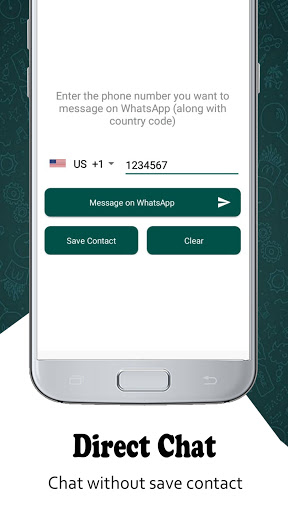
Do you want to send messages without saving the number in your mobile?
Do you want to save your friends WhatsApp status and use them later?
You don’t see any option in WhatsApp which lets you do the above, this application is the solution.
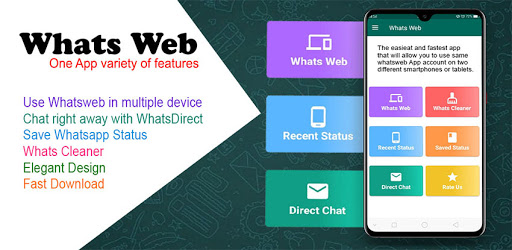
This application provides the ability to do all of above by providing below features.
Have you looking for a dual app from WhatsApp’s story? Whatsapp web clone app is the best app to clone your WhatsApp account and save status form Whatsapp app. With whats web you will have two different mobile devices with the same WhatsApp account.
How to make Whats web clone?
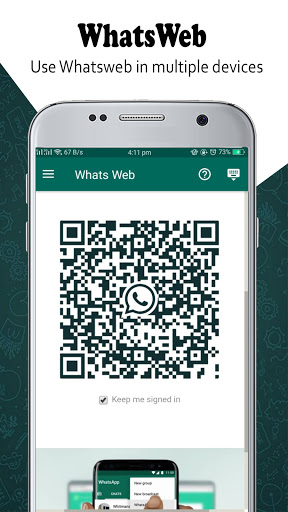
1: Open QR code in Whats web ClonApp Dual Messenger App.
2: Open whatsweb of your WhatsApp account.
3: Scan it.
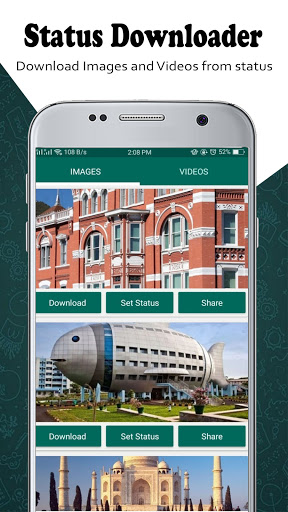
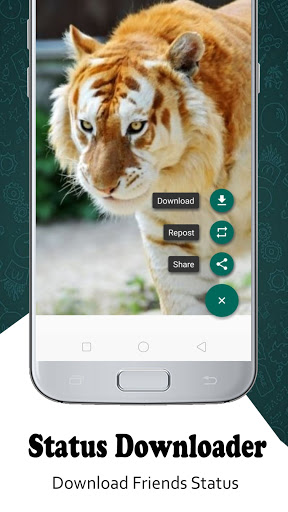
It let you download photo images, GIF, Video of new status feature of Whatsapp new App. You can save status videos and images by using status downloader. Status saver allows you to view all new status, status images, status videos and let you know what is happening around you, you can get update every instance new status arrive .Status saver helps you to save that status, videos or images, re-post, share and delete permanent.
Status Downloader app is very easy to use and download status videos and images from whatsapp. You can save and share your status by using Status downloader. Status saver app has simple and easy user interface or design. Status downloader will not get its user data anyway. If you have any issue to use status downloader just click on (How to use?) button which is included in status downloader app. Status saver has built in video player. Just click on any video which you want to play in status saver and you also can play next or previous video by using next or previous button in status saver app.
Features:
Whats Web
On clicking this inside application redirect you to a QR code. You just have to scan it with WhatsApp web scanner. which will let you use another whatsapp account.
Whatscan for Whatzweb and Whats Web Scan is free app with easy to use user interface.
WhatsDirect
Click on this and type in the number you wish to chat and talk right away!
Status Saver
Click on recent status option in app. You will see the all the status choose and download with one tap.
How status downloader works?
✔ First Watch Desired Status/Story from WhatsApp.
✔ Come Back to Status Downloader app Click on Recent Status Button then click the save Button.
✔ The Image or Video will be saved in status downloader app.
✔ Then Click on Saved Status button and see your saved images and video in status saver.
✔ You can send Your saved Images and Videos in Status saver to your Friends or family member by other social apps.
Disclaimer
Any unauthorized downloading or re-uploading of contents and/or violations of Intellectual property rights is the sole responsibility of the user.
Whatsapp web app, Status Downloader, status saver is not affiliated with sponsored or endorsed by WhatsAppInc . WhatsApp or whatsapp Name is Copy Right to WhatsApp Inc.
Still Reading this?
Go get the App & start Saving Statuses and use whats web
Hey wait,
Please do give a Good Rating if you liked the App!
Probably a 5 Star……….
✔ Whats Web Keyboard hide/show feature added
✔ Whats Web zoom control supported
✔ Whats Web media download supported
✔ Direct Chat feature added
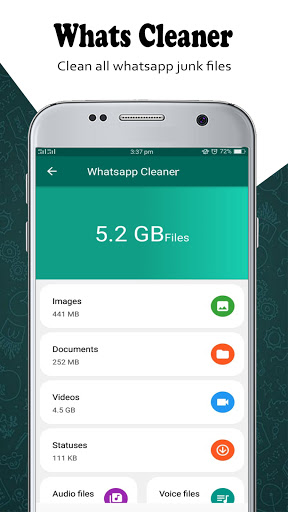
✔ Whats cleaner: clean sent/received media
✔ Status Saver: save other user status
✔ Improve app performance
We keep updating our app to provide you with a seamless experience. The Whats web - Status Saver app is now more reliable than ever.










9Apps 4.9














