









DOWNLOAD IS NOT SUPPORTED IN WEB STORE!
Use the latest version of 9Apps to download APK&OBB file of games in one click!
DOWNLOAD 9APPS

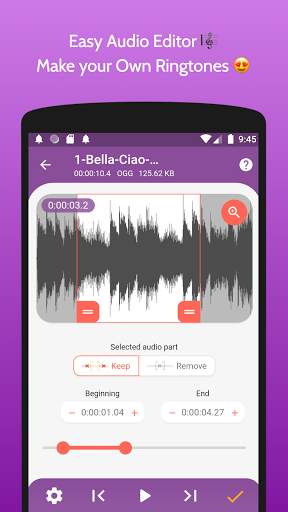
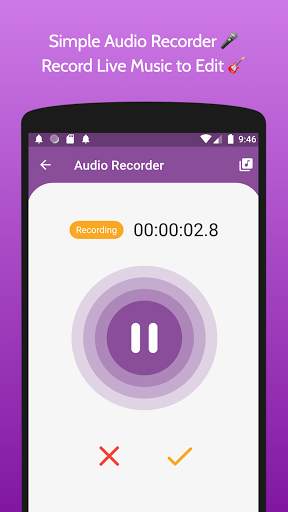
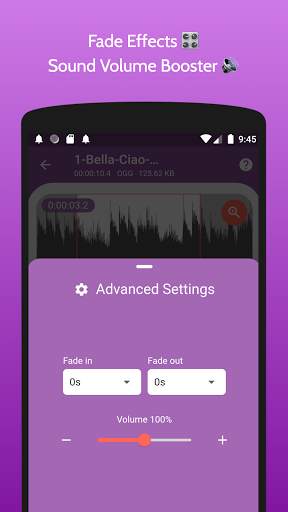
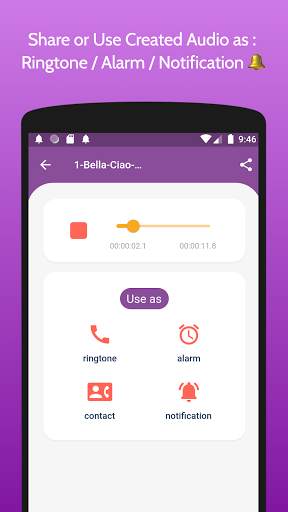
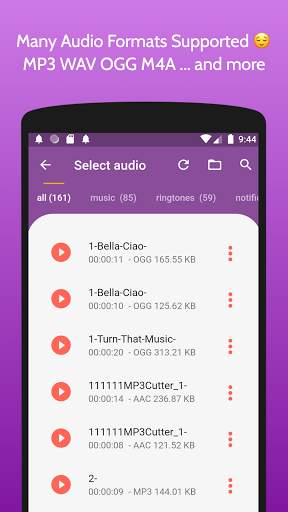
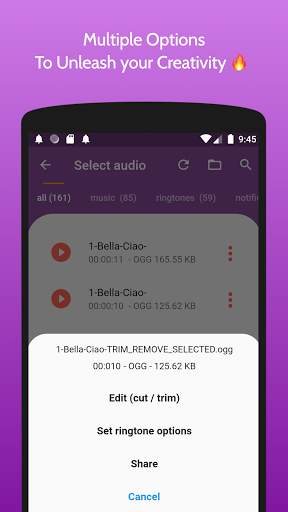
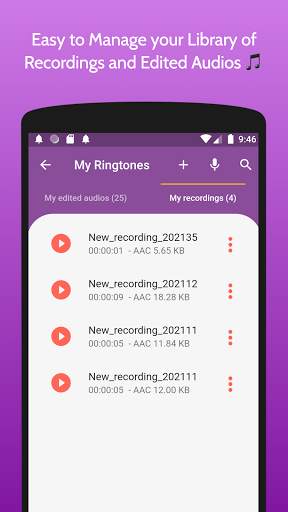
MP3 Cutter and Ringtone Maker help you to create ringtones from your favorite music, easily cut music and songs and turn them into high quality ringtones to be used for app notification sounds, contact ringtone, alarm notification or default call ringtone.
Easy ringtone cutter app is a simple ringtone maker app for Android, it supports many audio formats such as mp3 wav aac ogg, it also includes a built-in audio recorder and voice editor so you can record any voice or favorite music and then load it in the trim music editor to cut the audio into parts as desired.
MP3 Cutter and Ringtone Maker has many features, such as :
Audio recorder / Voice Recorder : record any audio or voice and edit it to keep the best part only.
Audio editor : edit songs with ease using the zoomable waveform editor.
Ringtone maker : any edited music file can be used as ringtone.
Volume booster : amplify the sound of ringtones with up to the double.
MP3 Cutter : amazing options to set the edited song as notification tone, alarm sound, special contact ringtone or just as default ringtone.
How to crop and trim music?
Open the “create ringtone” screen, the app will scan for all your music (albums, songs, tracks and artists), then you choose the desired music clip to cut.
This audio cutter also includes a file picker to quickly browse your audio files and locate the desired music to trim.
Use the plus and minus buttons to precisely make the ringtone cutter output the perfect notification tone with good sound quality.
Cutter ringtones features a built-in audio player that helps you preview the created tone.
MP3 cutter for long audio :
Ringtone trimmer for android helps you cut large audio files easily, with its multiple selection options, you can quickly define the start and end of the desired part.
Ringtone cutter with volume booster :
In addition to creating HD ringtones, the mp3 cutter allows you to amplify and boost the volume of any audio or music, up to 200%.
If you like “MP3 Cutter and Ringtone Maker” or have used “Ringtone Maker - create free ringtones from music” in the past, you’ll find this app easier to make ringtones and cut audio files quickly.
What music or songs are supported?
Ringtone cutter works offline and supports many audio formats such as mp3, wav, ogg, m4a, acc, flac.
How to cut audio recording?
Open the “record audio” screen, you can start recording voice with one tap, afterward, specify the name for the newly recorded audio, then it will be opened in the simple waveform editor that the ringtone cutter offers, then you can zoom in and out to achieve millisecond-level precision.
Audio cutter output :
The audio cutter offers amazing options for audio output, the created tone can be saved as a notification, ringtone, or alarm notification, it is also possible to share the trimmed ringtone with friends or on social media.
Detailed features:
- Find all music, audio files stored in your phone memory, and sd cards.
- Edit music, audio with two options: trim using drag handles or buttons. Select parts by setting start & end for the audio clip or using an optional touch interface.
- Record live audio, music for editing.
- Save as a ringtone, alarm, notification, or a new song to listen to.
- Option to delete (with confirmation alert) the created Tone.
- Option to Name the new cut clip while saving it.
- Set the new clip as the default ringtone or assign it to contacts, using this editor.
- Manage contact ringtone
Make your own MP3 ringtones fast and easy with this app. You can even record live audio and this MP3 editor can edit and trim the best parts from it for free. Supports MP3, WAV, AAC, AMR and most other music formats. This app is also a music editor/alarm notification maker/ ringtone cutter and notification tone creator.
Download the audio cutter today, to make the best ringtone from favorite songs. If you have questions about the sound notifications maker please send feedback to us.


![[Android] MP3 Cutter and Ringtone Maker Pro screenshot 4](https://i.ytimg.com/vi/biyd6tCkSrI/mqdefault.jpg)

Ringtone cutter stability improvement


