








DOWNLOAD IS NOT SUPPORTED IN WEB STORE!
Use the latest version of 9Apps to download APK&OBB file of games in one click!
DOWNLOAD 9APPS

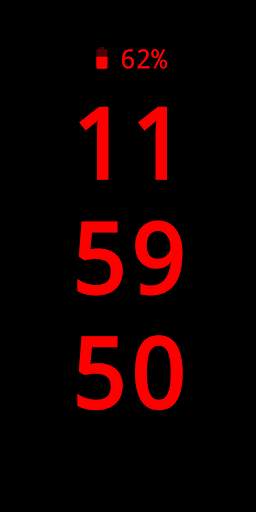
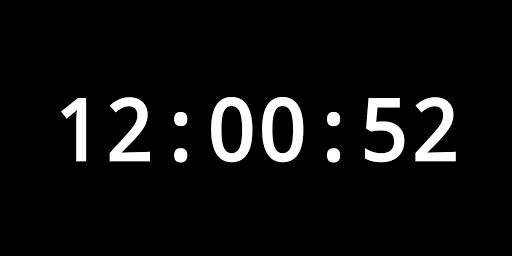
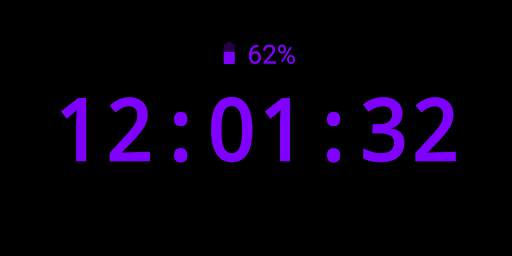
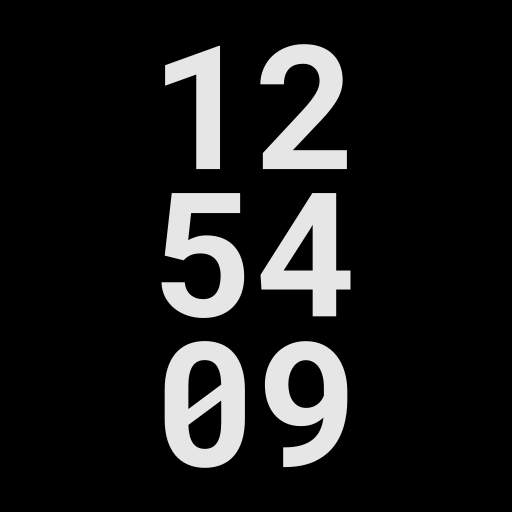
With this DayDream screensaver you will be able to view some useful information when charging your smartphone. To set it, you can go to the settings page of your smartphone, navigate to the "Display" section and enter the page dedicated to "Screensaver(s)".
Currently the features are:
• digital clock with hours, minutes and seconds;
• battery level (optional);
• next alarm clock (optional);
• portrait and landscape screen orientation.
On settings page you can set:
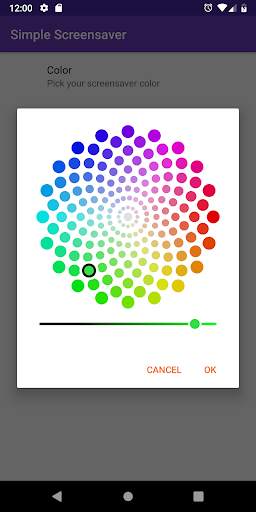
• text color;
• enable/disable battery level;
• enable/disable the next alarm clock;
• enable/disable fixed text mode (by default the text will change position every 30 seconds to safeguard the health of the AMOLED screens).
This app is free and without ads.
Support email: simplescreensaver@gmail.com





New digital font available, enable it in settings!


