


DOWNLOAD IS NOT SUPPORTED IN WEB STORE!
Use the latest version of 9Apps to download APK&OBB file of games in one click!
DOWNLOAD 9APPS
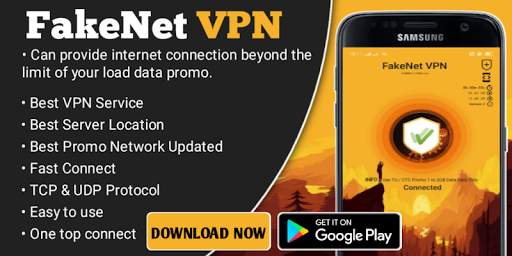
To provide internet connection beyond the limit of your network load data promo.
" MAGBASAHIN NG MABUTI ANG INSTRUCTION PARA HNDI NGA'NGA " ( READ )
whats new:
• Build for Gaming, Downloading, Streaming and ETC...
• ? xTreme UI
• Fast Connect
• OnLine and OffLine Update
• Auto Update
• Fastest VPN
• Custom Payload Generator
• Free FakeNet VPN Panel
• Updated Network Promo
• Digitalocean Server
• Easy to use
• Friendly user's app
How to use:
4 Tap to Connect
1: After Install the VPN ( UPDATE ) require internet connection
2: Select Connection Service desired (UDP , TCP & OpenVPN SSL
3: Select Your Server Desire
4: Select Your Proper Network Promo (Payload) Then (CONNECT) Tap the BUTTON wait until connected. Enjoy
Note:
Creating of Account is now Optional Since that I already have provide an account builtin
but still you can create your own account.
© ENJOY ©
FakeNet VPN is a FreeVPN and not for Sale
Powered by: FakeNet VPN Internet Solution
• LODIxyruss
• and to you
• Fixed bug issue



Candy Crush Saga
4.491.1MB

imo beta -video calls and chat
4.394.0MB

Mushroom Takeover
4.569.0MB

Facebook Lite
4.02.5MB

Temple Run 2
4.4122.1MB

Offline Music Mp3 Player- Muso
4.535.9MB

ShopClues
3.816.4MB

Talking Tom Cat
3.963.0MB

Dearmet: Video Chat, Live Talk
4.043.4MB

Quikr: Homes, Jobs, Cars Etc
4.120.8MB