


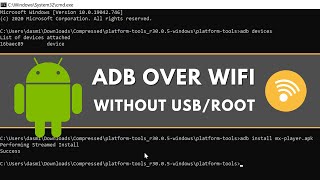












DOWNLOAD IS NOT SUPPORTED IN WEB STORE!
Use the latest version of 9Apps to download APK&OBB file of games in one click!
DOWNLOAD 9APPS

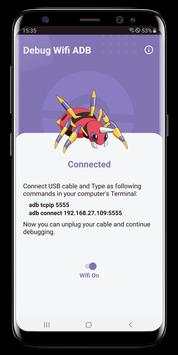
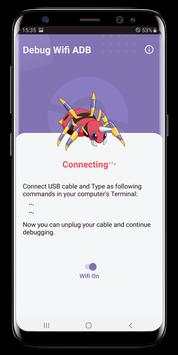
1. Enable USB Debugging on your Android phone.
2. You will need USB cable once at the start. After setup won't need the USB cable until your device has restarted.
3. This app provides instructions how to connect ADB over WiFi
4. For fast and easy setup use PC App
5. Enjoy
ADB (Android Debug Bridge) can be used to perform various actions like pulling a logcat, pushing and pulling the files, and much more. To connect your device to your computer, you normally need to use a USB cable, which must be plugged in to your device and a computer. Unfortunately, cables seem to like disappearing at the least opportune moments–when you have to pull a log, for instance.
With the DEBUG WiFi ADB
, you can put the cables to rest. ADB WiFi is an application that allows your device to be connected to your computer through your home WiFI connection. It works with every operating system that can be configured with ADB, as long as you own a rooted Android device. It’s especially useful on Lollipop ROMs that often lack the built-in WiFi ADB functionality often found on various Jelly Bean and KitKat custom ROMs. The application was released way back in 2012, but it was recently given a complete rewrite to provide the Material Design experience.
Fixbug


