
We bring to you an advanced features to enhance your home screens, but still remains a great, user-friendly choice for everyone.
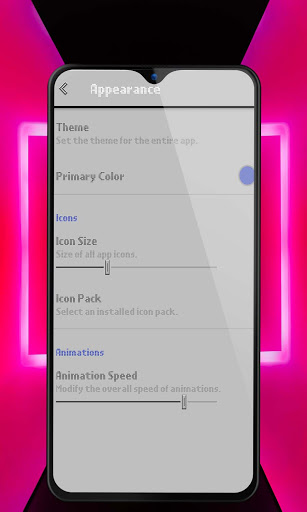
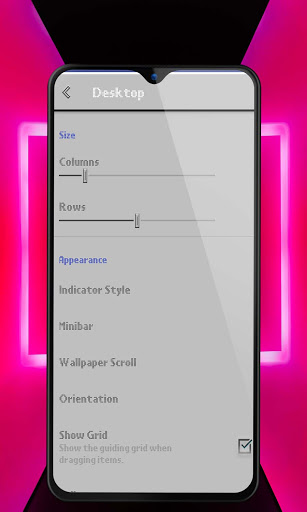
Highly customization . It allows you to customize everything in your like icons (style, colors, border, size) you can also add a new clock widget to the home screen.
Features:
🐬 Universal Search:
Search inside all of your apps in one place, classic style for the Search Bar.
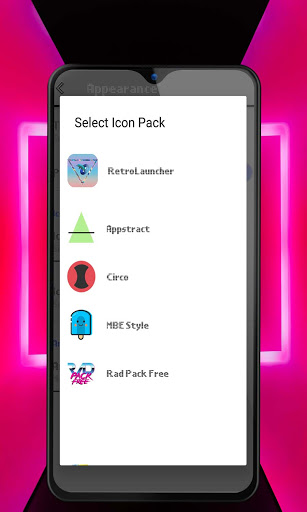
🐬 Icon pack :
Retro launcher offer you a classic icon pack , if you have a favorite icon pack , you have just to download it and applied.
🐬 Night Mode and Dark Theme:
Have night mode come on automatically at a specific time, or just leave it on for a dark theme.
🐬 Backup and Restore:
Moving from phone to phone or trying new home screen setups is a snap thanks to Retro launcher backup and restore feature. Backups can be stored locally or saved to the cloud for easy transfers.
🐬 Gestures:
Swipe, pinch, double tap, and more on the home screen to execute custom commands.
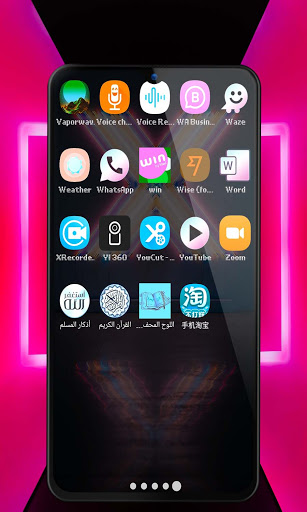
🐬 App Drawer:
Change apps appearance , size , color
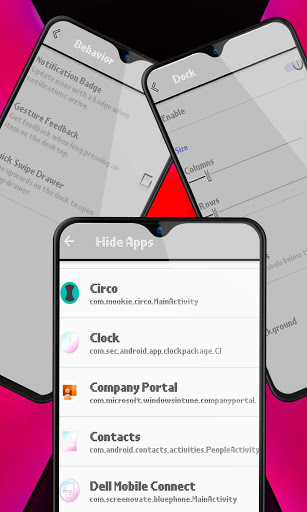
🐬 Hide Apps:
Remove apps from the app drawer without uninstalling them.
🐬 Gestures:
Assign swipe gestures to home screen icons or folders for custom
wish you enjoy the app , thank you for your support <3


9Apps 4.9