DOWNLOAD IS NOT SUPPORTED IN WEB STORE!
Use the latest version of 9Apps to download APK&OBB file of games in one click!
DOWNLOAD 9APPS

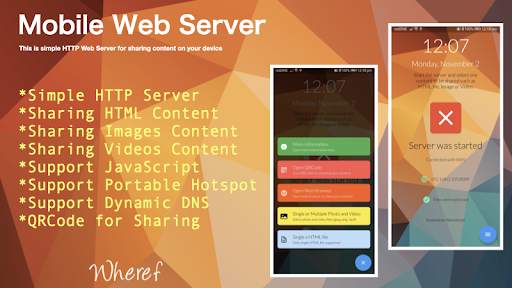
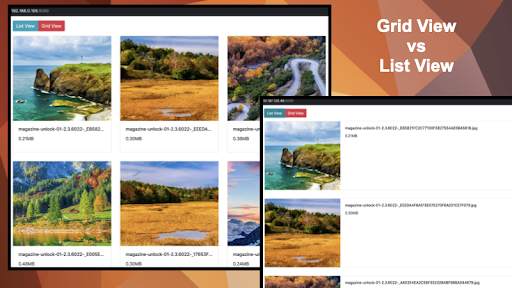

Mobile Web Server is a lightweight and fast Web Server especially designed for android mobile devices. It can be used to host websites and to serve files over HTTP. A HTML file MUST be selected as the startup page by browsing the device directory. Once the Mobile Web Server is started, a web page should be able to open according to the WIFI IP address. The Port is fixed as 8089. Thus, the URL should be in this format “http://[wifi-ip-address]:8089”. To make Mobile Web Server as a public server, a dynamic DNS server should be subscribed from Internet in order to get a valid public domain name.
Besides, user can share his/her mobile content with the QRCode either HTML file, video or Image file to his/her friends or teacher to students.
If low cost Internet service is available and every mobile phone is assigned with a dedicated IP address, why not mobile phone as your simple web hosting server? This is not an imagination picture in mind, it can be realised on coming future such as IoT on 5G.
Guide to use
1. Install the APP
2. Connect to WIFI or Portable Hotspot
3. Start the Mobile Web Server
4. Select a HTML, video or Image file from mobile device
5. Open the URL on the browser or scan QRCode