
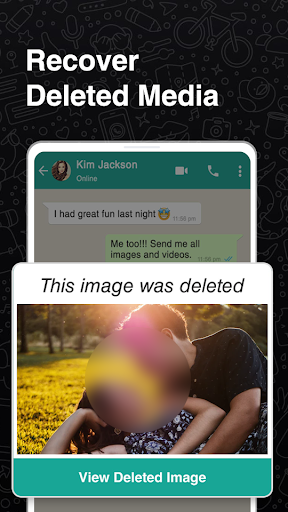
WhatsRecovery is one of the best backup photo recovery application that can recover deleted photos in few seconds. is one of the best backup photo recovery application that can recover deleted photos in few seconds.
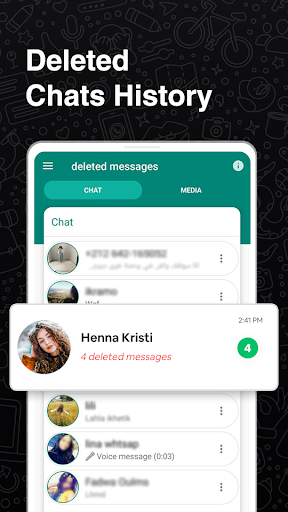
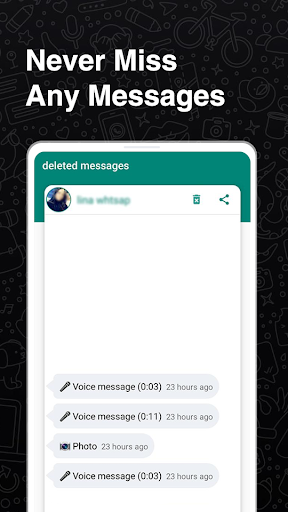
If you want to view deleted messages of whatsapp that have been deleted by the sender by the feature of WhatsApp (Delete for everyone), just download this app (WhatsRecovery Pro for WhatsApp Business: View deleted messages) and you will be notified whenever any message gets deleted by the sender.
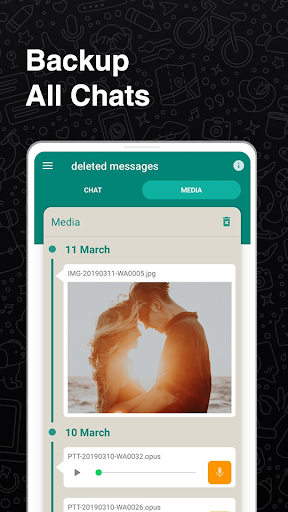
WhatsRecovery: Recover Deleted Messages - Message Recovery for WhatsApp is a free app that allow you to monitor your WhatsApp and WhatsApp Business notifications and saves your all WhatsApp deleted data such as (Deleted Messages, Deleted Images, Deleted Videos etc). It also helps you to save WhatsApp Business Statuses. You can easily download WhatsApp Video status and images and can view it later in this "WhatsDelete App".
WhatsRecovery: Recover Deleted Messages - Message Recovery & Status Saver is really confusing stage to see "This message was deleted" on your chat. Everyone doesn't know what the message was for? and hence this "View Deleted Messages, Recover all Whats Media " app will help what was the message. The Main & core function of this app is to undelete messages, Read without blue tick, recover deleted photos, recover deleted videos, and recover deleted messages for Whatsapp.
Disclaimer:
WhatsApp™ is a trademark of WhatsApp Inc.
WhatsRecovery is not affiliated with, or sponsored or endorsed by, WhatsApp Inc.
Top Features of this WhatsRecovery Pro App:
👉 Recover Deleted Messages with latest design with dark mood.
👉 WhatsRecovery is easy to use.
👉 Status Saver app download WhatsApp statuses easily (images, videos).
👉 WhatsDelete app can save WhatsApp deleted media files even after deleting from sender side.
👉 Also works as cleaner for WhatsApp by avoiding media duplication.
👉 View all your WhatsApp data at one place separately.
How it works?
1) Open this " WhatsRecovery App".
2) Configure installation and give the permissions that it requires.
3) Open original WhatsApp Messenger App and watch Status of WhatsApp and other media files.
4) You will be notified when someone deletes his/her message.
5) To check deleted messages, just open the " WhatsRecovery" app and check them out.
6) Check or uncheck Tabs from settings to select which media file you want to save after deletion.
View deleted whatsapp messages easily. Hide Blue Ticks while reading the messages in the chat. Recover deleted WhatsApp messages without knowing your friends. No Double Blue Ticks and No Last Seen, Read chat offline You can read your friend's messages and chat anonymously. You can only read messages here, no reply while wants unseen. The best whatsapp deleted msg reader app.
For any question, an idea for improvement, complaints about bugs, etc. please give us feedback in reviews. Your feedback will help us to improve app in future versions.
Thank you for using WhatsRecovery: Recover Deleted Messages - Message Recovery for WhatsApp
- Release Recover Deleted Messages - Message Recovery for Whatsapp


![[No Root] Best and Easiest Way to Recover Deleted Files Whatsapp Messages on Android screenshot 5](https://i.ytimg.com/vi/WnbabwgRc-8/mqdefault.jpg)

9Apps 4.9













