
DOWNLOAD IS NOT SUPPORTED IN WEB STORE!
Use the latest version of 9Apps to download APK&OBB file of games in one click!
DOWNLOAD 9APPS


device in an easy and fast way, so you can open videos anytime and anywhere or share with friends, saving internet traffic.
Featured:
Download any videos easily and quickly in just a few simple steps.
Can choose the video resolution to download (if 1 video is available).
The size of the downloaded video can be displayed, making it easy to decide which video you should download.
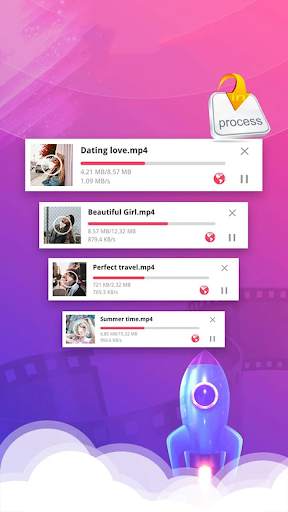
Built-in download manager, easy to control download progress.
Built-in video player to play videos and gifs.
Easily access downloaded videos, view their path, play or share.
You can save gifs from any website.
Multi-task download, download a large number of files at the same time.
How to download videos with this app? ,very simple:
In the app, under your favorite video or gif, click the share icon.
Choose to share tweets via...
Select Download Video app.
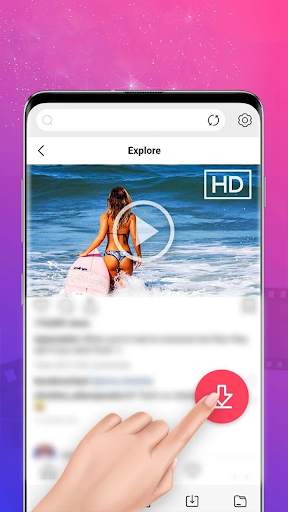
In the Download Videos app, click the download icon.
If 1 video is available, select the video resolution you want.
Wait or browse other twitter videos.
If downloading the video app helped you, please rate me and I will do better by giving me feedback in the comment box to improve this app.
If you need support please email me aac7120734@gmail.com.
Thank you for using the Video Downloader app.