









DOWNLOAD IS NOT SUPPORTED IN WEB STORE!
Use the latest version of 9Apps to download APK&OBB file of games in one click!
DOWNLOAD 9APPS
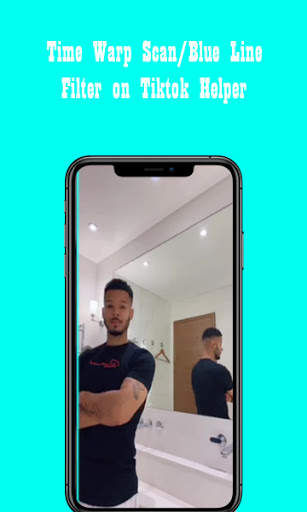
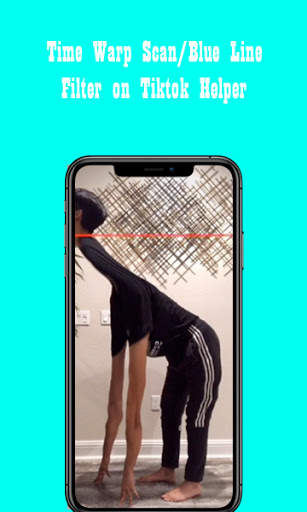
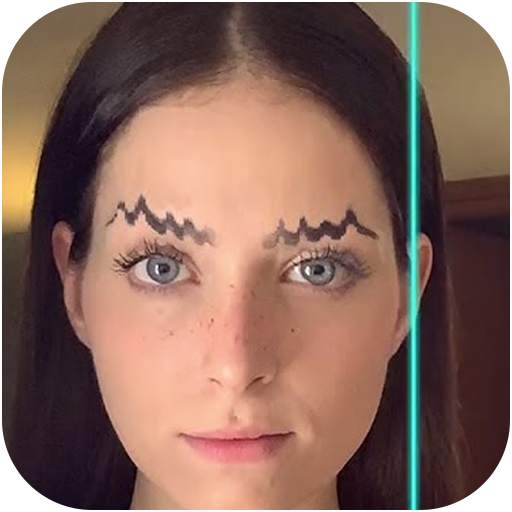
The TikTok Time Warp Scan filter, also known as "the blue line," has exploded on the app in recent weeks, leading to multiple new trends that put the filter's distorting effects to good use.
Time Warp Scan works by freezing the image on the screen incrementally as a blue line moves down, or across the screen. Think of it like a panorama photo — as the line moves across the screen, it cements the image in place, opening up the playing field for interesting distortions or even creating double images if you can move to the other side of the screen quickly enough.
The effect also harkens back to TikTok's incredibly popular Time Warp effect, which was a For You Page mainstay during the summer of 2019 that distorted images to look like a twisting, wavey whirlwind. Like the Time Warp effect, Time Warp Scan has sparked a number of trends on the app.
In our app we represent to you five of the best filters in tik tok and the method to execute them.


