DOWNLOAD IS NOT SUPPORTED IN WEB STORE!
Use the latest version of 9Apps to download APK&OBB file of games in one click!
DOWNLOAD 9APPS

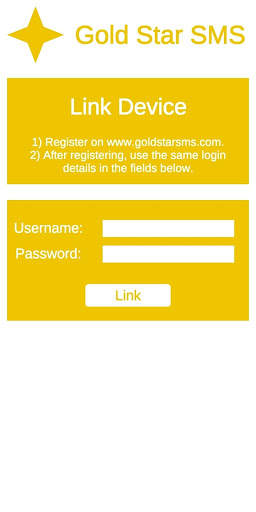
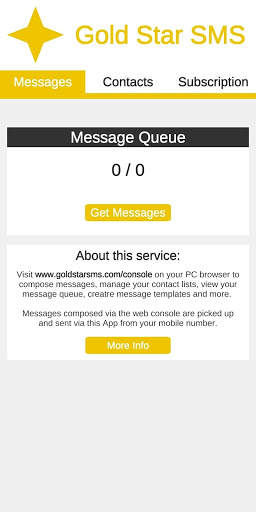
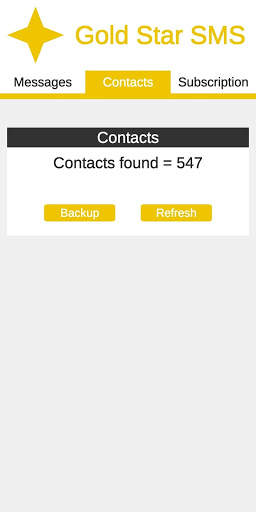
Gold Star SMS is designed to make it as quick an easy as possible to send SMS/Text messages from your PC. You can also use it to backup contacts from your phone.
How it works:
• Register an account on the Web Console at www.goldstarsms.com/console.
• Download the Gold Star SMS App from the Google Play store and login.
• Use the Web Console to compose new messages and send them.
• Messages will be sent via your phone and be delivered using your mobile phone number.
Features and Benefits:
Compose messages on your PC.
• It’s much faster to type messages on your PC keyboard that your phone.
• You can quickly send the same message to multiple recipients.
Messages are sent via your own cell phone
• Recipients can see they are from you
• Less chance they may be mistaken for spam
• Messages are deducted from your mobile price plan (in some countries messages are free, or you can buy bundles of messages for cheaper prices).
Backup your contacts from your phone
• It’s always good to have a backup
• Use those contacts when composing messages so you don’t need to remember mobile telephone numbers.
Create your own contact lists and contacts
• Use the web console to create different contact lists and add contacts to each list.
• Very useful if you need to contact different groups of people (Friends, Family, Colleagues, etc…).