
Good at managing your android smartphone files on Internal and External Storage.
Shalom File Manager is one of the best and free android file managers or explorers any smart person would want installed on their wonderful smartphone due to its cool features, functionality, nativity and user interface. Some of its features include ftp server connection that enables you to share files(such as audio, images, apk files, videos and many more) across your LAN, properly managing files on your mobile device( tablet, smartphone etc....).
Shalom File Manager is design simplify your life through its functionality as mentioned above and it also has other features like smb connection and scp/sftp connections. I hope you like and share this app that also has cool animations with friends and loved ones.
Features List:
* File Manager
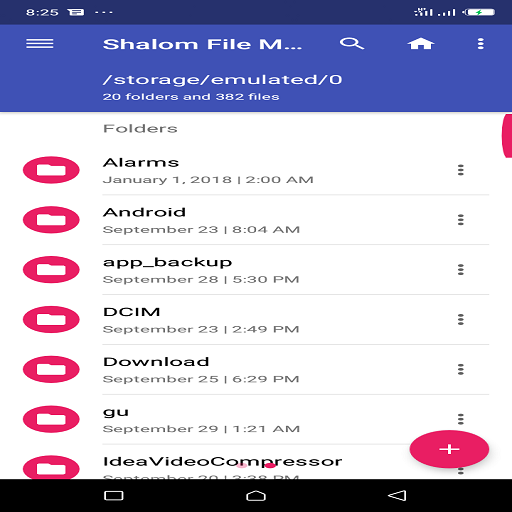
Manage your files (file explorer) like you do on your desktop or laptop using Multiple Select, Cut/Copy/Paste, Move, Create, Delete, Rename, Search, Share, Send, Hide, Create Shortcut, and Bookmark;
* Application Manager – categorize, uninstall, backup, and create shortcuts to your apps
* Multiple resolutions support
* List and grid view for file explorer
* Compress and decompress support
* Search and share files
* Multiple selection and various sorting support
* Thumbnail for photo, video and apk files
* Support file shortcut on Home screen for easily access
* Basic features like cut, copy, delete, compress, extract etc. easily accessible
- Work on multiple tabs at same time
- SMB(windows) file sharing
- Multiple themes with cool icons
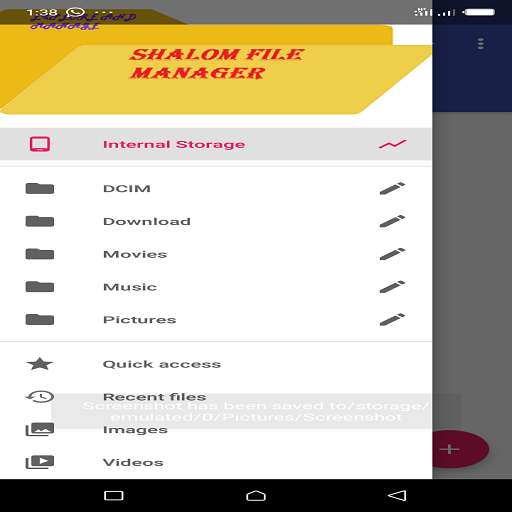
- Navigation drawer for quick navigation
- App Manager to open, backup, or directly uninstall any app
- Quickly access history, access bookmarks or search for any file
- Root explorer for advanced users
- and the list goes on...
* Attractive material Design UI/UX
Light & smooth
Simple & clean
Multi themes support
* App Manager
Backup apps
Uninstall apps
Share apps
Play store app link
* FTP Server
Download files and folders from your phone
* Hidden Files
Hide any file on you device
Note:
Basic read/write operations might not work on external storage on KitKat devices. Don't use cut/paste from or to external SD Card. You might loose your files.
Feedbacks and suggestions
We’d love to hear from you!
Send us your feedbacks via: developersam6@gmail.com and muwanguziwillis72@gmail.com
Keywords: File Manager, File Explorer, App Manager, FTP Server.



9Apps 4.9














