









DOWNLOAD IS NOT SUPPORTED IN WEB STORE!
Use the latest version of 9Apps to download APK&OBB file of games in one click!
DOWNLOAD 9APPS
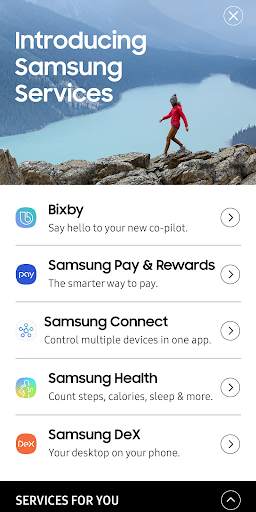
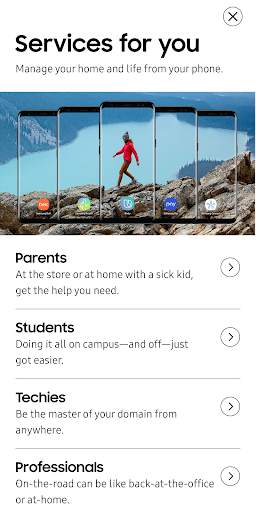
Retail mode app for Samsung Services
Note: The app is designed for WQHD resolution. For best experience, please follow the steps below to set device resolution to WQHD .
1. Go to Settings -> Device Maintenance -> Battery -> Tap "OFF" to turn off power saving mode.
2. Go to Settings -> Display -> Screen resolution -> select "WQHD ". Tap "Apply" button on top right corner
3. Tap "Recents" button and tap "CLOSE ALL". Go to apps list and launch "Samsung Services" app.


Improvements and bug fixes


