










DOWNLOAD IS NOT SUPPORTED IN WEB STORE!
Use the latest version of 9Apps to download APK&OBB file of games in one click!
DOWNLOAD 9APPS
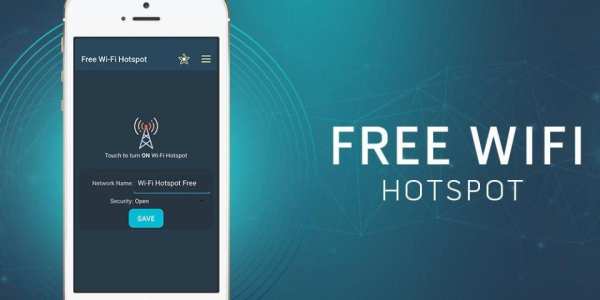
Wifi Hotspot is an application which facilitates your Internet phone connection sharing either with other devices via a Wi-Fi connection. Starting hotspot is very simple - just one click.
How to use Wifi Hotspot
1. Turn on Wifi Hotspot if you want to share internet for other devices.
2. Enter Wifi Hotspot name
3. Enter the password - need greater than 8 characters.
4. Click save button.
5. Activate your Wifi Hotspot.
With a simple click, you are able to share wifi connection with your friends, families, business partners and an arbitrary number of WLAN-compatible devices.


