










DOWNLOAD IS NOT SUPPORTED IN WEB STORE!
Use the latest version of 9Apps to download APK&OBB file of games in one click!
DOWNLOAD 9APPS

192.168.o.1 to 192.168.o.1.1 Modems such as Netgear, Tp Link and D-Link use 192.168.0.1 as the default IP address. A private IPv4 network address is used as the modem gateway. To avoid address conflicts, only one device can use 192.168.0.1 on a network. Other common default gateways are 192.168.1.1 and 192.168.2.1.
192.168.o.1
How to login to 192.168.0.1?
If you want to access your router's console, open your browser and type http://192.168.0.1 in the address bar. From here, you can make all kinds of changes, both basic and more advanced. Since this is a private IPv4 network address, it is possible for any device on the network to use 192.168.0.1. As mentioned above, make sure you can't assign multiple devices to 192.168.0.1 as this will cause an IP address conflict.
192.168.0.1 Inaccessible?
If typing http://192.168.0.1 in your browser doesn't work, 192.168.0.1 may not be a gateway on your computer. The easiest way to find your correct gateway is to open the command line (Start > cmd) and type 'ipconfig /all'. Check the results to see if the gateway address is 192.168.0.1. Otherwise, check our location to find your router's IP address. Me My IP address appears to be 192.168.1.1, this may vary for each modem.
modem interface
Changing Your Router's Password
It is important to have a strong password for the security of your network. Don't just rely on the default one. To change your password, log in as described above and search for the admin tab. Here you will find the option to change your password. It will ask you to enter the password twice for security reasons.
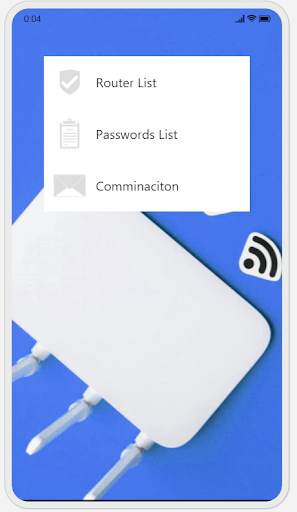
You can get help by switching to the Turkish section from the application.


