










DOWNLOAD IS NOT SUPPORTED IN WEB STORE!
Use the latest version of 9Apps to download APK&OBB file of games in one click!
DOWNLOAD 9APPS

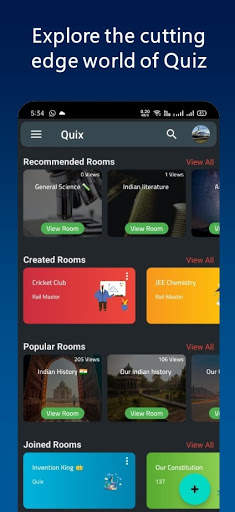
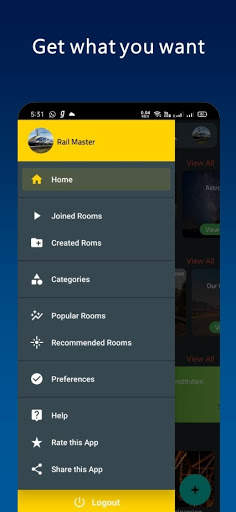
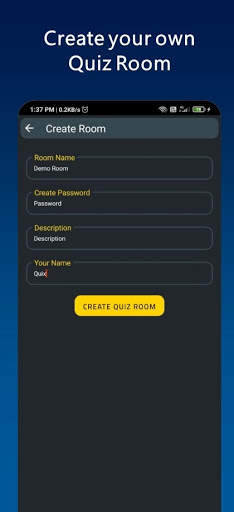
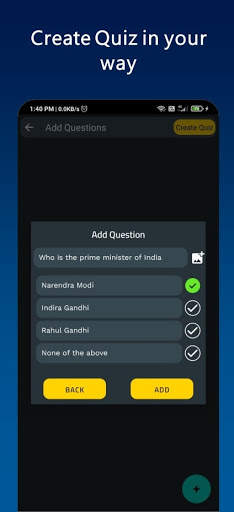
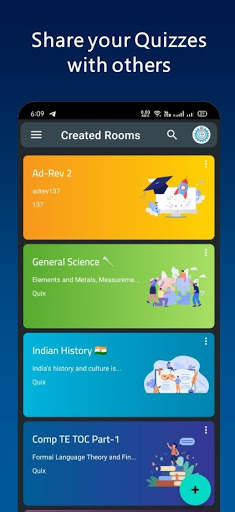
• Quix app allows you to create your own quiz room.
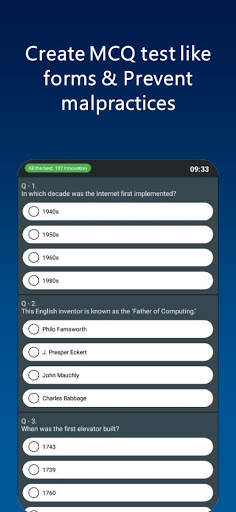
• Here you can create the quiz by providing questions and options.
• You can share the Quiz room's ID and password to others to join the quiz created by you.
• Users can join the quiz using shared information.
• Malpractices like opening multiple windows, taking screenshots, pressing Home button will cause auto submission of test. This will prevents the cheating during the test.
• Screen recording is also not allowed during test.
• Result is displayed after submitting the quiz.
• User can exit from the quiz room.
• Quiz Creator can view the result and share it for further use.
• The result is in .xls (Excel) format.
• Only Creator can view the results of all the users
• Creator can delete the test as well as quiz room created by him.
• After deleted by Quiz creator, it will not be visible to the user any more.
⚫ New Features ⚫
➡New Public Rooms
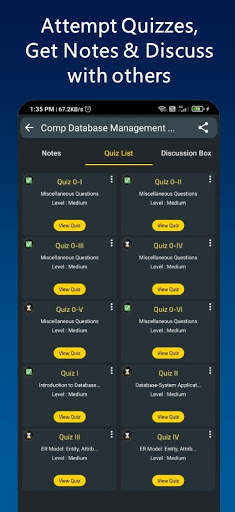
➡Notes Feature Added
➡Discussion Box Added
➡Question of the Day
➡Top Quizzes
➡Recommendation of Rooms as per your preference
➡Popular Rooms
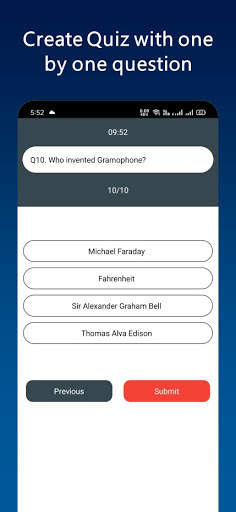
➡One-By-One MCQ Type
Now you can create a quiz using a web app also at https://quix.online/


➡ Certificate Bug Fixed
➡ Improved UI
➡ More Categories Added
⚫ New Features ⚫
➡ 2 Certificate Template Added
➡Leaderboard
➡Question bank Support
➡Discussion Box Added
➡Question of the Day
➡Top Quizzes
➡Recommendation of Rooms as per your preference
➡Popular Rooms
➡One-By-One MCQ Type
Now you can create a quiz using a web app also at https://quix.online/


