DOWNLOAD IS NOT SUPPORTED IN WEB STORE!
Use the latest version of 9Apps to download APK&OBB file of games in one click!
DOWNLOAD 9APPS
Connecting your Android device to your computer with a USB cable can be annoying and troublesome.
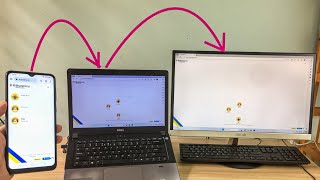
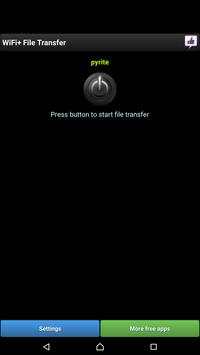
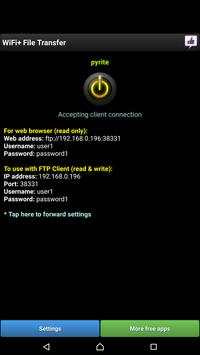
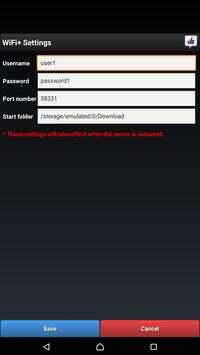
WiFi File Transfer is a free app that allows you to move and copy files to your pc over wifi network. Just press start button in the app to start up a service. A URL that you can type into your computer’s web browser or FTP client will be produced. As long as the WiFi File Transfer service is running, you can see your device’s internal memory and SD card. From here, you can download any files to your computer, or upload files onto the phone: music, pictures, movies, word documents, etc using web browser or FTP client tool.
Please note that browser will permit ReadOnly access to your phone. If you want to perform deletion or moving files in your phone, you would need a FTP client on your PC.
Connect with Purple Berry on Facebook:
https://www.facebook.com/pages/Purple-Berry/230454610454349