











DOWNLOAD IS NOT SUPPORTED IN WEB STORE!
Use the latest version of 9Apps to download APK&OBB file of games in one click!
DOWNLOAD 9APPS

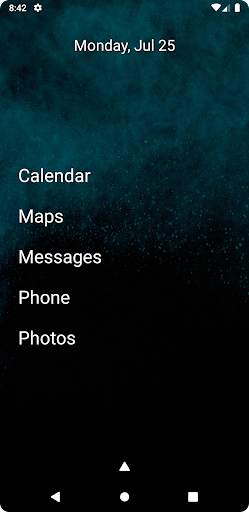
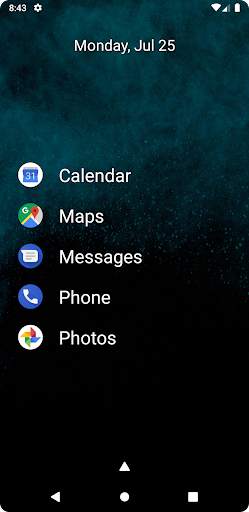
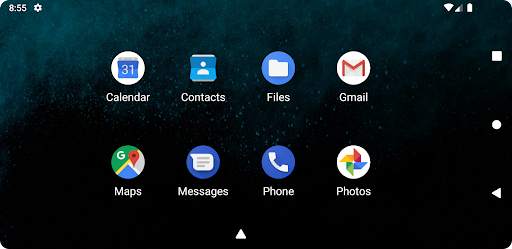
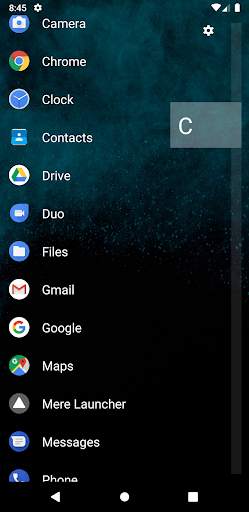
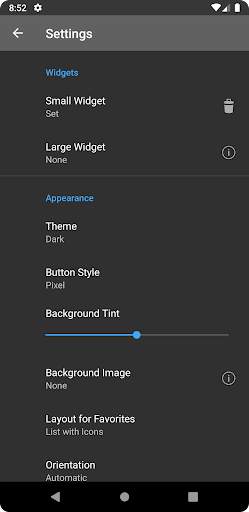
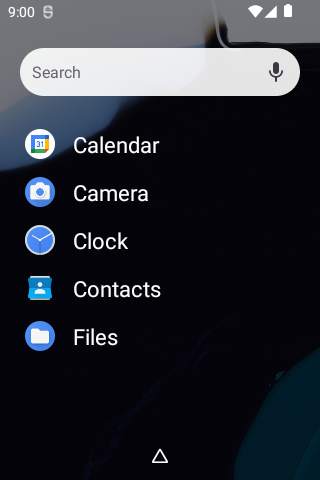
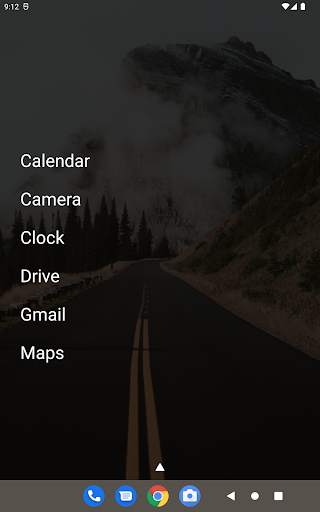
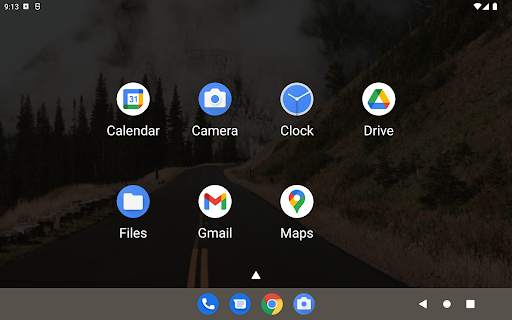
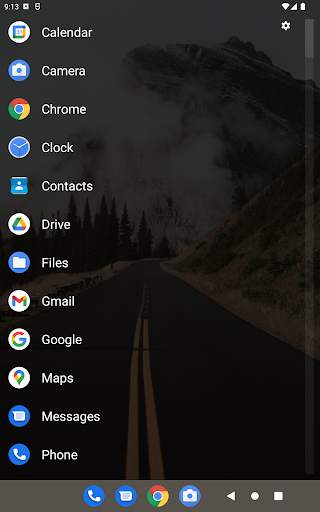
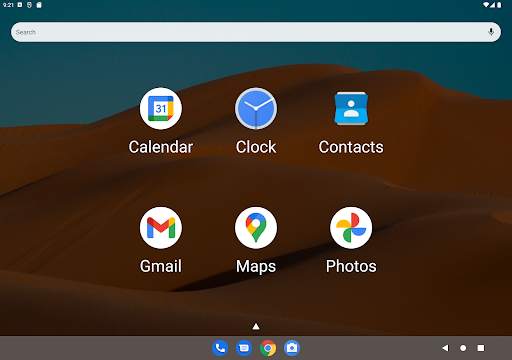
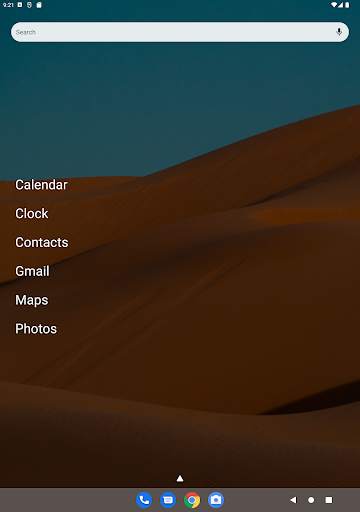
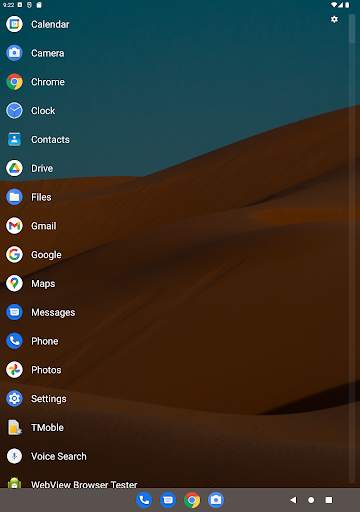
Mere Launcher is a minimalist launcher. The home screen contains your favorite apps, optionally grouped. The app drawer contains a list of all of your apps. You can have one or two widgets. That's all.
Configurable options include:
List your favorite apps on the home screen, or display a large widget instead
Display your favorites as a list, a list with icons, or in a grid
Set a small widget at the top of your home screen
Dark and light themes
Background tint for improved contrast and readability
Set a background image (for devices that can't natively)
Rotate or set a fixed orientation
Show or hide a fast scrollbar on your apps list
Hide apps from the app drawer
Tips
Long press on an app for options.
An app can be added to a favorite group. Each app may only belong to one group at a time. To remove a group from the home screen, remove all apps within the group.
Requests will be considered, but I'm only one person. If you'd like to translate this into your native language, please contact me.
FAQ:
The app drawer button is missing or hidden by my navigation buttons! What do I do? On the home screen, press the back button 10 times and enable the Enforce Spacing option.
How do I permanently make Mere Launcher my home screen? Go to your device's Settings -> Apps -> Default Apps -> Home app and choose Mere Launcher.




Fixed hiding status bars on older Android versions


