

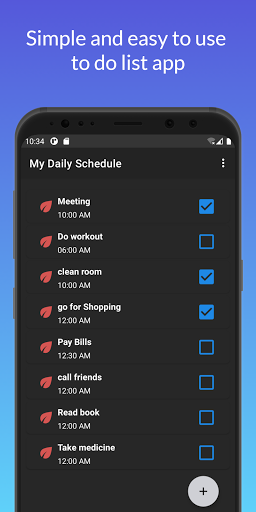
My Daily Schedule is a free, simple, and easy-to-use to-do list app. You can use this app to plan your day. With the help of this app, you can add easily and fast task items. You can use this app to plan your study schedule and also work schedule.
My Daily Schedule offers you a good and dark theme. This app provides fewer features but though fewer features this app is simple and easy for anyone to use. This app provides only the main features of a to-do list. In this app, You can add new task items with one click.
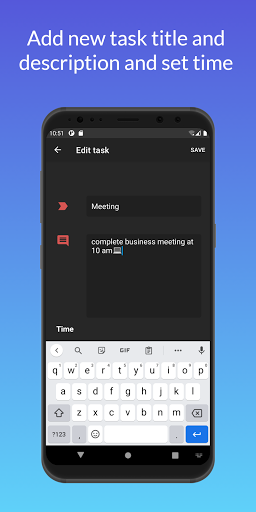
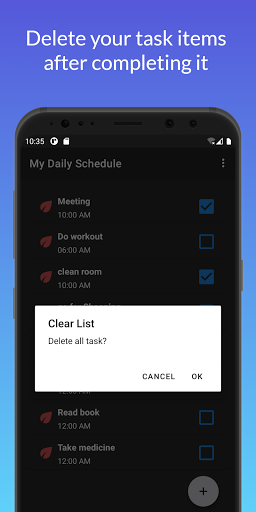
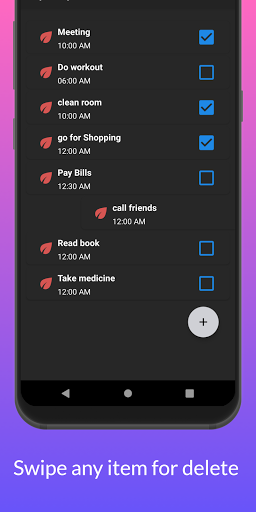
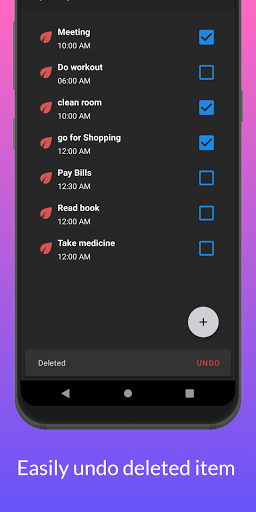
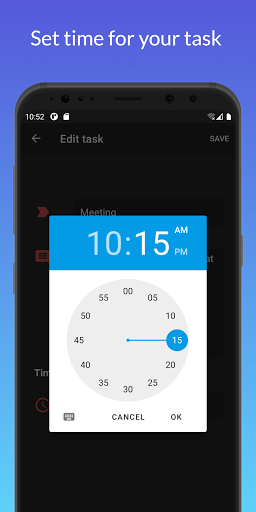
You can also describe your task item. And also you can set a specific time for your task items. After completing your task, you can check the task item checkbox. By swiping task items, you can easily delete completed list items, and also you can delete items at once. You can also use this app to list down shopping items. This app doesn't collect any sensitive data of the user and also does not require any storage permission.
This is the best to-do list maker app for plan your day. this to-do list app is made in India. this is the best to-do list maker app for students.
How to use -
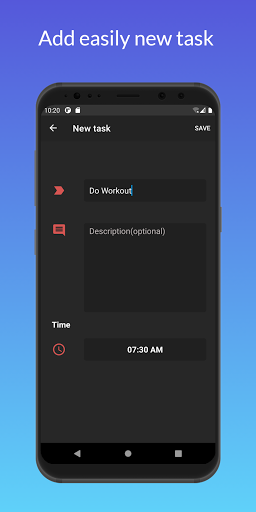
Step 1. Click on the add button for creating a new task.
Step 2. Fill title, description, and time of your task.
Step 3. Click on the save to add that item.
Step 4. Check the box after completing a task.
Step 5. Swipe any Item for delete.
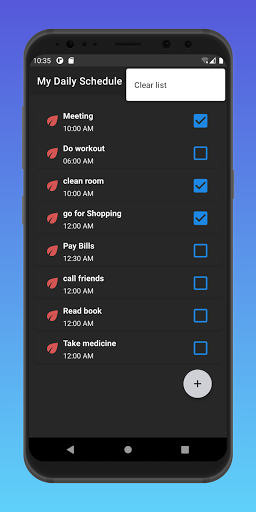
Step 6. Click on the top menu for deleting all items at once.
Features-
-
Easy to use and simple.
-
Add a task item with a description.
-
Check completed task items.
-
Delete items by swiping
-
Undo deleted item.
-
Delete all to-do list items at once.
-
Set time for your task.
-
Not collecting any data.
-
Dark theme.
- Good and responsive UI.
- Free app.
Note-
- This app doesn't require any storage permission.
- This app contains some banner ads.
- This app is an Indian app.
You will not need any pen paper to plan your day after using this app.
Enjoy.
New Release





9Apps 4.9














